- This device is available with 64GB of internal, usable memory and the option to add a MicroSD card (sold separately) up to 2TB.

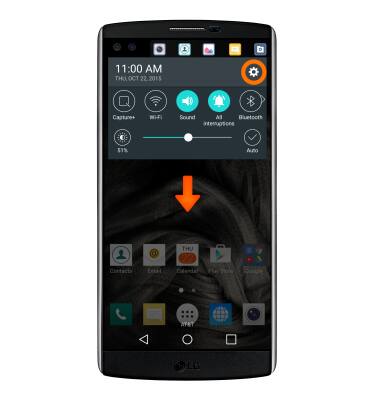
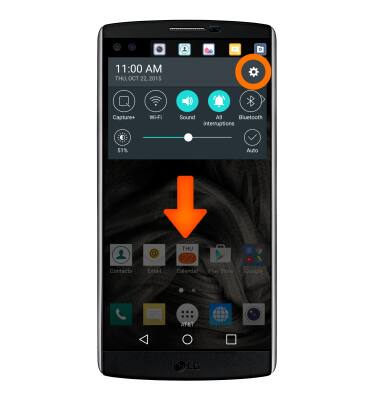
- To view device memory, swipe down from the top of the screen, then tap the Settings icon.
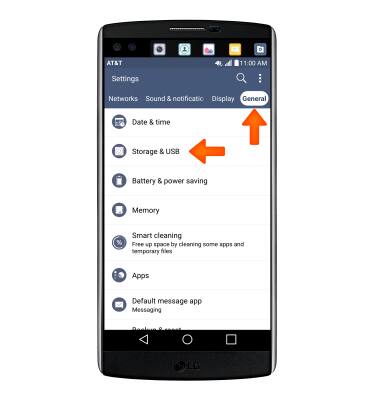
- Tap the General tab, then scroll to and tap Storage & USB.
- Available internal memory space will be listed.
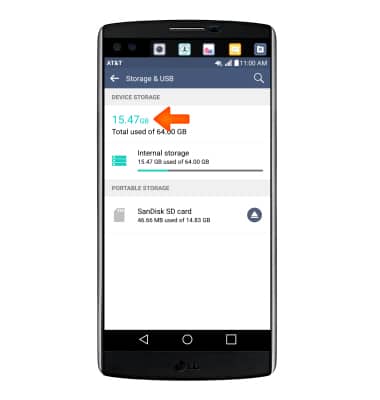
- Available memory card space will be listed under PORTABLE STORAGE.
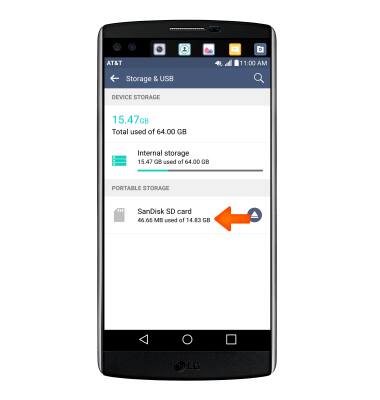
- To free up memory on your device, delete unwanted pictures, music, and videos tap Internal storage.
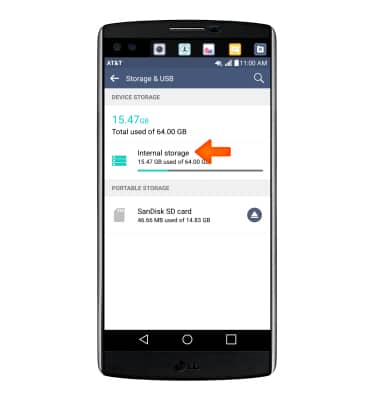
- Tap desired field.
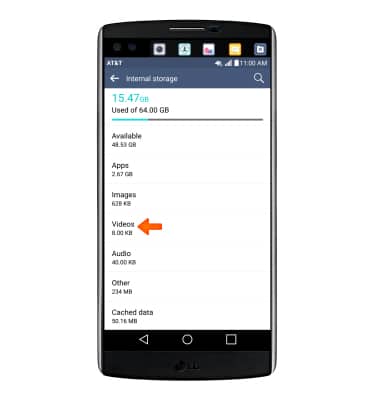
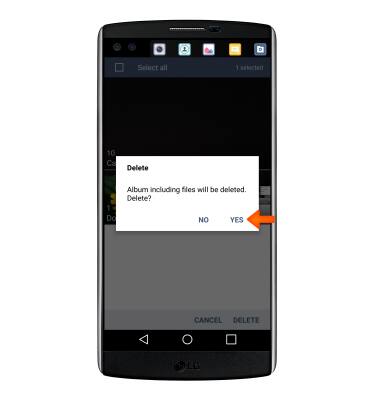
- Select the files you wish to delete, and tap the Delete icon.
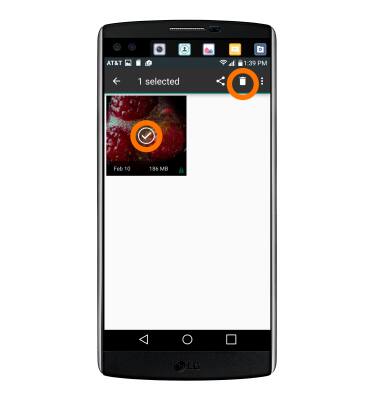
- Tap YES.
- To remove unused apps swipe down from the top of the screen and tap the Settings icon.
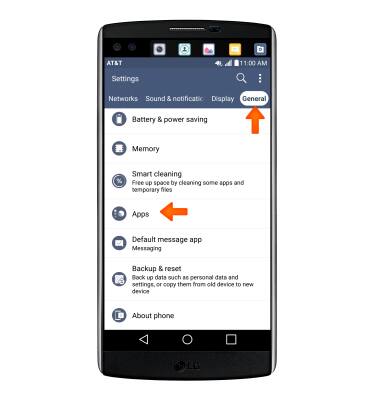
- From the General tab, tap Apps.
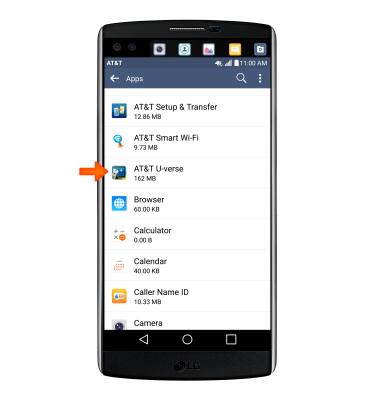
- Select desired app.
- From here, you may Force stop or Uninstall the app.
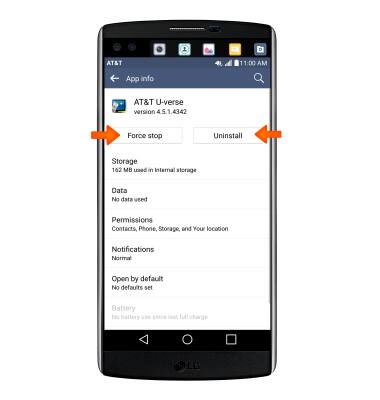
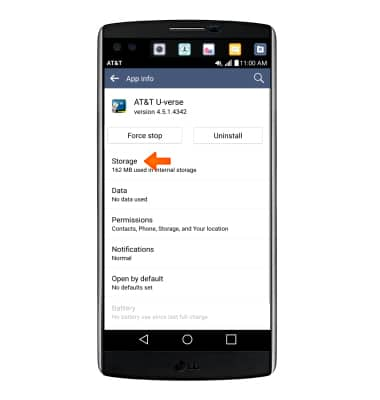
- You may also Clear data or Clear cache from the app if you tap Storage.
Available memory
LG V10 (H900)
Available memory
Check the available device storage.
INSTRUCTIONS & INFO