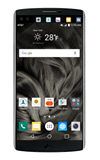
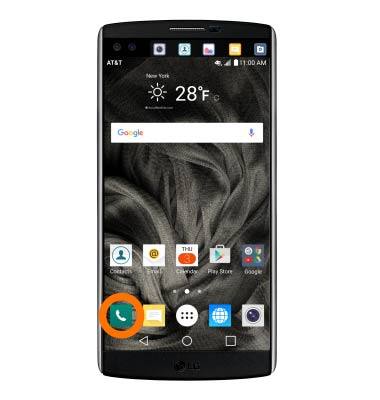
- To hide your Caller ID, from the home screen, tap Phone.
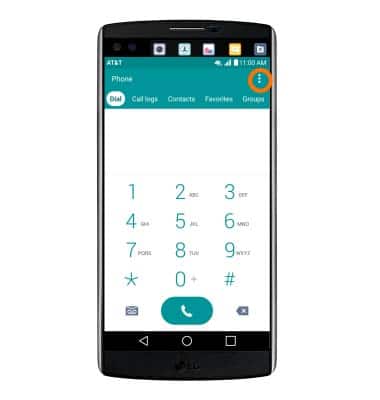
- Tap the Menu icon.
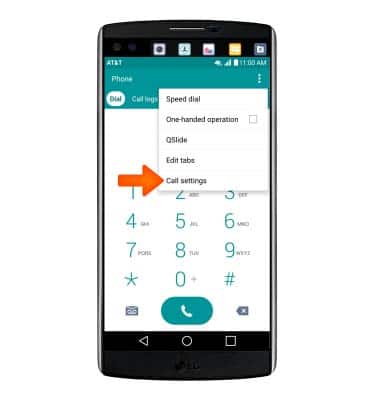
- Tap Call settings.
- Tap Caller ID.
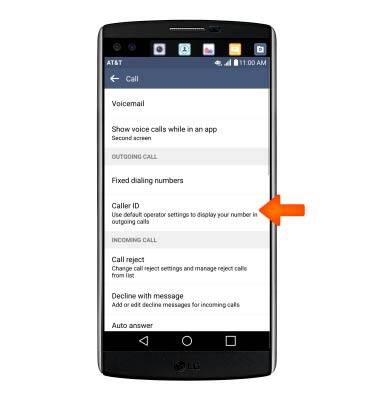
- Tap Hide number.
Note: To block Caller ID on a per-call basis, dial *67 or #31# before the 10-digit phone number. (Examples: *679995554444 or #31#9995554444)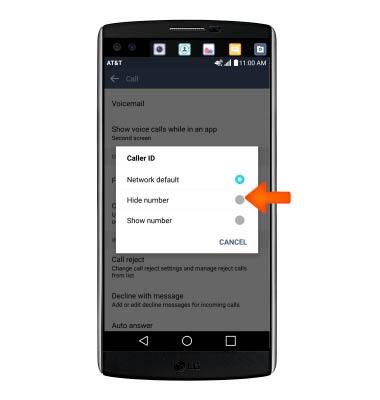
- To show caller ID, tap Show number.
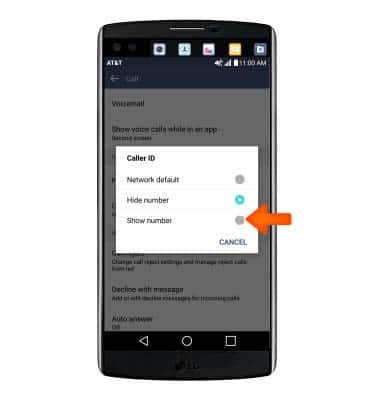
Caller ID
LG V10 (H900)
Caller ID
Show or hide your caller ID when making calls.
INSTRUCTIONS & INFO