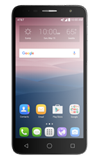
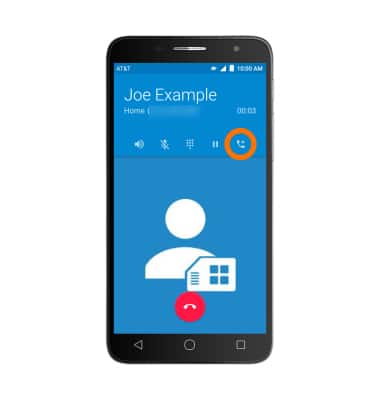
- While on a call, tap the Add Call icon to automatically place the current call on hold to add another.
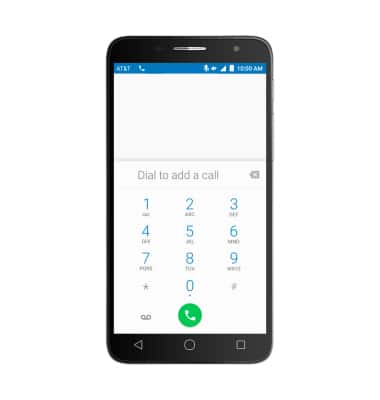
- Use the dialpad to make a second call.
- Tap the Merge Calls icon to create a conference call.

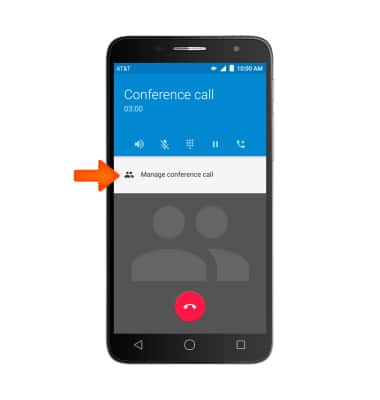
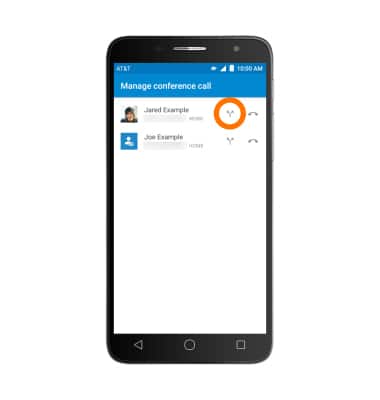
- Tap Manage conference call to view all ongoing calls.
- To split the conference call, tap the Split icon next to the desired call.
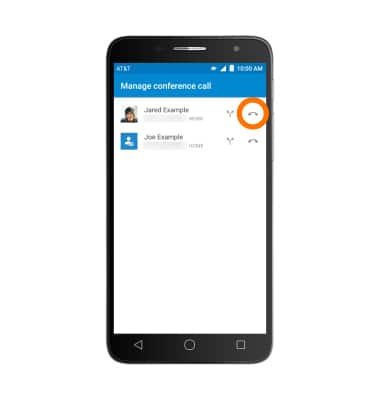
- To end one of the calls, tap the End call icon next to the desired call.
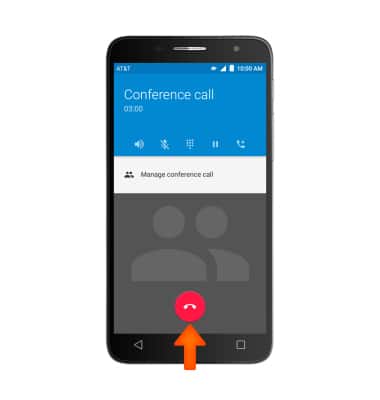
- Tap the End Call icon to end the conference call.
Conference Calling
Alcatel ONETOUCH ALLURA (5056O)
Conference Calling
Add another person to your call, merge calls, place someone on hold and more.
INSTRUCTIONS & INFO