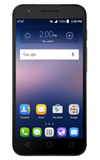
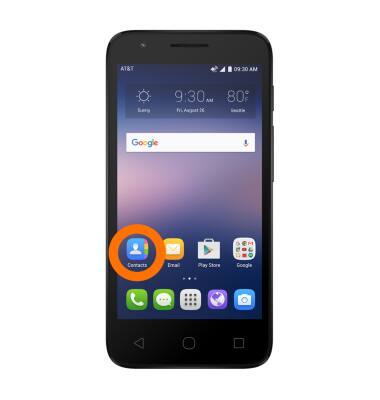
- To add a contact to speed dial, from the home screen tap the Contacts icon.
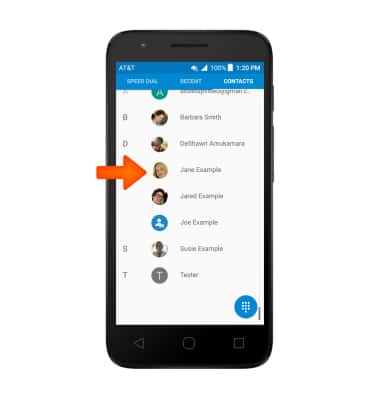
- Scroll to and tap the Desired contact.
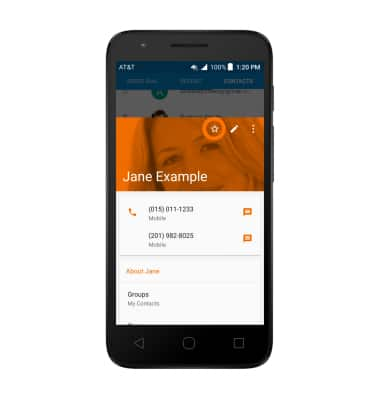
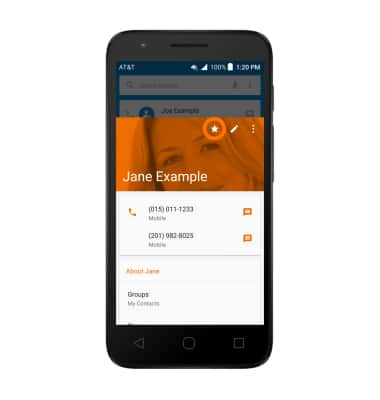
- Tap the Favorite icon.
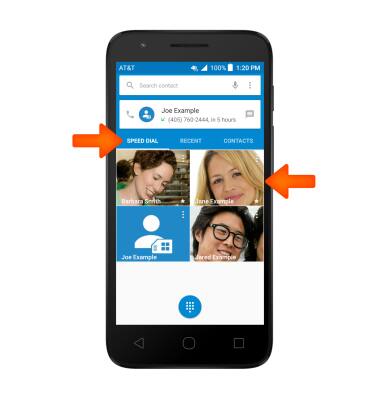
- To call a speed dial contact, from the SPEED DIAL tab in the phone app, tap the desired speed dial contact.
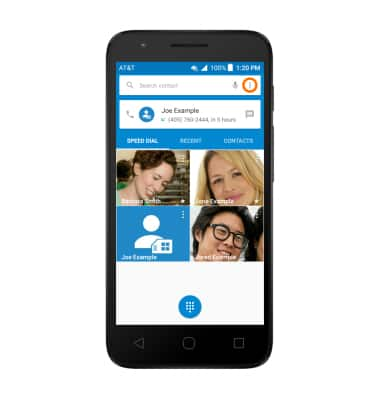
- To delete a contact from speed dial, tap the Menu icon.
- Tap the Favorite icon to unfavorite.
Speed Dial
Alcatel IDEAL (4060A)
Speed Dial
Use speed dial and manage speed dial contacts.
INSTRUCTIONS & INFO