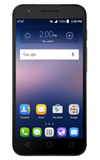
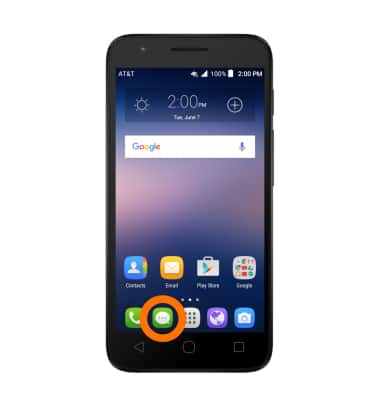
- To access the text & picture message settings screen, from the home screen, tap the Messaging icon.
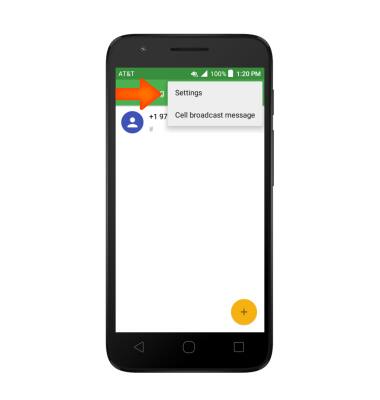
- Tap the Menu icon then tap Settings.
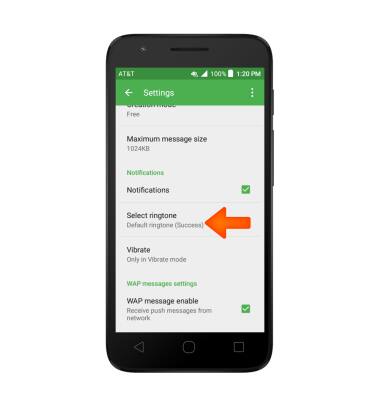
- To turn notifications on or off, tap the checkbox next to Notifications.
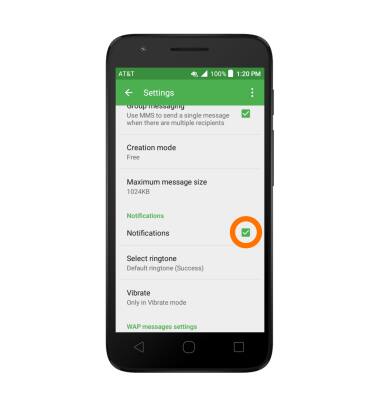
- To change the notification sound, tap Select ringtone and choose a ringtone.
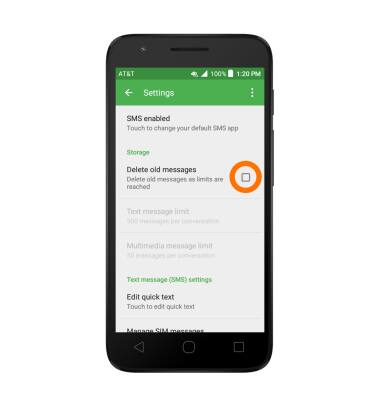
- To adjust text/picture mesage limit, tap the checkbox next to Delete old messages.
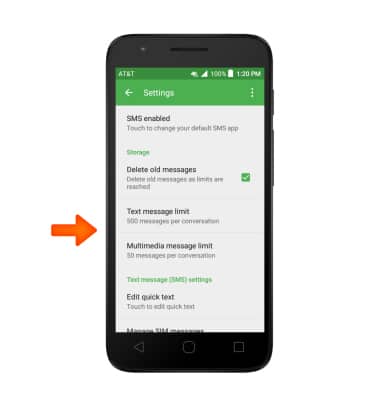
- Tap Text message limit or Multimedia message limit and adjust as desired.
- To set emergency alerts, scroll to and tap the Emergency alerts to turn on or off.
Note: Learn more about Wireless Emergency Alerts (WEA).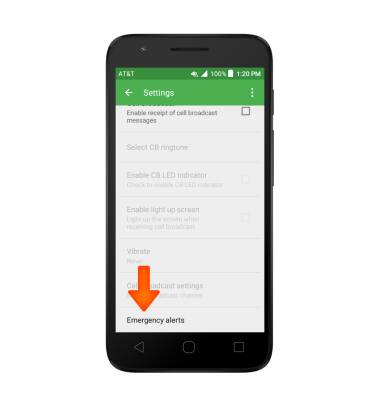
- To restore default settings, from the Messaging settings menu, tap the Menu icon, then tap Restore default settings.
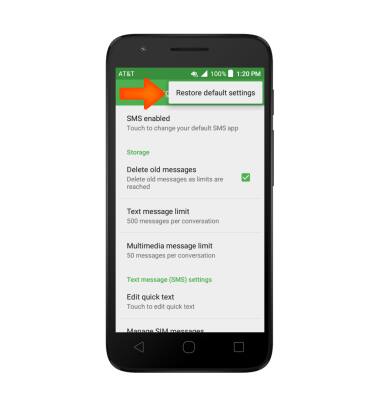
Messaging Settings
Alcatel IDEAL (4060A)
Messaging Settings
Change text (SMS), picture (MMS), emergency, and AMBER alert settings.
INSTRUCTIONS & INFO