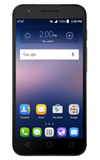
- To move an app to the home screen, tap the Apps icon.
Note: To add a widget (a mini app) to the home screen, touch and hold an Empty area of a home screen, then tap Widgets.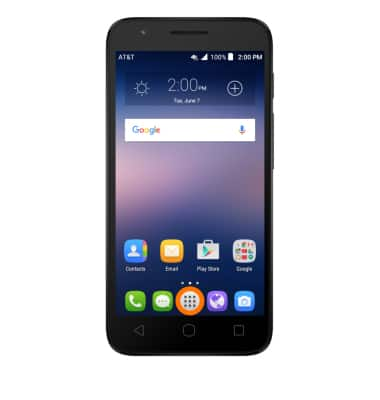
- Touch and hold Desired app.
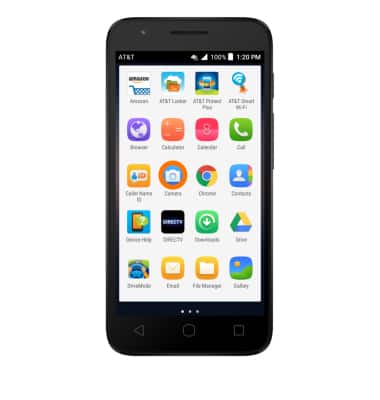
- Drag app to Desired location, then release.
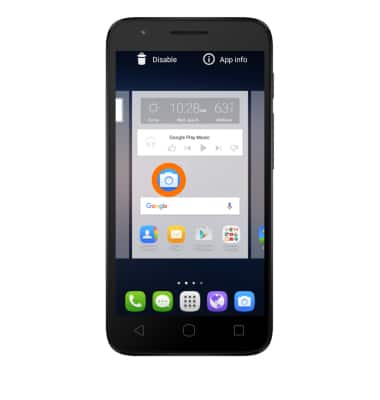
- To create a folder touch and hold Desired app.
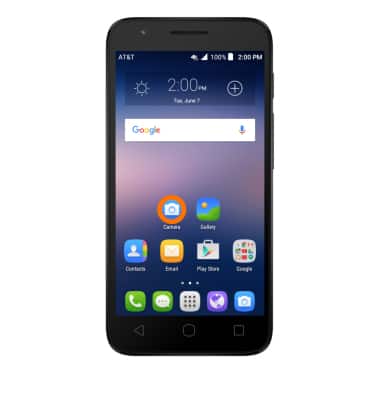
- Drag app over another desired app and release.
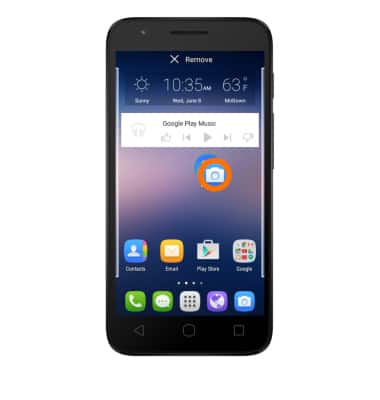
- To move apps to the folder, touch and hold Desired app and drag the app into the folder.
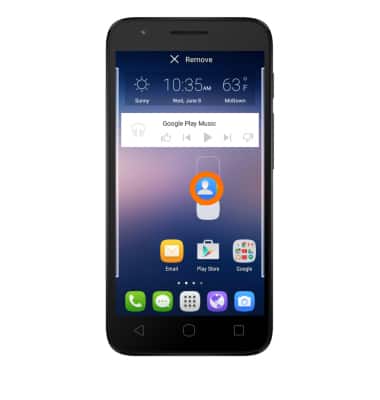
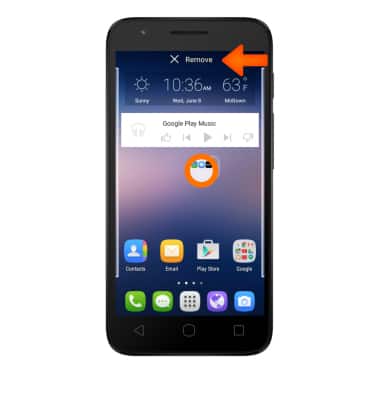
- To remove a folder, touch and hold Desired folder.
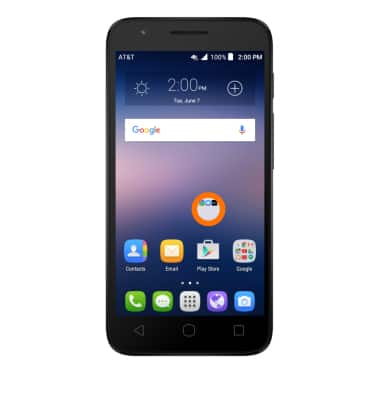
- Drag to the Remove tab.
Add Apps to Home Screen
Alcatel IDEAL (4060A)
Add Apps to Home Screen
Add, move, or delete Apps, shortcuts, & widgets from your home screen
INSTRUCTIONS & INFO