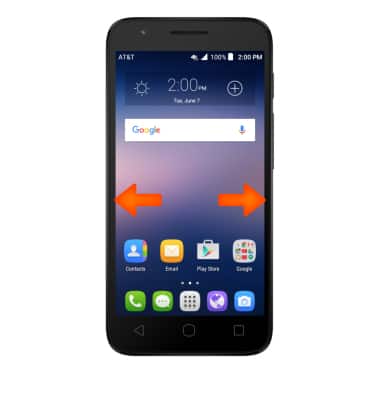
- Swipe left or right to access alternate Home screens.
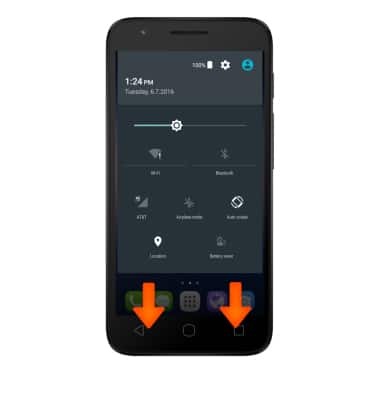
- Use two fingers to swipe down from the top of the screen to access Quick Settings.
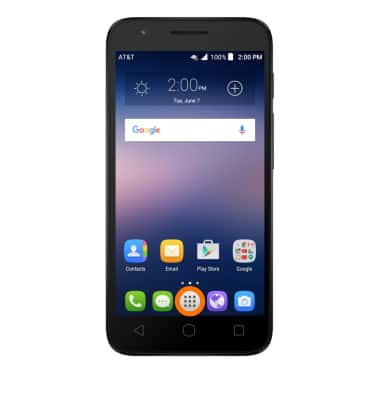
- Tap the Apps icon to open Apps.
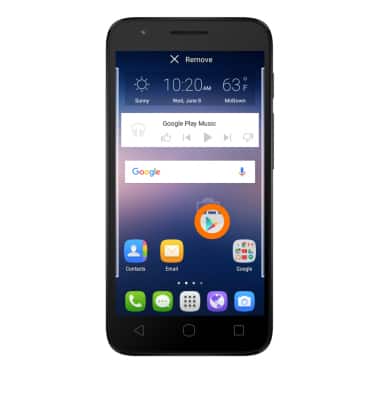
- Touch, hold and drag an App or Widget to move it to another home screen.
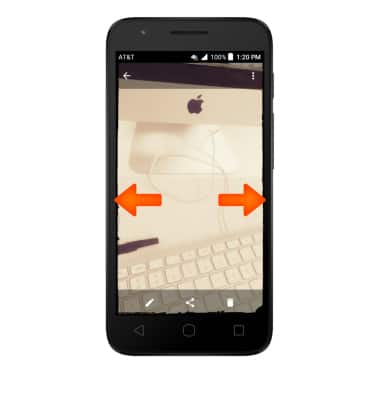
- To Zoom in or out while viewing pictures and web pages or taking a picture, pinch two fingers together or apart.
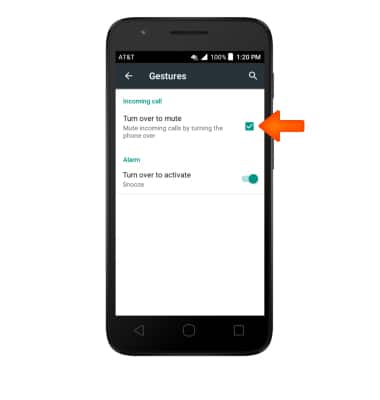
- To mute incoming calls, just turn over your phone so the screen faces down. Make sure 'Turn over to mute' is turned on from the Gestures menu in Settings.
Gestures & Navigation
Alcatel IDEAL (4060A)
Gestures & Navigation
Control your device by making specific movements with your hand.
INSTRUCTIONS & INFO