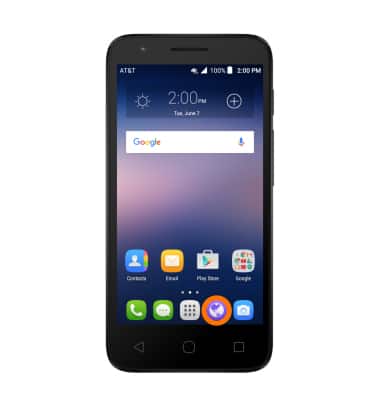
- From the home screen, tap the Browser icon.
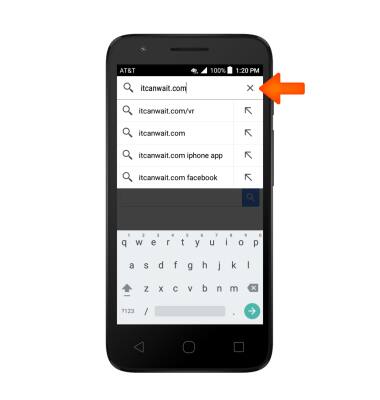
- Tap the web address field, then enter the desired web address, then tap the Go icon.
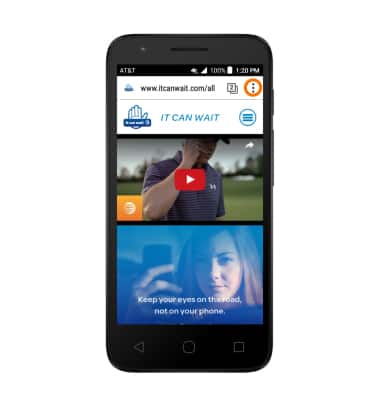
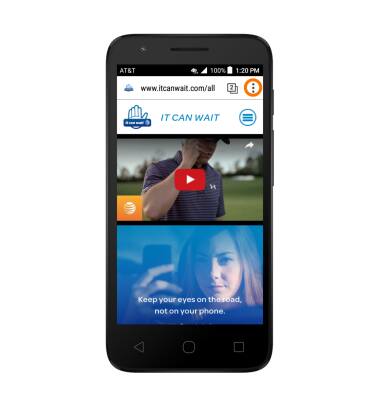
- To bookmark a site, from the desired webpage in the browser, tap the menu icon.
- Tap the Star icon.
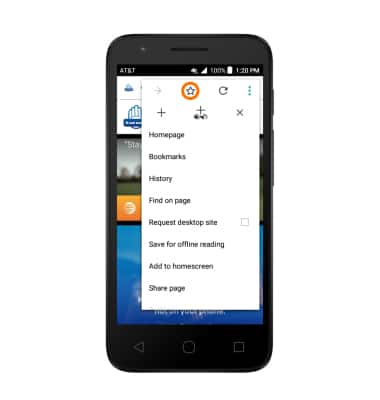
- To access a bookmark, from the browser, tap the menu icon.
- Tap Bookmarks.
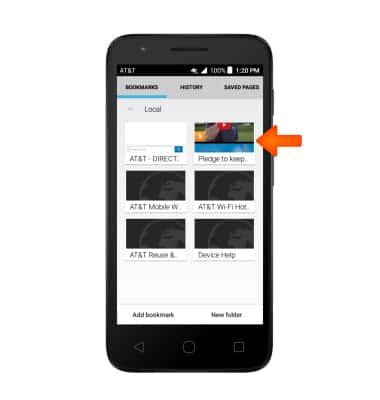
- Tap the Desired bookmark.
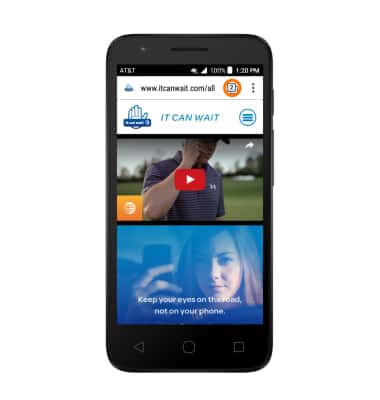
- To open browser tabs, tap the Tabs icon.
Note: The number displayed in the Browser tab icon indicates the number of open browser tabs.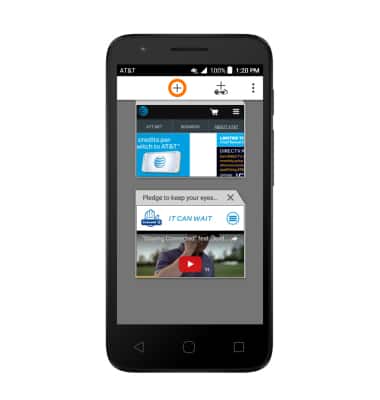
- To add a new browser tab, from Tabs, tap the Plus icon.
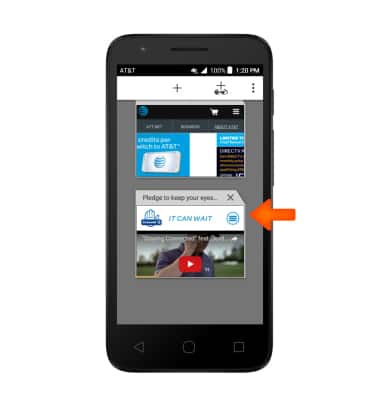
- To switch tabs, within Tabs, scroll to and tap the Desired tab.
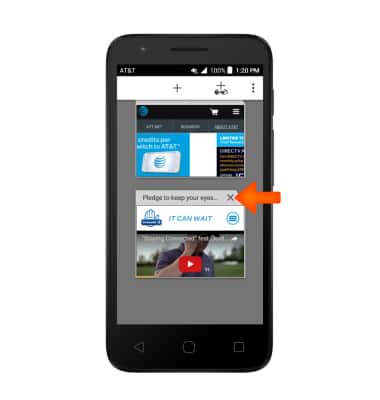
- To close a tab, from Tabs, tap the "X" icon.
Browse the Web
Alcatel IDEAL (4060A)
Browse the Web
Browse the web, manage browser tabs, and bookmarks.
Browse the Web
Browse the web, manage browser tabs, and bookmarks.
Browse the Web
1:27
INSTRUCTIONS & INFO