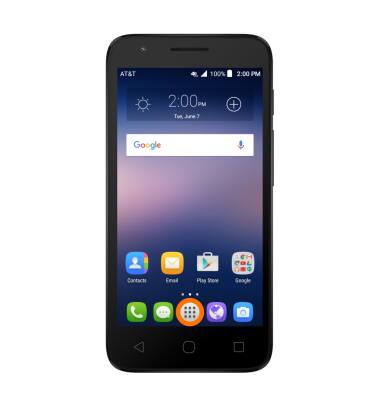
- To access the calendar, from the home screen, tap the Apps icon.
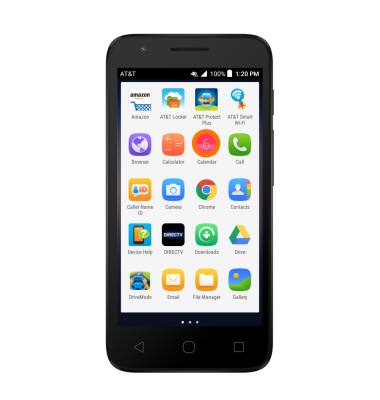
- Tap Calendar.
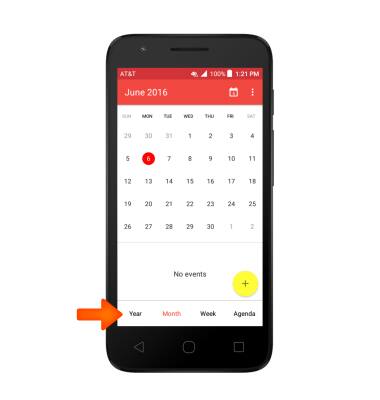
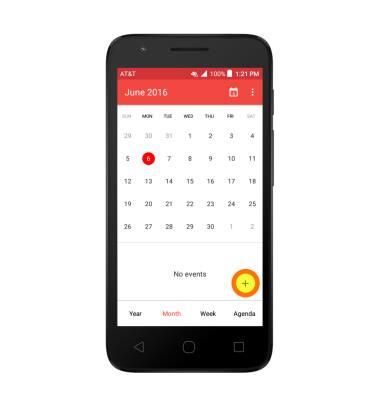
- On the bottom of the Calendar app, select the Desired view option.
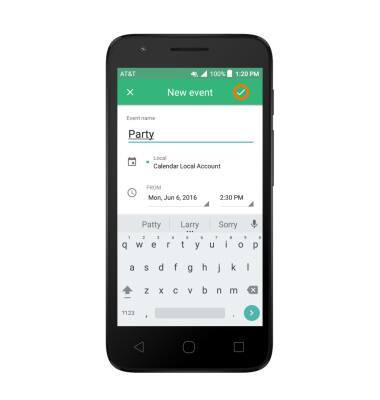
- To create a new calendar event tap the Plus icon.
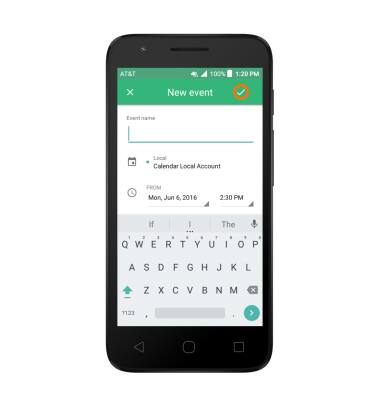
- Enter desired event information and then tap the Check icon to save.
- To edit an existing event, tap on the Event day, then tap the Desired event.
Note: You can only edit events that you have created.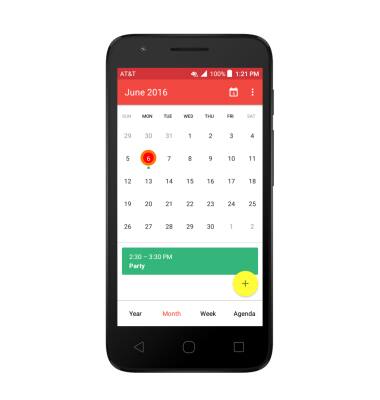
- Tap the Edit icon to edit.
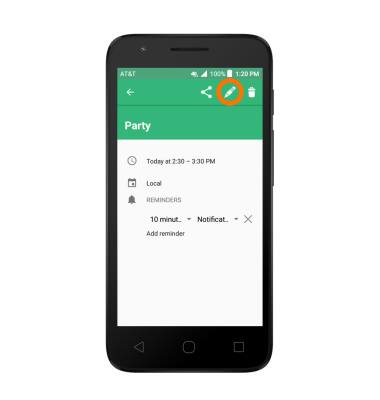
- A Details prompt will appear, then tap the Desired option.
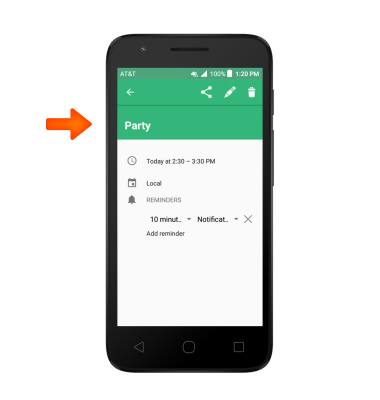
- Edit the desired information, then tap Check icon to save.
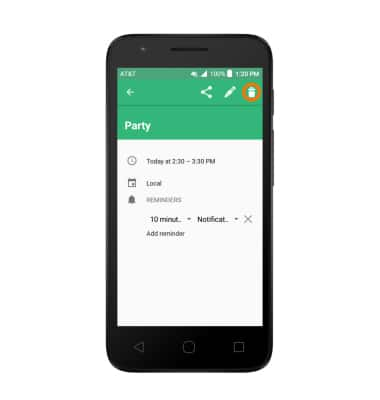
- To delete an event, tap the Delete icon.
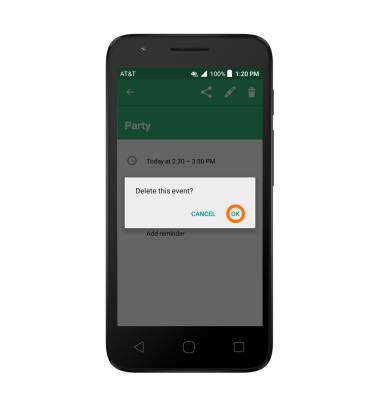
- Tap OK.
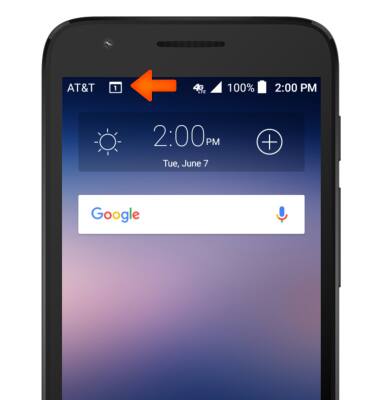
- The Event icon will be displayed in the Notification bar indicating an upcoming event in calendar.
Calendar
Alcatel IDEAL (4060A)
Calendar
Access the calendar and manage events.
INSTRUCTIONS & INFO