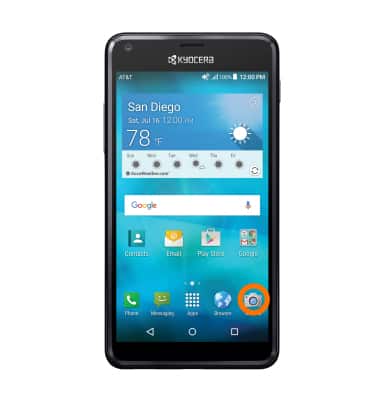
- From the home screen, tap the Camera icon.
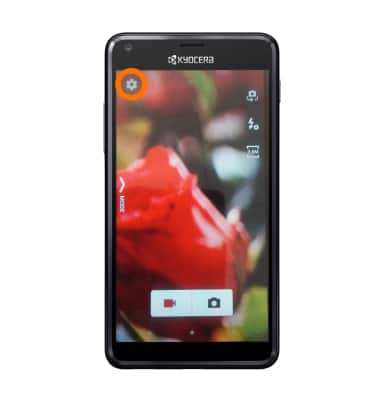
- To access the camera settings, tap the Settings icon.
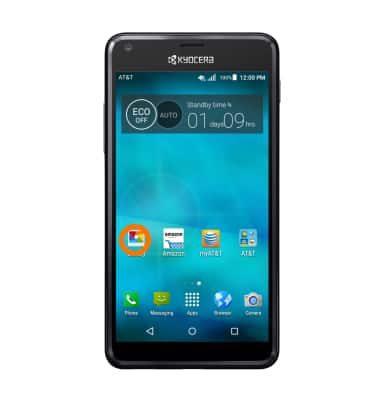
- Images and video automatically save to your Gallery. To access Gallery from the home screen swipe right and tap Gallery.
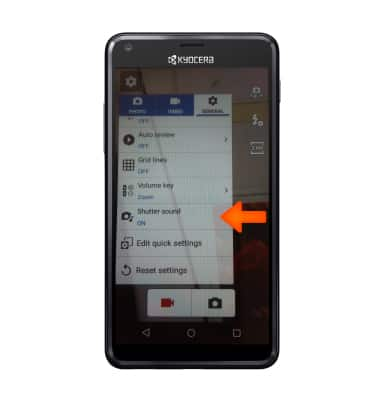
- To set audio response to capture images, from the General Settings menu, tap Shutter sound, then select the Desired option.
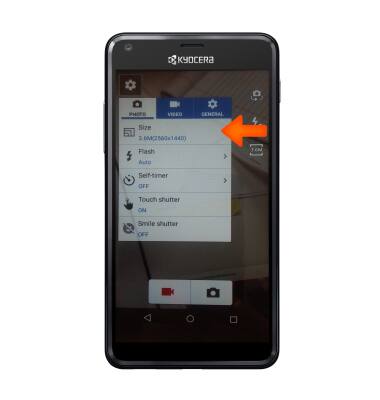
- To change picture size, from the settings menu, tap Size and tap the Desired option.
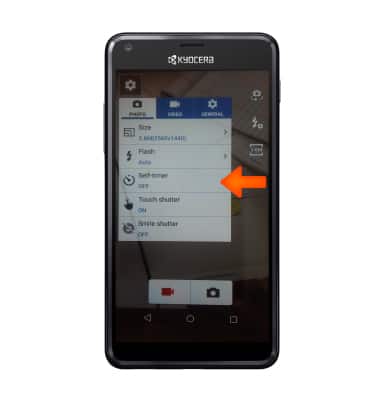
- To set the timer, from the Settings menu, tap Self-timer and select the Desired option.
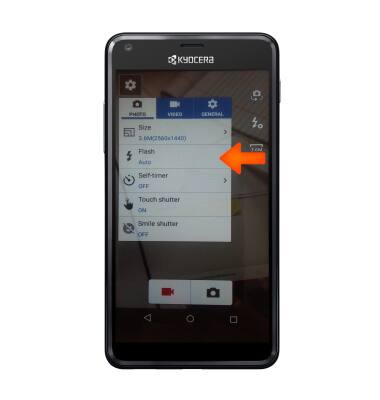
- Tap the Flash icon to toggle through the flash settings.
- To learn more about your camera settings and features download the user manual at www.att.com/devicehowto.
Camera & video settings
Kyocera Hydro SHORE (C6742A)
Camera & video settings
Manage camera and video settings including flash, timer, voice control, recording mode, storage location, and more.
INSTRUCTIONS & INFO