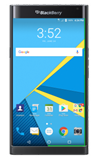
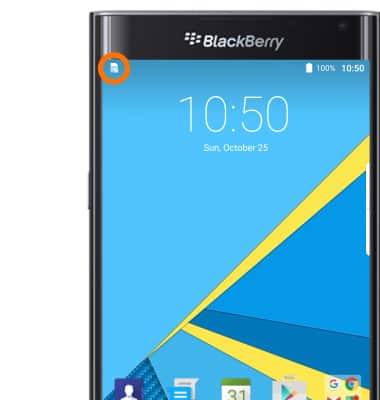
- When this SIM card is installed incorrectly or missing, the No SIM icon will be displayed in the Notification bar.
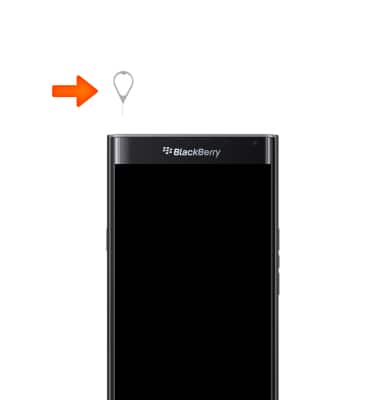
- To insert the SIM card, with the device off, insert the device key to remove the SIM card tray from the top slot on the left side of the device.
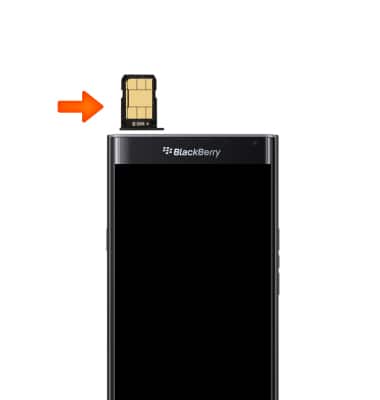
- Remove the SIM Card Tray. Place the nano-SIM card in the tray with the gold conatcts facing up and reinsert the tray into the slot.
- To insert the microSD card, insert the device key to remove the SD card tray from the top slot on the right side of the device.
Note: SD cards are sold separately.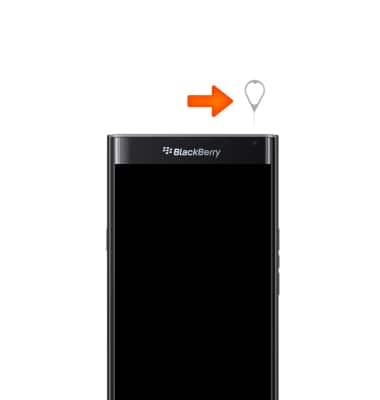
- Remove the SD card tray. Place the MicroSD card in the tray with the gold contacts facing up and reinsert the tray into the slot.
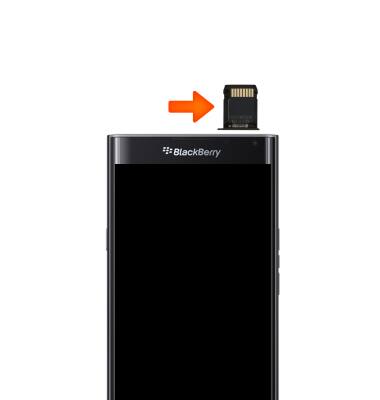
Insert SIM & memory card
BlackBerry PRIV by BlackBerry (STV100-1)
Insert SIM & memory card
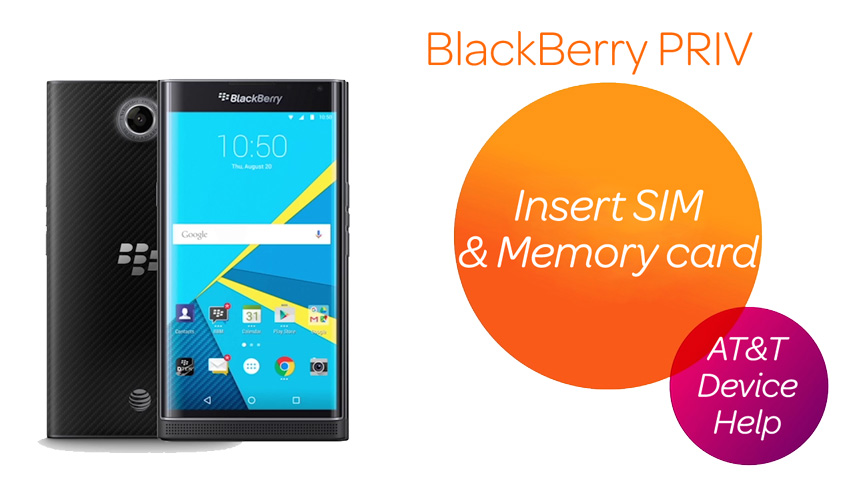
Install and remove the SIM and memory card (MicroSD).
Insert SIM & Memory Card
Install and remove the SIM and memory card (MicroSD).
Insert SIM & Memory Card
1:11
INSTRUCTIONS & INFO