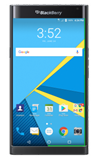
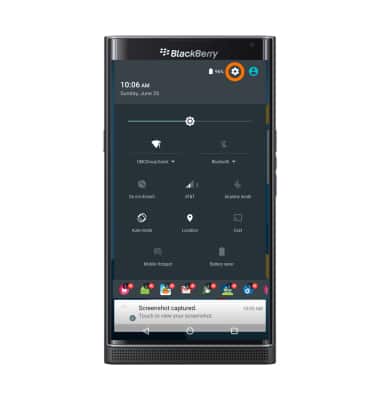
- To clear your app cache, swipe down from the top of the screen, then tap the Settings icon.
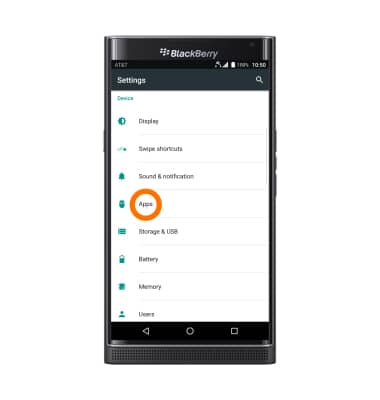
- Scroll to and tap Apps.
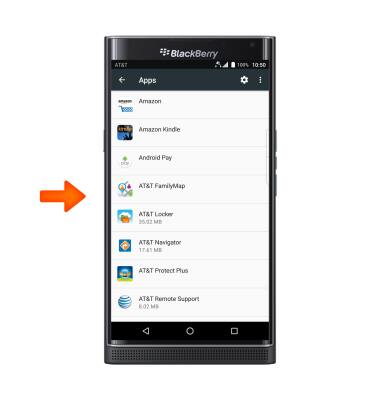
- Tap Desired app.
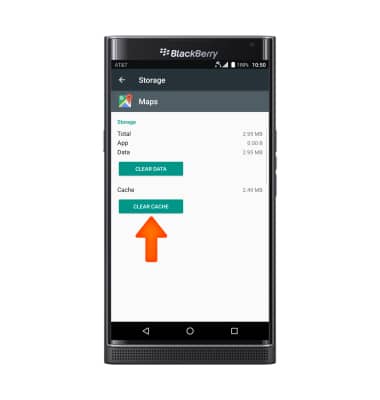
- Tap Storage, then tap CLEAR CACHE.
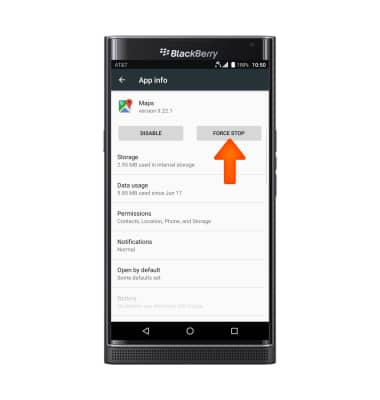
- To quit an unresponsive app, tap FORCE STOP.
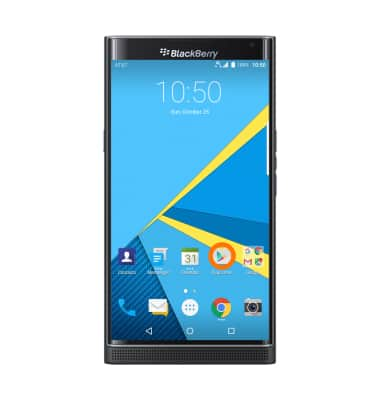
- To see if an app update is available, tap the Play Store icon.
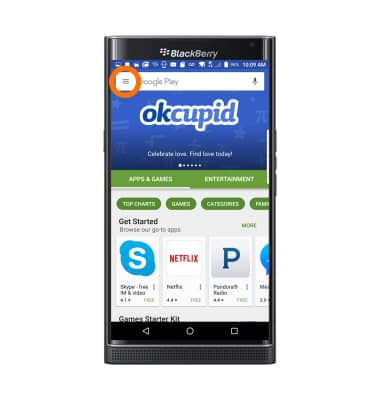
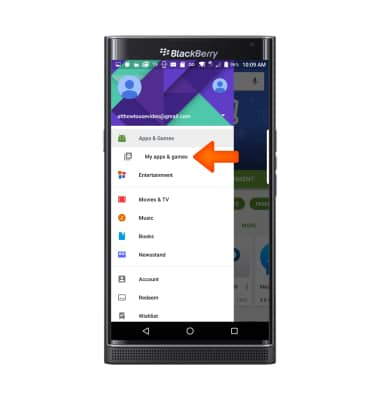
- Tap the Menu icon.
- Tap My apps & games.
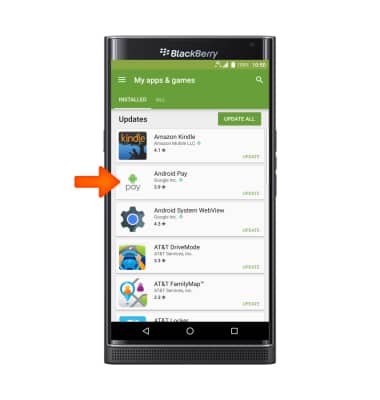
- Tap the Desired app you would like to update.
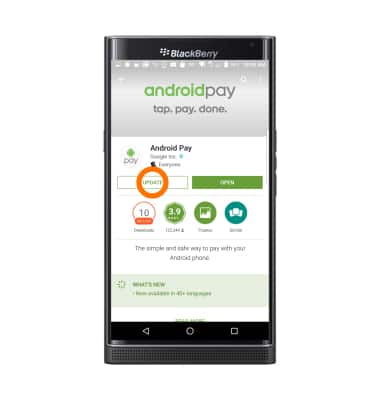
- Tap UPDATE.
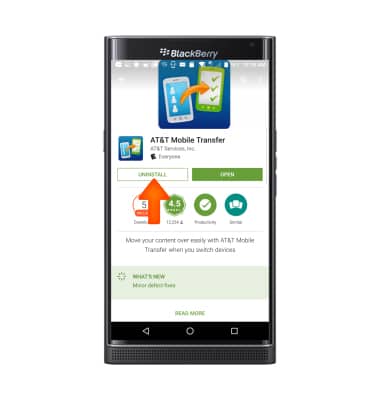
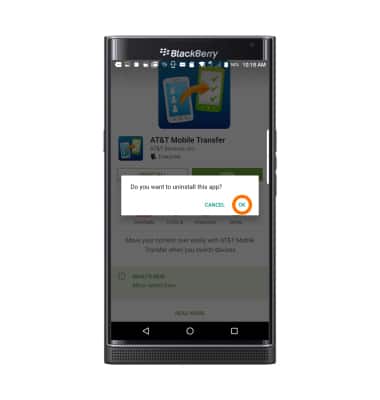
- To remove an app, tap UNINSTALL.
- Tap OK.
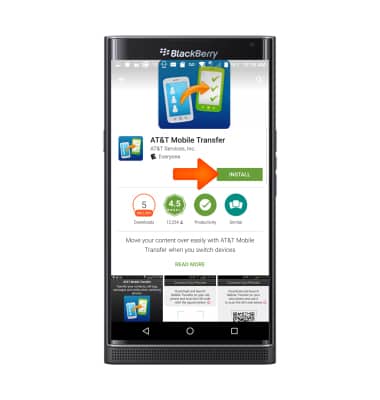
- To reinstall tap INSTALL.
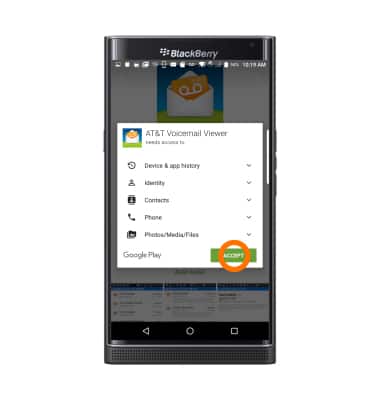
- Tap ACCEPT.
App troubleshooting
BlackBerry PRIV by BlackBerry (STV100-1)
App troubleshooting
Use application manager to improve your app and device performance.
INSTRUCTIONS & INFO