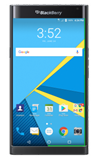
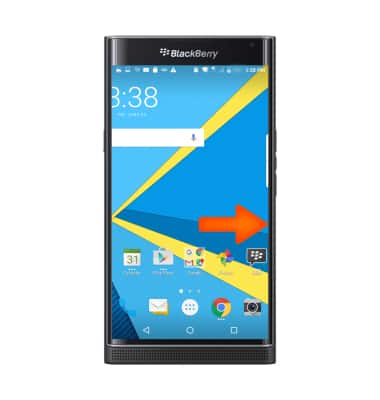
- Swipe left or right to access alternate Home screens.
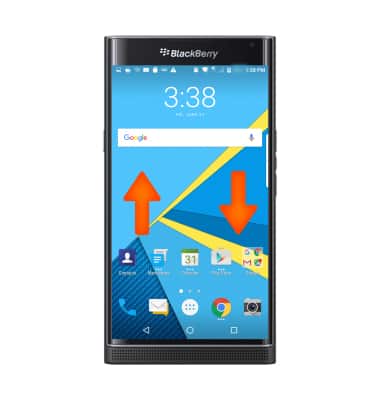
- Swipe up to access to bring up 3 customizable shortcuts. Swipe down to access Quick Settings.
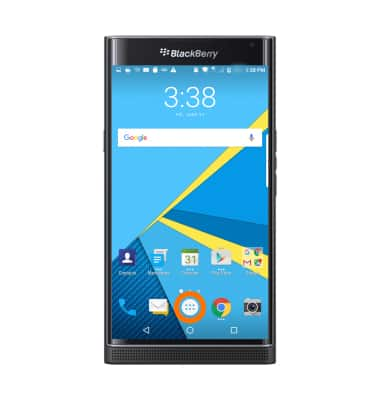
- Tap the Apps icon to open Apps.
- To open a specific app, tap the Desired app icon.
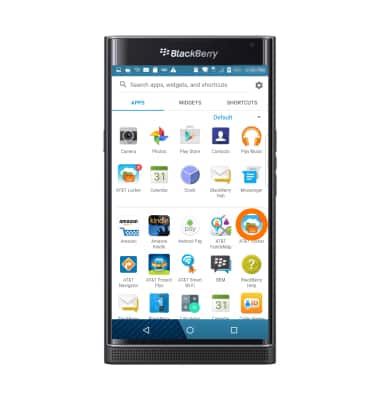
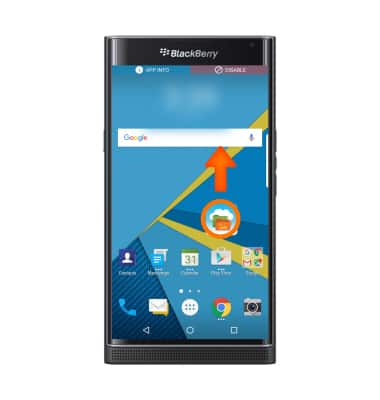
- To add an app to the home screen, tap & hold on the desired App icon then drag the app to desired location on the home screen and release.
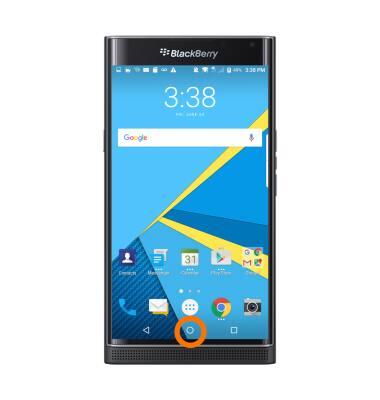
- Touch and hold the Home key to bring up Google.
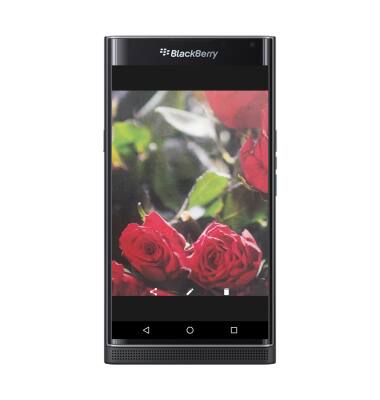
- To zoom in or out while viewing photos and web pages or while taking a picture, use two finger to pinch or expand.
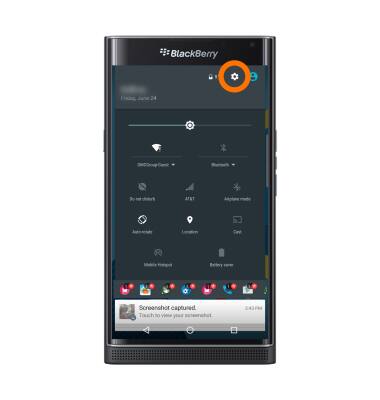
- To access additional motions and gestures. Swipe down from the Notification bar, then tap the Settings icon.
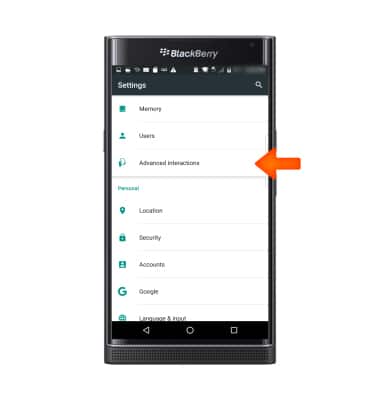
- Scroll to and tap, Advanced interactions.
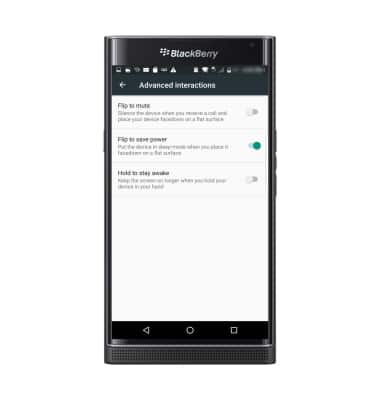
- Adjust settings as desired.
Gestures & navigation
BlackBerry PRIV by BlackBerry (STV100-1)
Gestures & navigation
Control your device by making specific movements with your hand.
INSTRUCTIONS & INFO