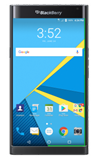
- To access recent apps, tap the Recent apps key.
Note: AT&T Locker website should link out to www.att.com/shop/apps/att-locker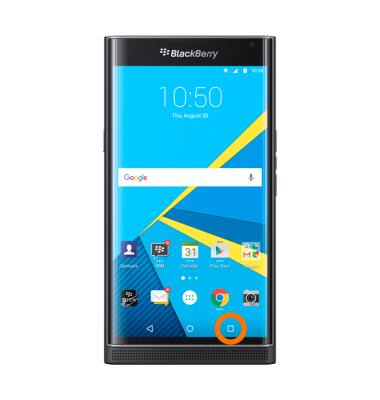
- To open an app, scroll to and tap the Desired app.
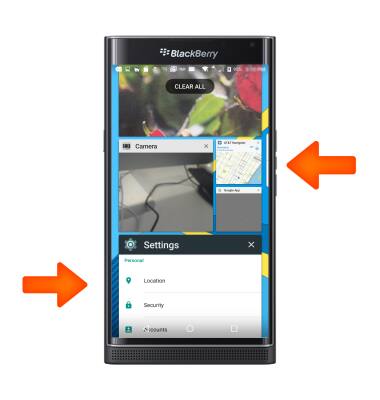
- To close an app, tap the X icon on the desired app.
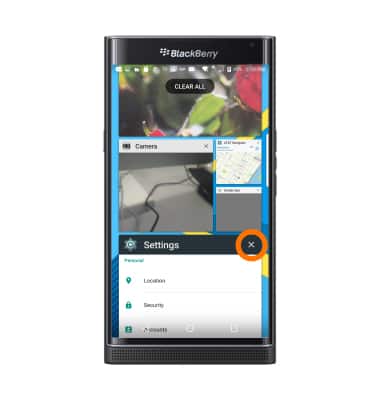
- To close all apps, tap CLEAR ALL.
Note: For information on viewing app and data usage, please see the ‘View & manage data’ tutorial.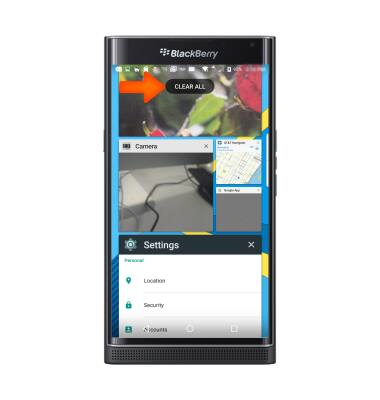
- For information on viewing app and data usage, please see the ‘View & manage data’ tutorial.
View or close running apps
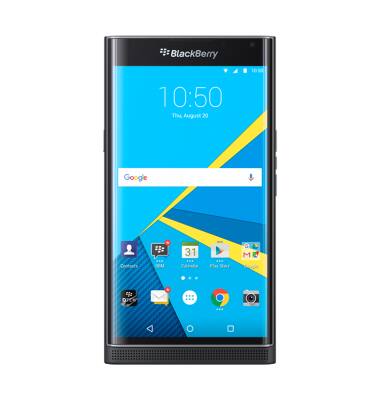
BlackBerry PRIV by BlackBerry (STV100-1)
View or close running apps
How to view, switch between, and close running applications.
INSTRUCTIONS & INFO