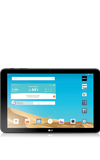
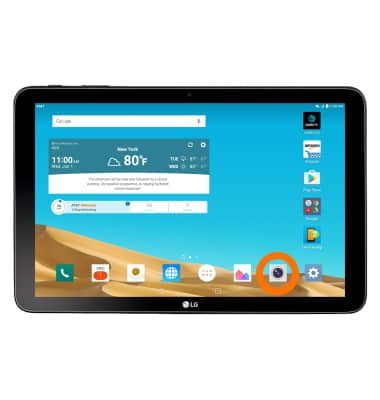
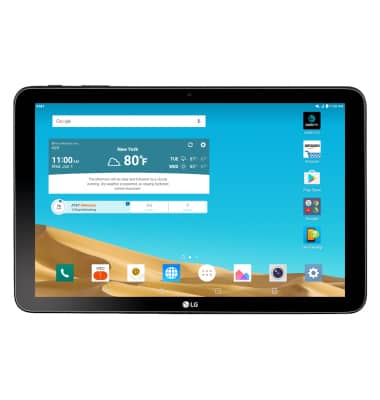
- To access camera and video settings, from the homescreen tap the Camera icon.
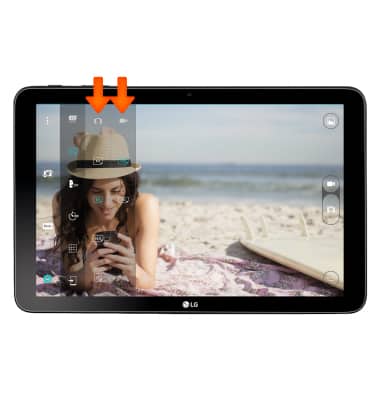
- Tap the Settings icon.
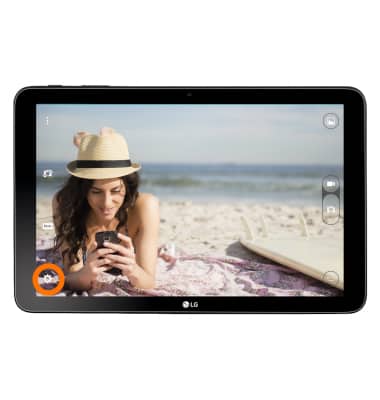
- To set the desired storage location, tap the SD card icon to save to an SD card. Tap the Tablet icon in the same place to save to your tablet.
Note: The SD card icon is only available when a MicroSD card (sold separately) has been inserted.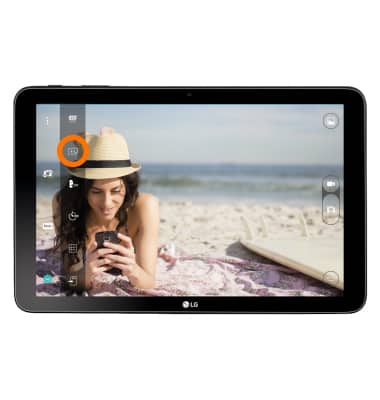
- To change the picture size and video quality, tap the Picture size icon, and then chose the Desired option for both photo and video.
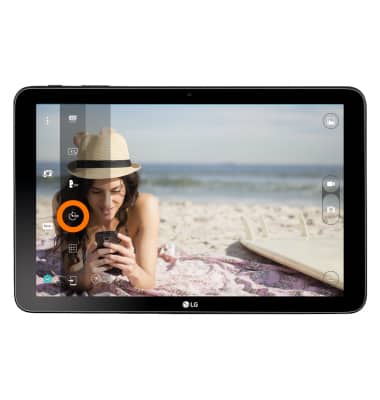
- To set the timer, tap the Timer icon and chose the length.
- To learn more about your camera settings and features download the user manual from a computer.
Camera & video settings
LG G Pad X 10.1 (V930)
Camera & video settings
Manage camera and video settings including flash, timer, voice control, recording mode, storage location, and more.
INSTRUCTIONS & INFO