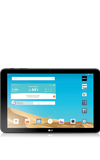
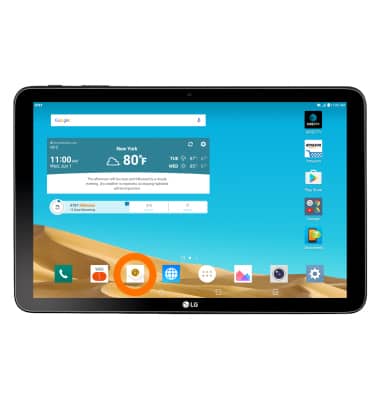
- To access the email settings screen, from the home screen, tap the Email icon.
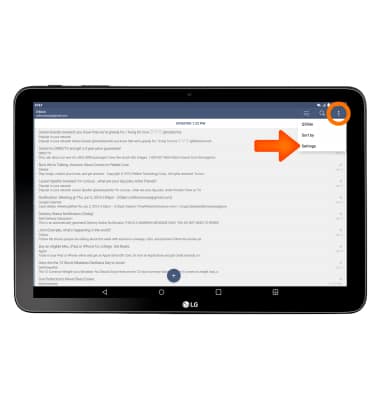
- Tap the Menu icon, then tap Settings.
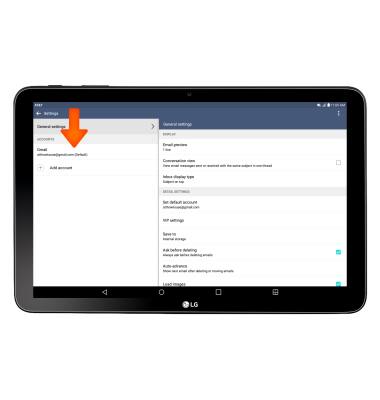
- To change your email signature, from the email settings menu, tap the Desired account.
- Tap Edit signature.
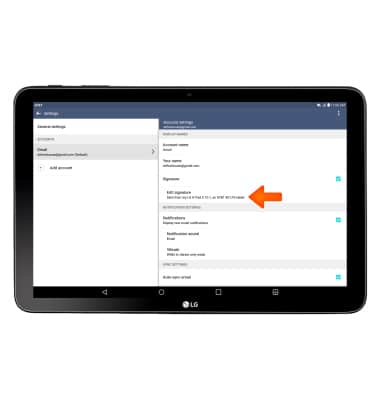
- Choose Your signature, and then tap the Confirm icon.
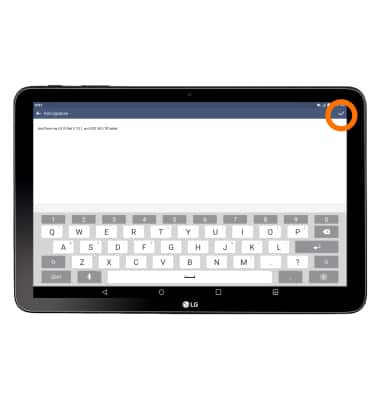
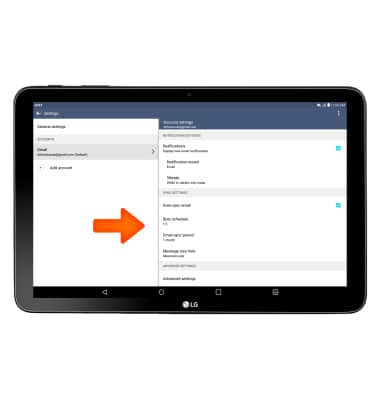
- To change email sync frequency, from Account settings, swipe to and then edit Sync Settings as desired.
- To add another email account, from the email settings menu, tap Add account.
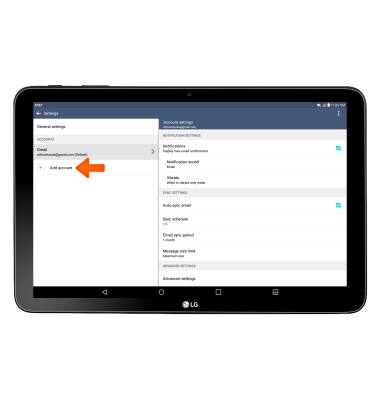
- Select the Desired email provider and follow the prompts to add the account.
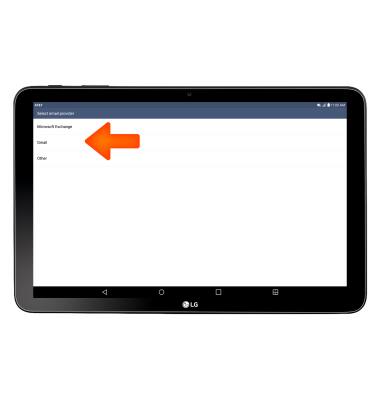
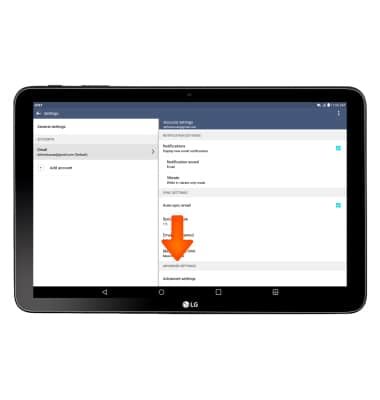
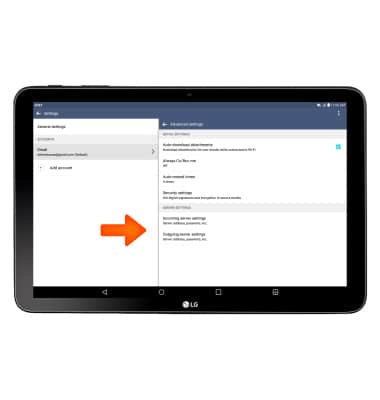
- To change email account incoming and outgoing server settings, from the Account settings menu, swipe to and tap Advanced settings.
- Edit Server Settings as desired.
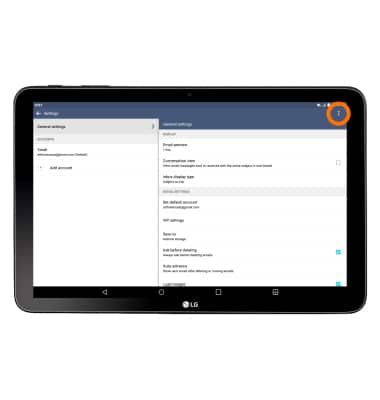
- To delete an email account, from the Inbox, tap the Menu icon, then tap Settings.
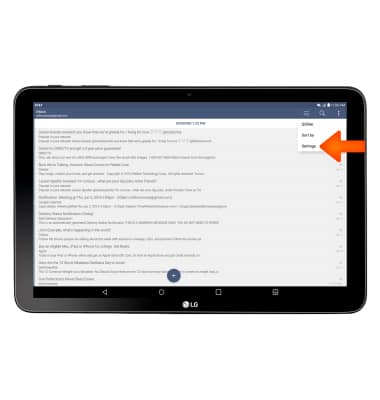
- Tap the Menu icon.
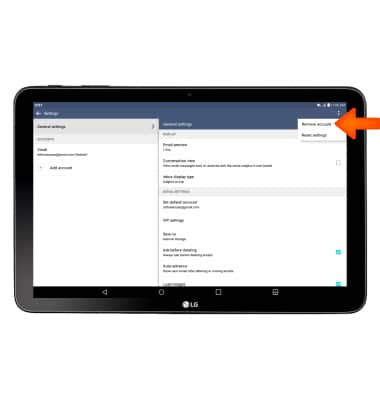
- Tap Remove account.
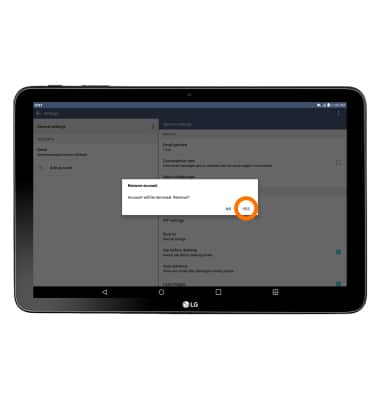
- Select the Desired account(s) to delete, and tap REMOVE. Tap YES to confirm.
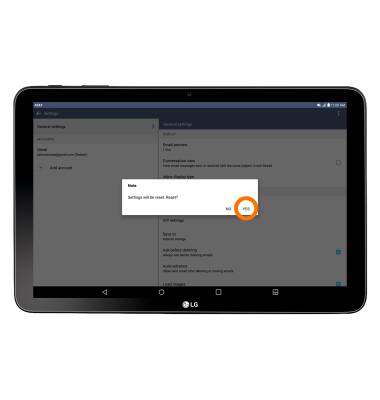
- To restore default email settings from the email settings menu, tap the Menu icon, then tap Reset Settings. Tap YES to confirm.
Email settings
LG G Pad X 10.1 (V930)
Email settings
Manage email settings such as sync frequency, server settings, signature, deleting an email account, and more.
INSTRUCTIONS & INFO