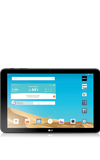
- To play videos, from the home screen, tap the Gallery icon.
Note: To add video content to your device, you can purchase from Google Play or transfer music files from your computer to the device Music folder.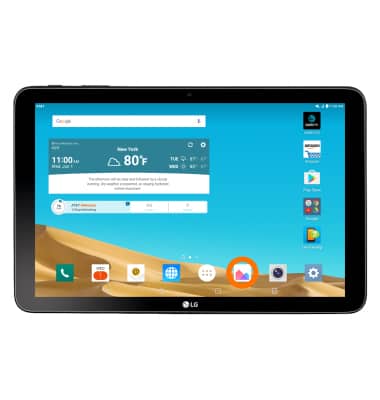
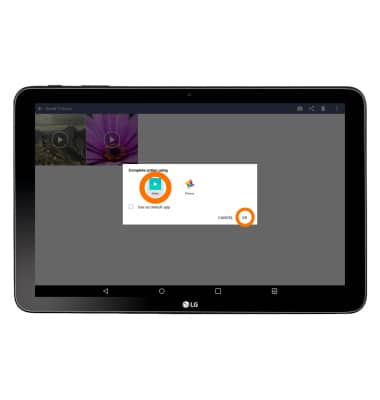
- To complete action using a specific application, tap the desired applicaiton, then tap OK.
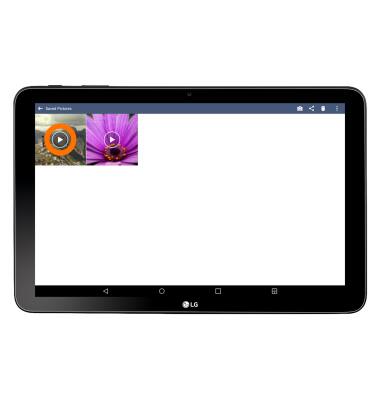
- Tap Desired video.
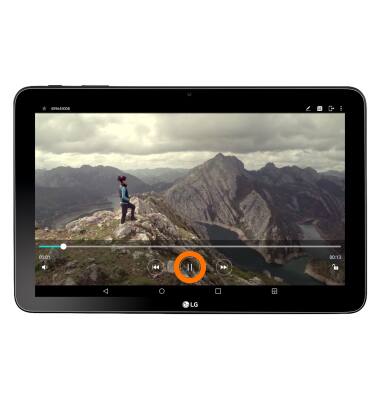
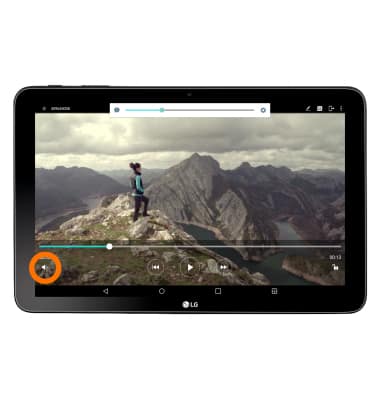
- To pause the video, tap the Pause icon.
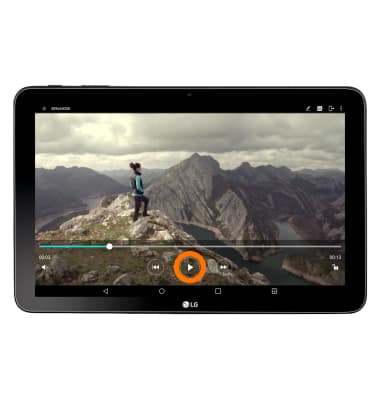
- To play the video again tap the Play icon.
- To skip to the next video, tap the Forward icon.
Note: Touch and hold the Forward icon to fast forward through current video.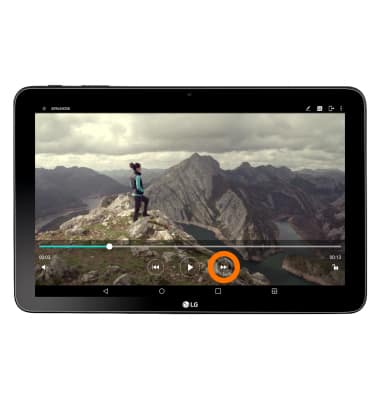
- To go to the previous video, tap the Back icon.
Note: Touch and hold the Back icon to rewind through the current video.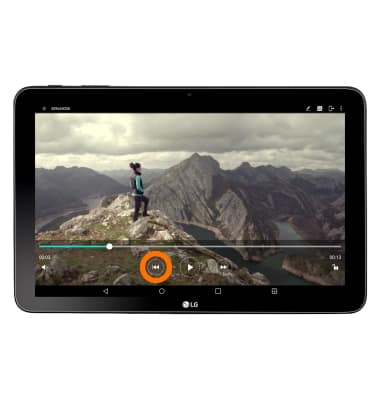
- To adjust the volume tap the Volume icon.
Play videos
LG G Pad X 10.1 (V930)
Play videos
Watch videos from your device
INSTRUCTIONS & INFO