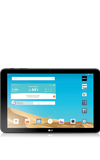
- Use your AT&T device as a mobile Wi-Fi hotspot to share your data connection with Wi-Fi-capable devices such as: other smartphones, tablets, netbooks, MP3 players, and more.
Note: Eligible data plan required, learn more.
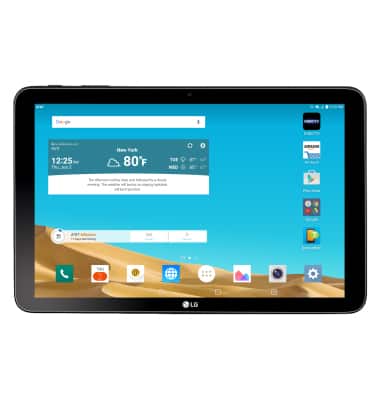
- To create a mobile Wi-Fi hotspot, tap the HOTSPOT on the AT&T AllAccess widget.
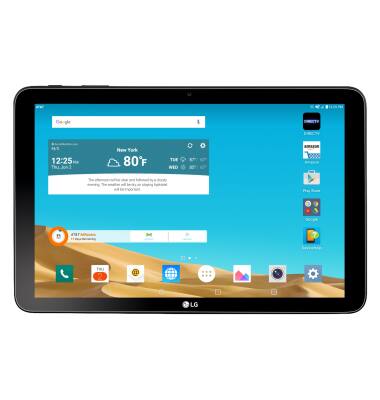
- Tap AT&T AllAccess.
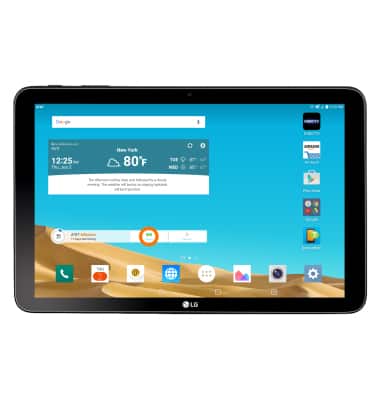
- Tap the Your Hotspot icon.
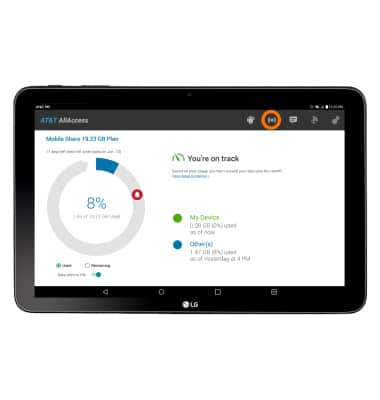
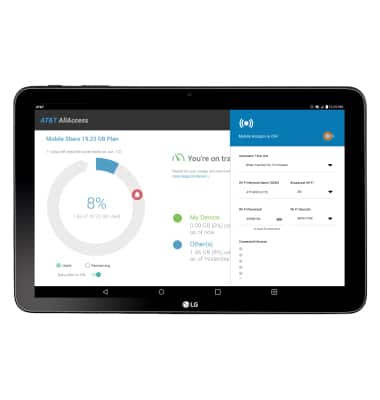
- Tap the Toggle to turn your hotspot on or off.
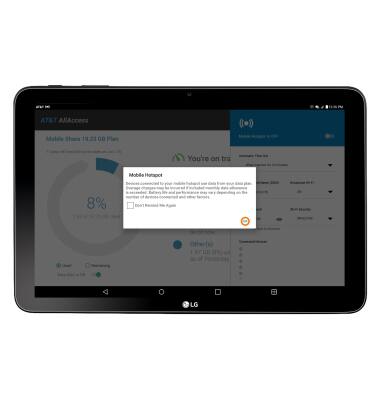
- Tap Ok.
- In the Your Hotspot area, you can view and edit your hotspot time out settings, name, password, security, as well as connected devices.
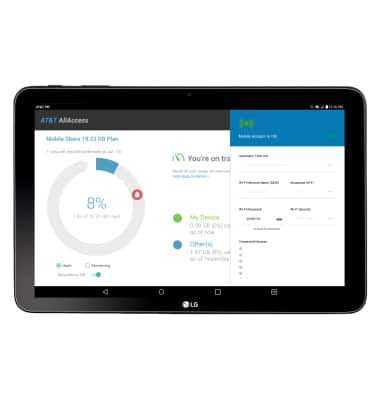
- When mobile hotspot is on, the Mobile hotspot icon will be displayed in the Notification bar.
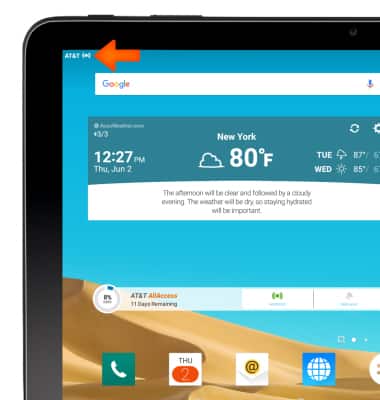
Mobile hotspot
LG G Pad X 10.1 (V930)
Mobile hotspot
Set up your device as a mobile hotspot and share your data connection with Wi-Fi-capable devices.
INSTRUCTIONS & INFO

Starting December 31, 2022, the AT&T AllAccess app is going away. As a result, some features on your device may no longer be supported. You'll be able to view data usage and notifications on your myAT&T account page, and you can explore other options to stay connected with your device on the go. Learn more about mobile hotspot options.