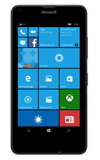
- To transfer media to and from the computer, you need the Windows Phone App to facilitate the communication between the camera and computer. Download and install the Windows Phone app: www.windowsphone.com/en-us/how-to/wp8/windows-phone-app-for-desktop

- With the device powered on, insert the MicroUSB end of the MicroUSB cable into the port on the device.
Note: This device supports USB 2.0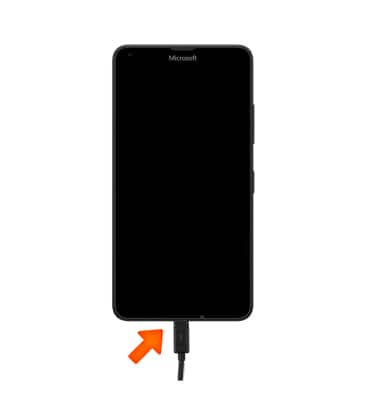
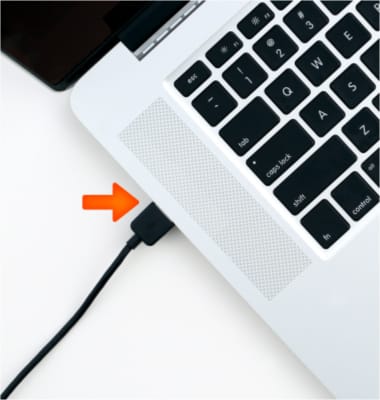
- Insert the USB end of the MicroUSB cable into an open port on the computer.
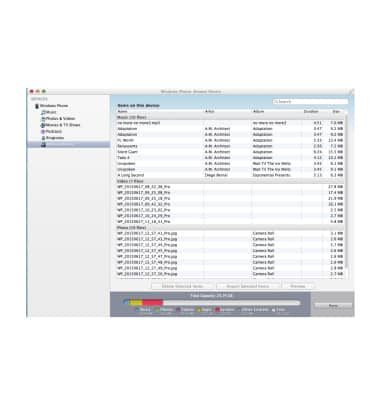
- Once the phone is connected to the computer, Windows Phone app will open automatically. Click Browse Device.
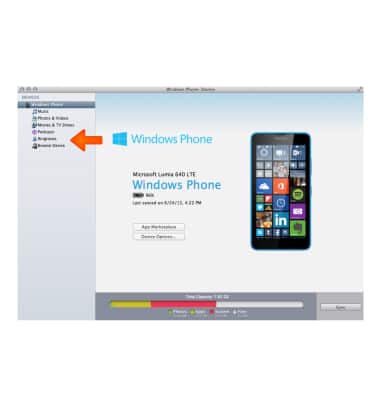
- Drag and drop the Desired files to/from the device to transfer.
Transfer Media to & From a Computer
Microsoft Lumia 640
Transfer Media to & From a Computer
Transfer files to or from your device and a computer.
INSTRUCTIONS & INFO