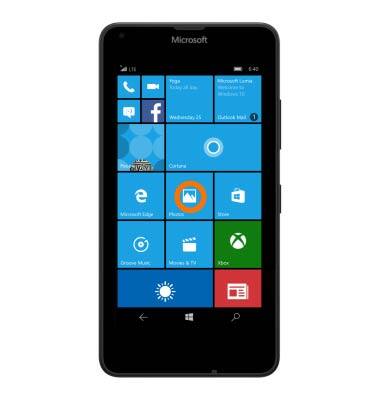
- From the Start screen, scroll to and tap the Photos tile.
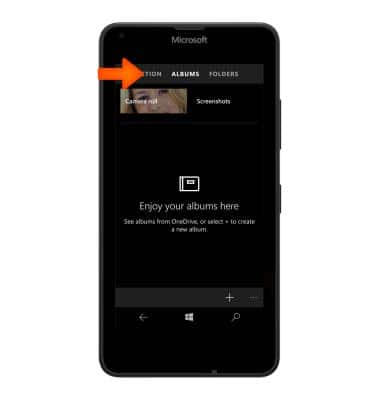
- To view photos in album format, swipe to albums.
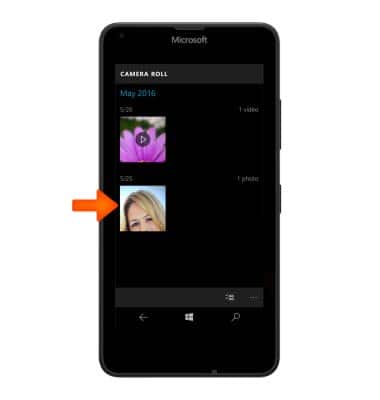
- To open a specific album, tap the Desired album.

- To open a specific image within an album, tap the Desired image.
- To share the image, tap the Share icon.
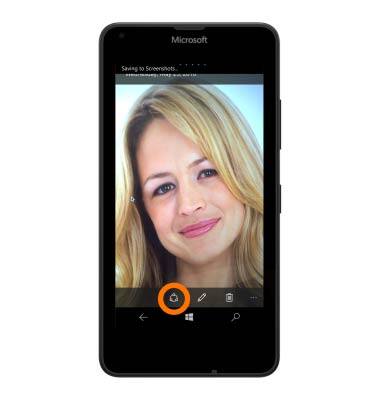
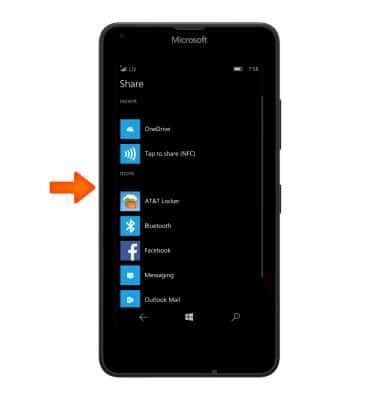
- Tap the Desired option and then follow the On-screen prompts.
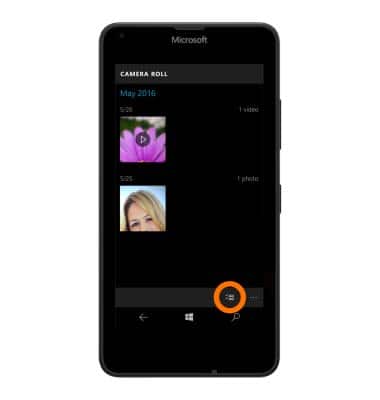
- To enable the selection of multiple photos and/or videos, tap on the Multiple select icon.
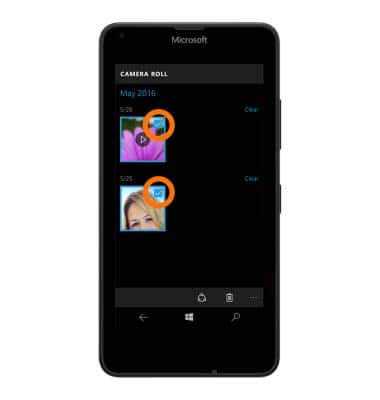
- Select the Photos/videos as indicated with a check mark.
View & Share Photos or Videos
Microsoft Lumia 640
View & Share Photos or Videos
Access, view, and share your photos and videos.
INSTRUCTIONS & INFO