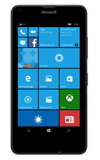
- Push the Volume buttons on the right side of the phone to raise or lower the volume.
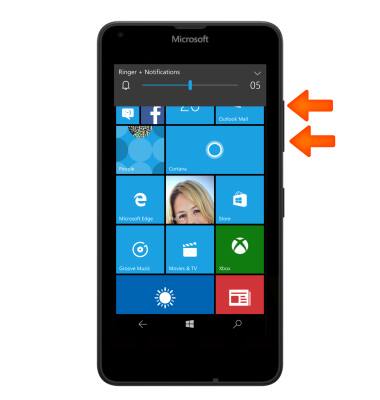
- To quickly set the phone to vibrate, press the Volume down button until Vibrate is displayed.

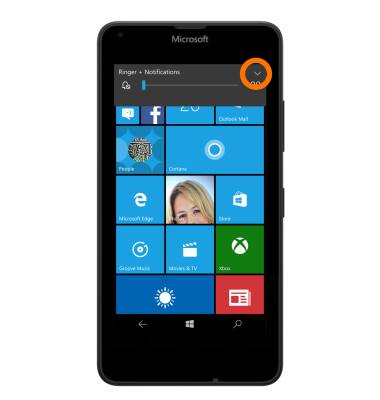
- To enable silent mode, tap the More icon.
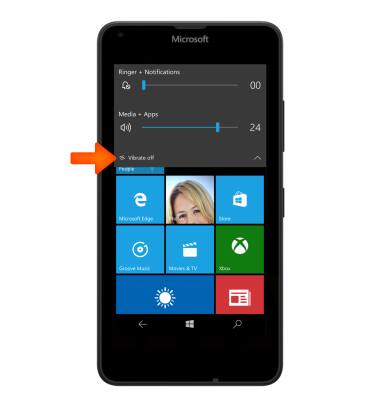
- To set the device to vibrate, tap VIBRATE ON.
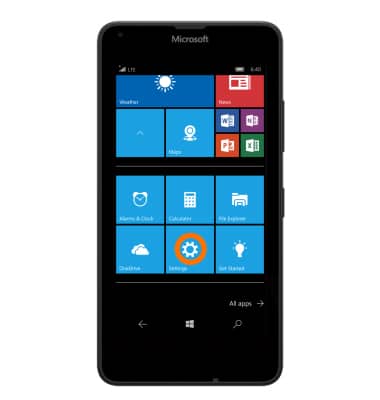
- To change the ringtones and reminders, from the Start screen, tap the Settings icon.
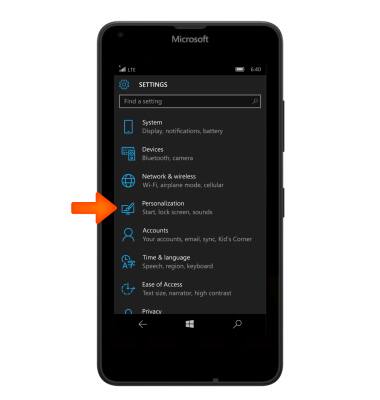
- Tap Personalization.
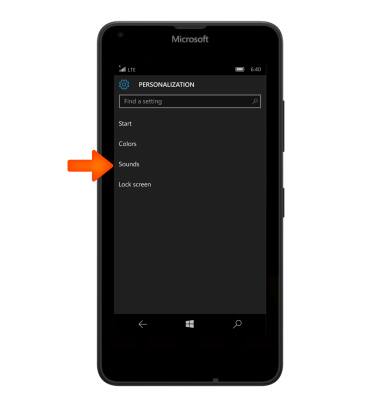
- To access the phones alert sound options, tap Sounds.
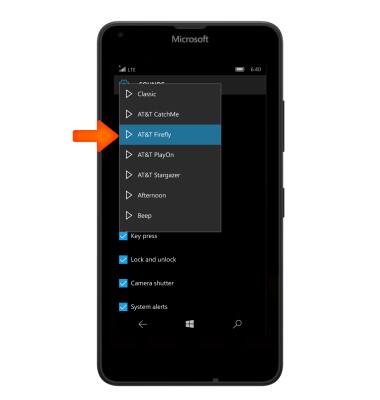
- To change ringtones, tap the Ringtone field.
Note: For steps to assign a ringtone to a contact, please see the 'Contacts' tutorial.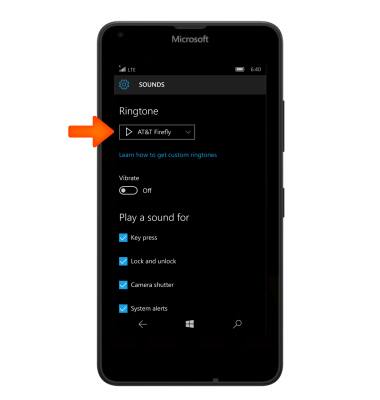
- Tap the Desired ringtone.
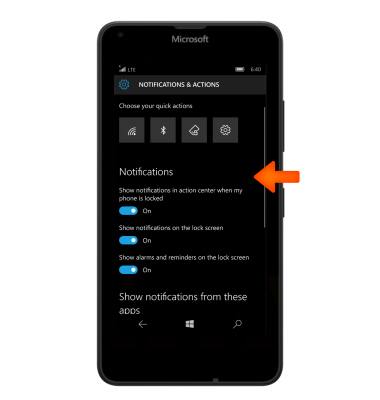
- To set the sound for reminders, tap Manage App Sounds.

- Adjust settings as desired.
Sounds & Alerts
Microsoft Lumia 640
Sounds & Alerts
Change volume settings, ringtones, and notification alerts.
INSTRUCTIONS & INFO