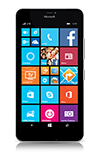
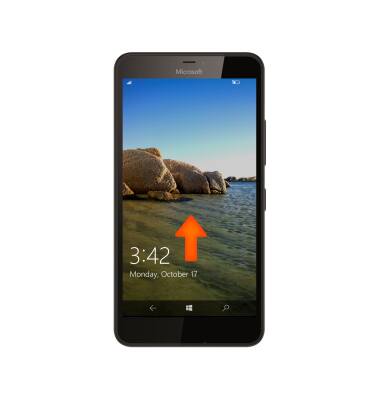
- From the lock screen, swipe up to access the Start screen.
- Swipe left to view the Apps list.

- To use an app pinned to the Start screen, select the Tile.
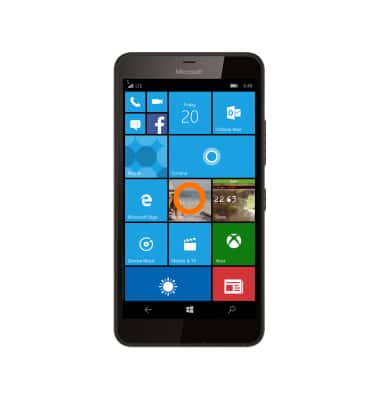
- To remove or resize a tile on the Home Screen, select and hold the Desired tile.
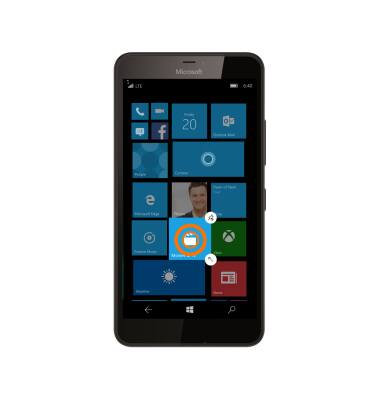
- Select the resize arrow to toggle through tile size options.
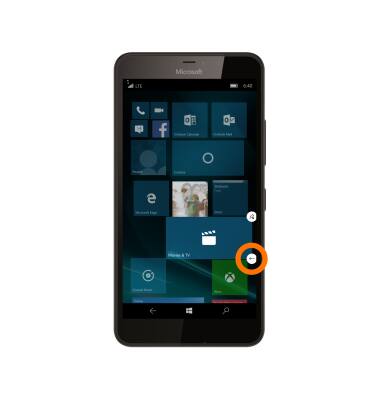
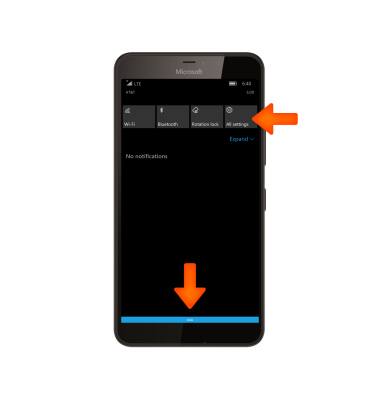
- To turn on screen Magnifier, from the homescreen, swipe down from the notification bar and select All settings.
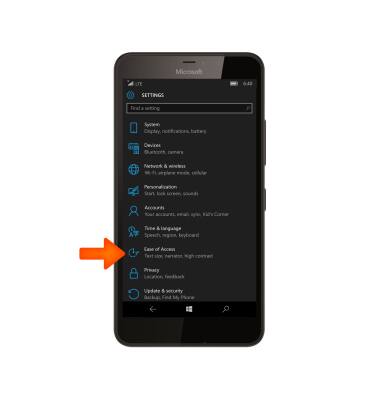
- Select Ease of Access.
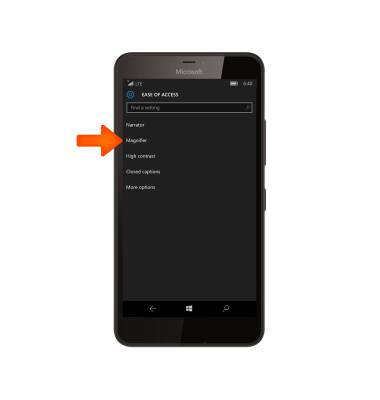
- Select Magnifier.
- Select the the toggle to turn Magnifier on or off.
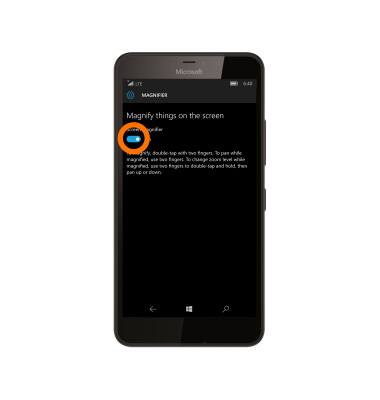
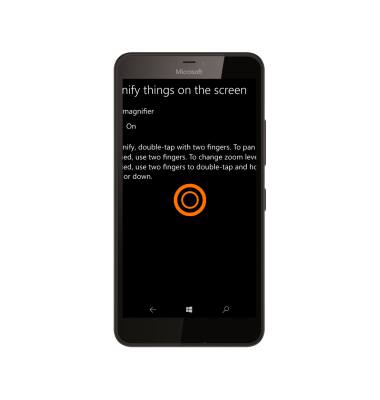
- To magnify, double-tap the screen with two fingers. To change zoom level while magnified, use two fingers to double-tap and hold. Then pan up or down.
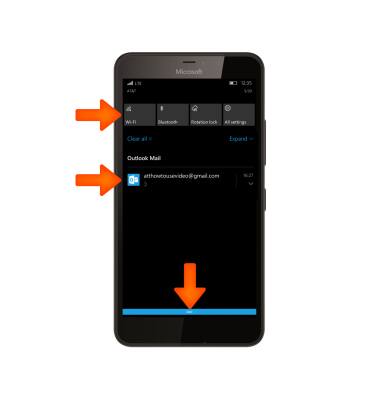
- To access Notifcations and Quick actions, swipe down from the Notification bar. Notifications and Quick actions will be displayed.
- To silence incoming calls, place the device face down.
Note: Flip to silence is on by default. You can access options by swiping down from the Notification bar and selecting All Settings > Extras > Audio > Enhancements > Flip to silence.
Gestures & Navigation
Microsoft Lumia 640 XL
Gestures & Navigation
Control your device by making specific movements with your hand.
INSTRUCTIONS & INFO