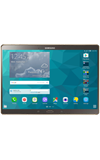
- To access AT&T Messages, from the home screen select the Apps icon.
- Select Messages.
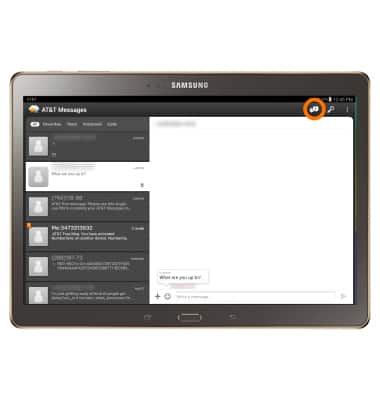
- To send messages using AT&T Messages, from the app, select the New message icon.
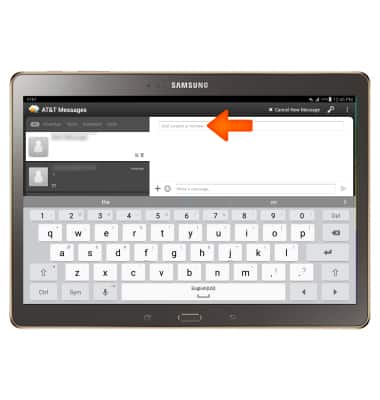
- From the recipient field, enter desired contact(s).
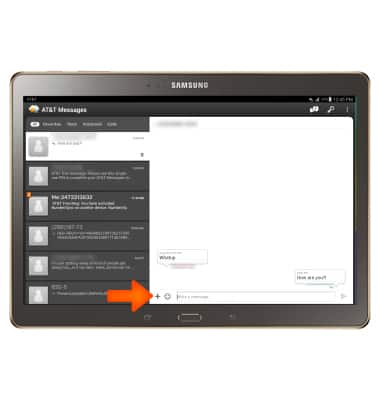
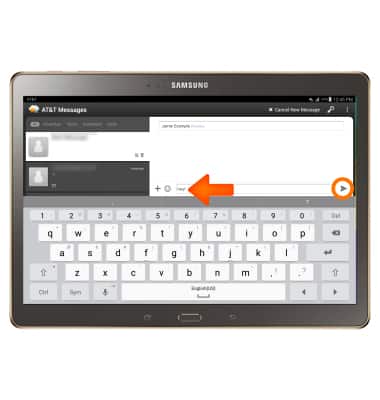
- Type your message, then select the Send icon.
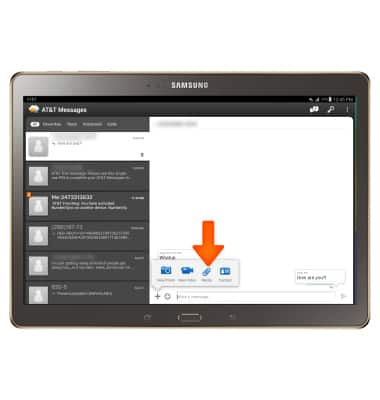
- To send an attachment, select the Plus icon and then navigate to the desired file.
Note: To view the saved attachment select Gallery, then navigate to the Download gallery.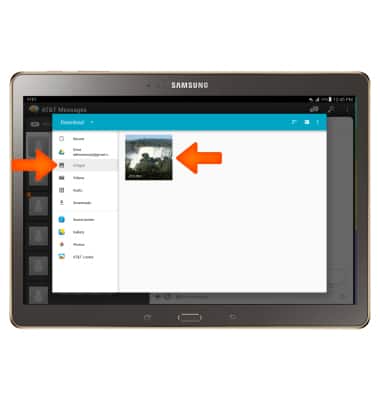
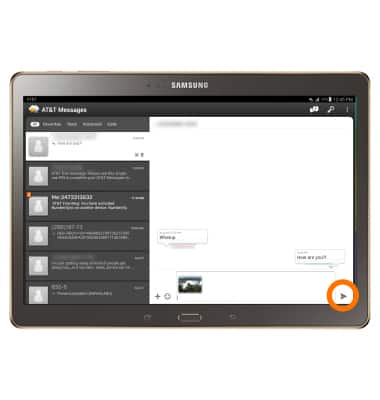
- Select the Send icon.
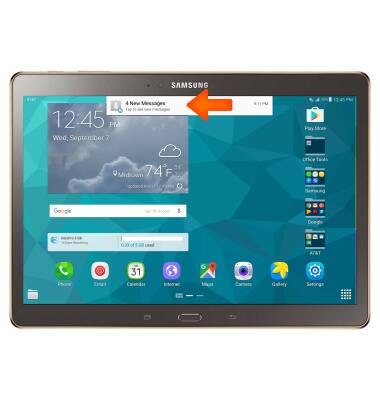
- When you receive an SMS, a message drops down from the Notifications bar. To view message, select the Message box.
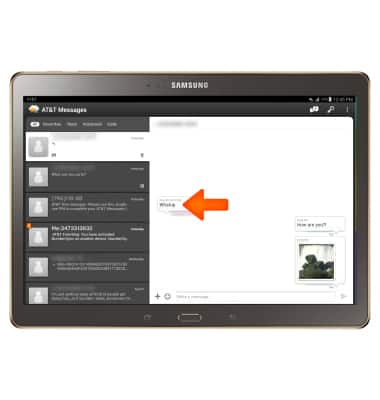
- To read a message, select the desired conversation thread.
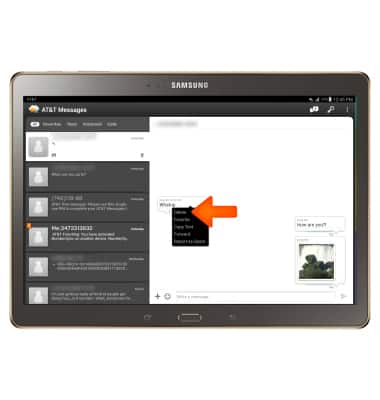
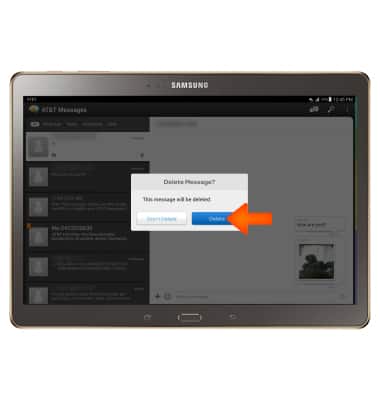
- To delete a message, select and hold the desired message, then select Delete. Select Delete again to confirm.
- To delete a conversation thread, select and hold the desired conversation thread, then select the Delete icon. Select Delete again to confirm.
- To forward a message, select and hold the desired message.
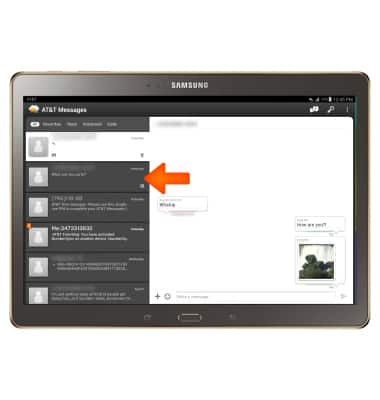
- Select Forward.
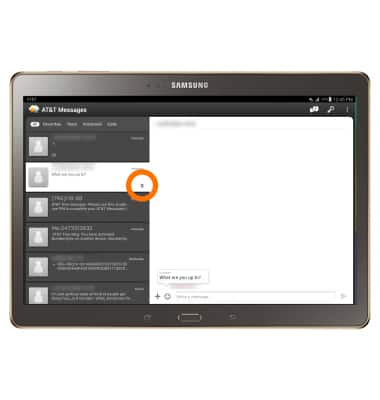
- Enter desired contact into the recipient field.
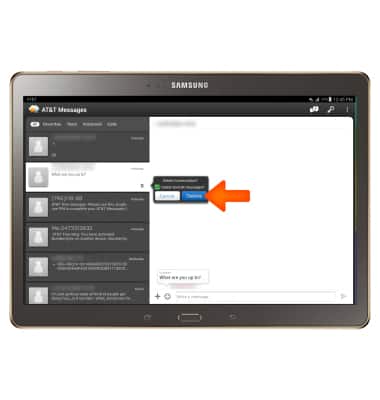
- Select the Send icon.
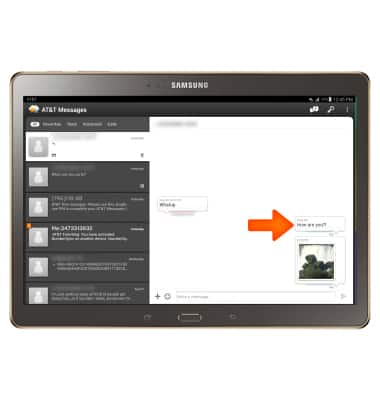
Send & Receive Messages
Samsung Galaxy Tab S 10.5 (T807A)
Send & Receive Messages
Create and respond to text (SMS) or picture (MMS) messages, add, save, and view received attachments and more.
INSTRUCTIONS & INFO