
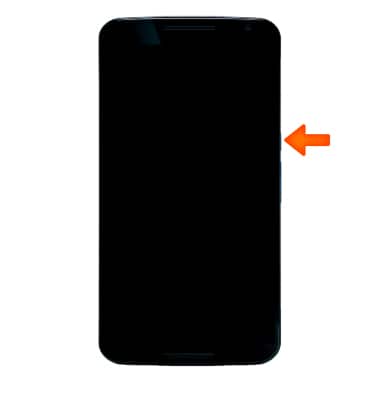
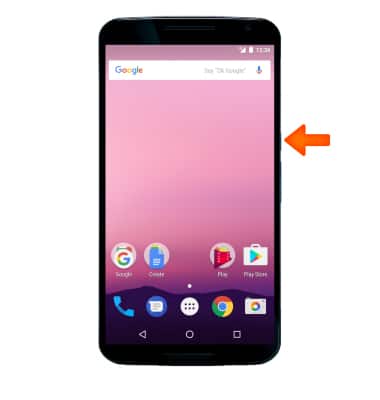
- To turn the device on, press and hold the Power/Lock button until the screen lights up.
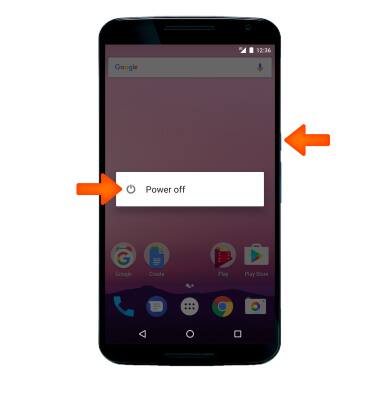
- To turn the device off, press and hold the Power/Lock button. Select Power off.
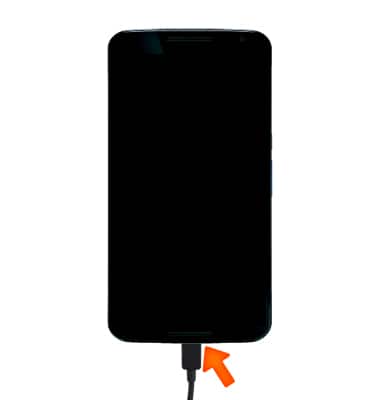
- If you are unable to turn your device on, plug the device into a power source for 15 minutes and then try again.
- If you are unable to power your device off or if it becomes unresponsive, press and hold the Power/Lock button for 10 seconds, until it reboots.
Power Device On or Off
Motorola Nexus 6 (XT1103)
Power Device On or Off
Turn your device on and off.
INSTRUCTIONS & INFO