- Use the original charger and battery to maintain optimal battery performance over the life of your device.
Note: The battery comes partially charged. When new, a fully discharged battery requires approximately 170 minutes to charge to 50% and 7 hours to charge to 100%. You can use the device while charging. Battery life and charge cycles vary by use and settings.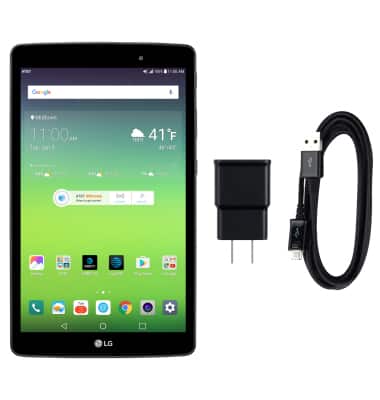
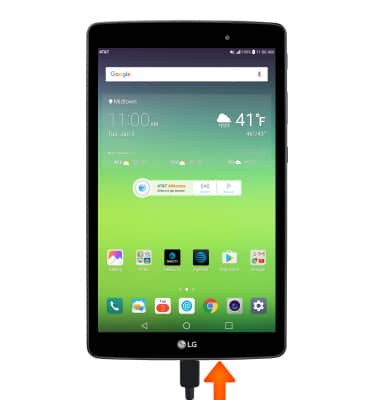
- Insert the microUSB end of the microUSB cable into the microUSB port at the base of the device.
- Plug the Charger into a wall outlet. If necessary, connect the USB cable to the charger. Alternatively, you can insert the USB end of the cable into a computer to charge.
Note: Your device charges quicker using a power outlet than when connected to a computer or other power source.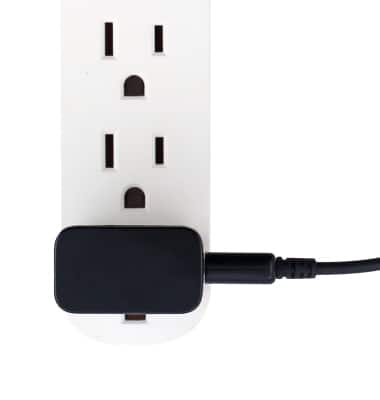
- When the phone is charging, the Charging icon will be displayed in the Notification bar. The icon will show 100% when the battery is fully charged.
Note: This device’s maximum use time is 7.5 hours and standby time is 20 days. For information about extending your battery performance, see the Battery Life tutorial.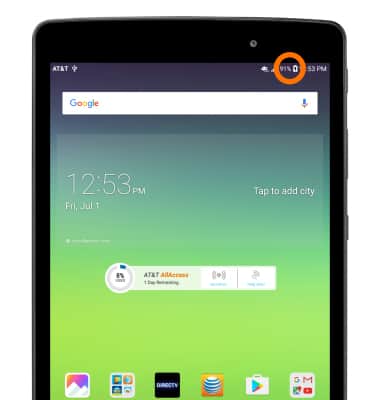
Charge the Battery
LG G Pad X 8.0 (V520)
Charge the Battery
Tips on charging your battery.
INSTRUCTIONS & INFO