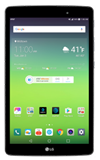
- To access the calendar, from the home screen, select the Calendar app.
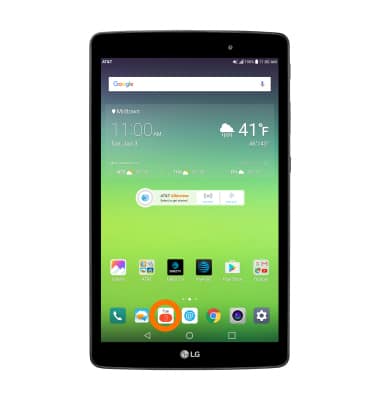
- CHANGE THE CALENDAR VIEW MODE: Select the More icon, then select the desired option.
Note: For this demonstration, Month was selected.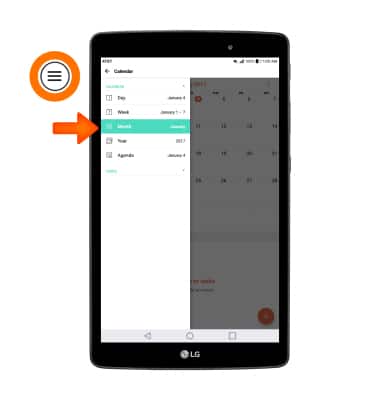
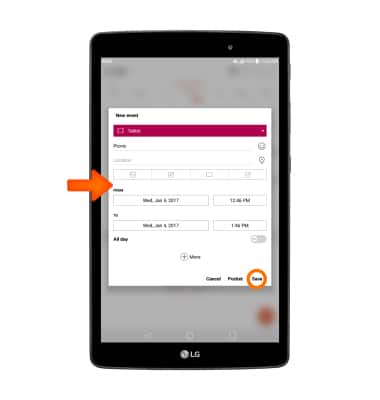
- CREATE AN EVENT: Select the Add icon.
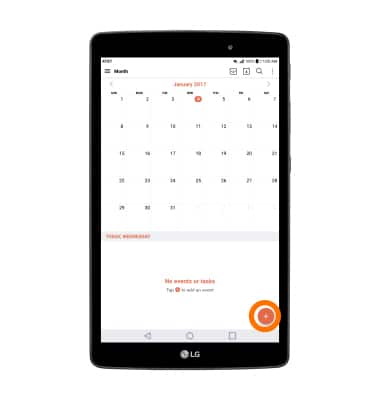
- Edit the desired information, then select Save.
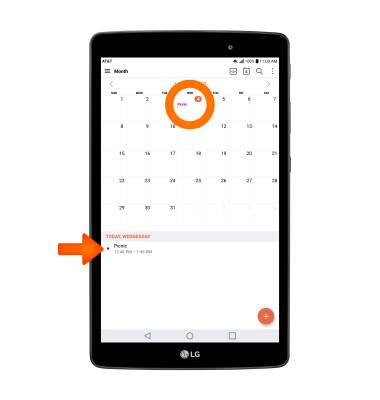
- VIEW EVENT INFORMATION: Select the desired date and select the desired event.
- EDIT AN EVENT: select the Edit icon.
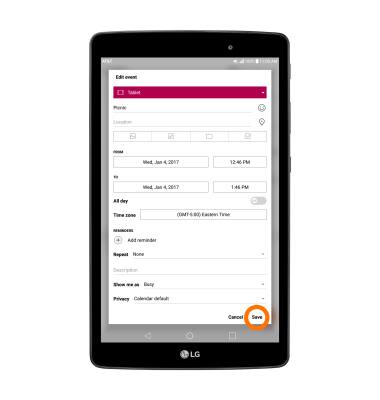
Note: You will only be allowed to edit events you have created.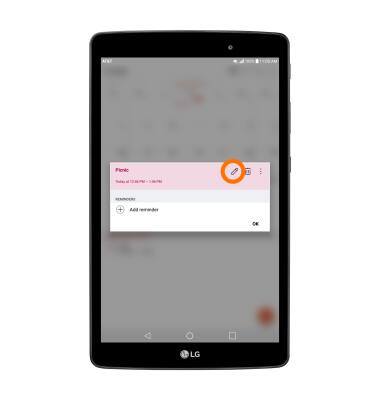
- Edit the desired information, then select SAVE.
- DELETE AN EVENT: Select the Delete icon.
Note: You will be prompted to select DELETE to confirm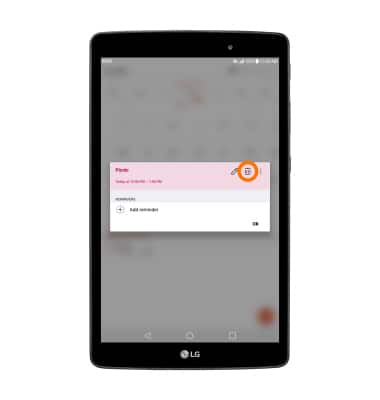
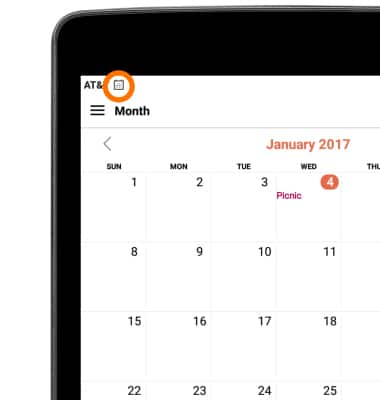
- When there is an upcoming event, the Calendar icon will be displayed in the Notification bar.
Calendar
LG G Pad X 8.0 (V520)
Calendar
Access the calendar and manage events.
INSTRUCTIONS & INFO