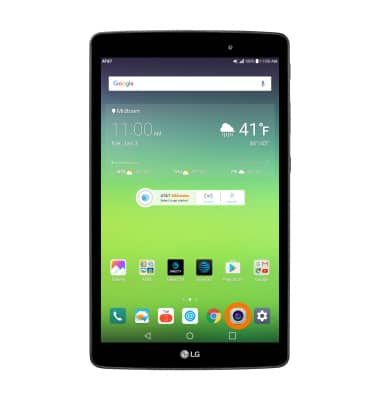
- Select the Camera icon from the home screen.
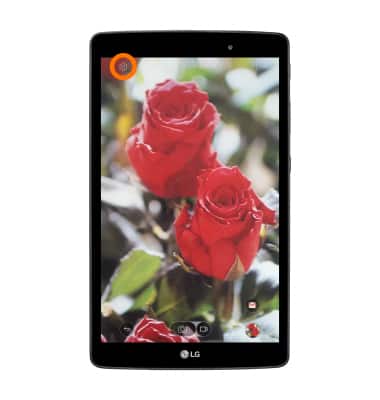
- Select the Settings icon.
- SET A TIMER: Select the Timer icon, then select the desired option.
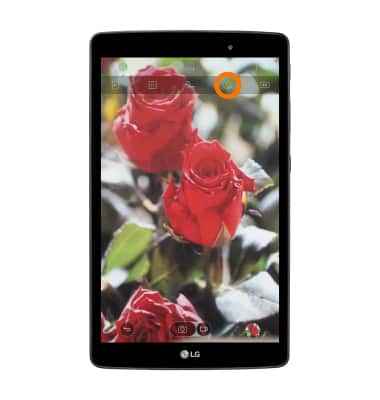
- CHANGE PICTURE SIZE: Select the Picture size icon, then select the desired option.
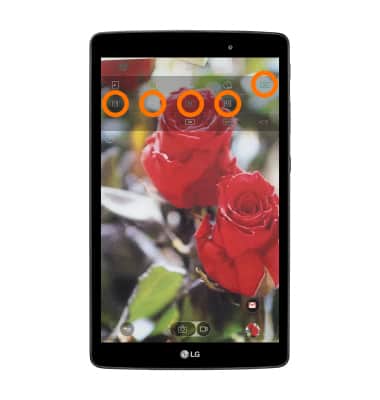
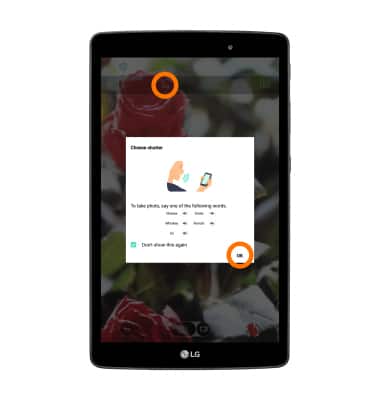
- USE VOICE COMMANDS: Select the Cheese shutter icon to take pictures by saying "Smile," "Cheese," "Whiskey," "Kimchi," or "LG." Select OK to close the window.
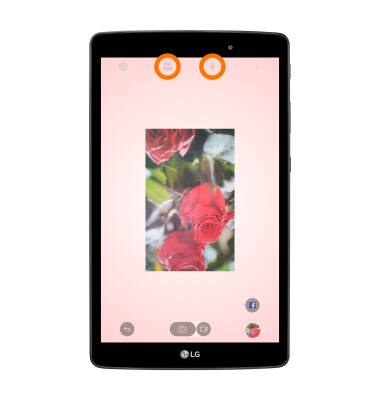
- SELFIE LIGHT: The front-facing camera features a Selfie light feature to help capture the perfect selfie. To activate the selfie light, select the switch camera icon then select the Selfie light icon.
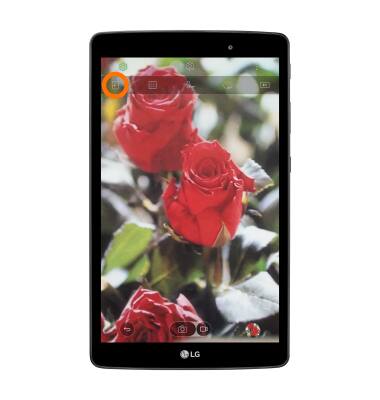
- SET STORAGE LOCATION: Select the Storage location icon to switch between the device and the SD card.
Camera & Video Settings
LG G Pad X 8.0 (V520)
Camera & Video Settings
Manage camera and video settings including flash, timer, voice control, recording mode, storage location, and more.
INSTRUCTIONS & INFO