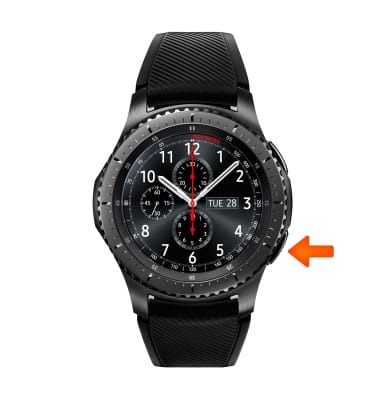
- To check available device memory, from the clock screen, press the Power/Home button.
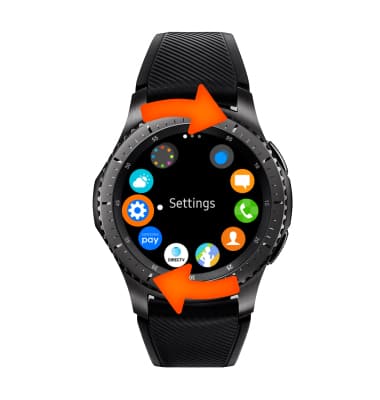
- Rotate the bezel, then select Settings.
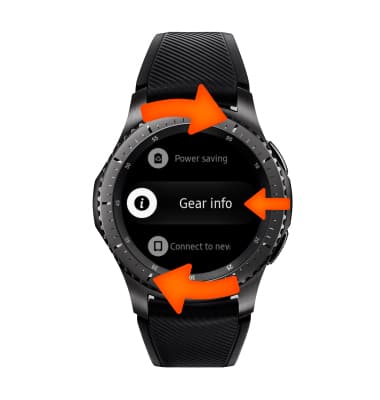
- Rotate bezel, then select Gear info.
- Select About Device.
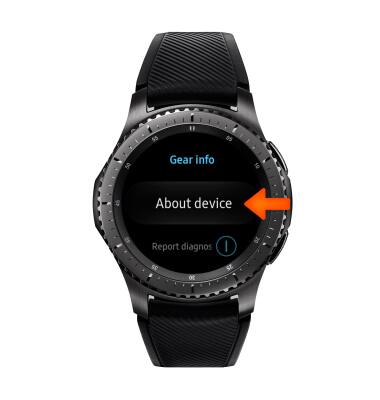
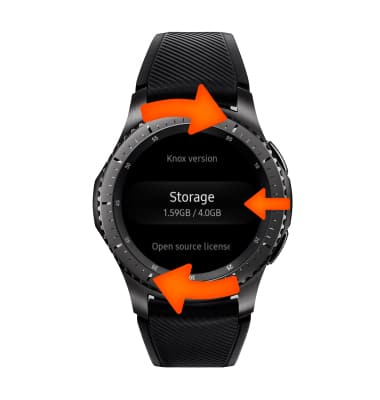
- Rotate the bezel, then select Storage to view device memory.
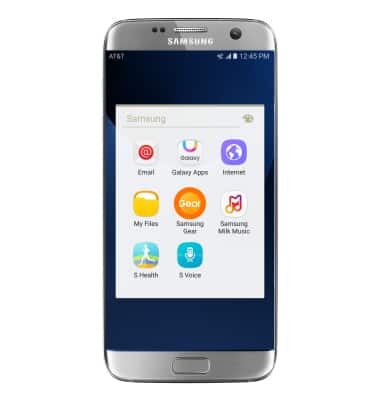
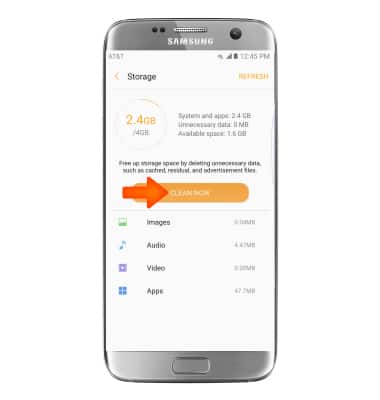
- You can also clean up unnecessary items from your connected device. From the connected device, scroll to and select the Samsung Gear app.
- Select Storage.
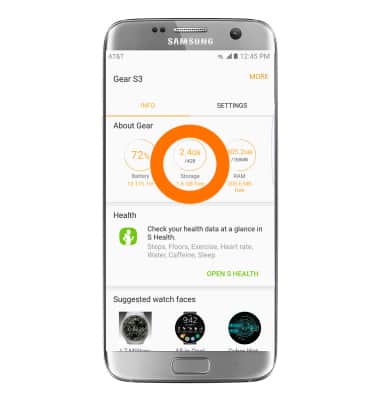
- Select CLEAN NOW.
Available Memory
Samsung Gear S3 frontier (R765A)
Available Memory
Check the available device storage.
INSTRUCTIONS & INFO