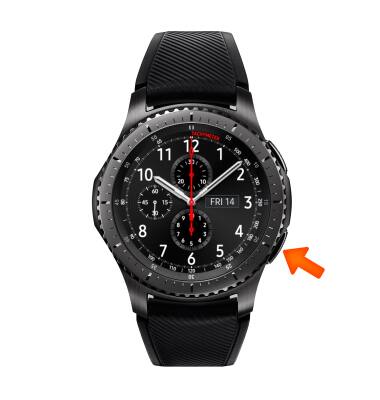
- To change brightness from the clock screen, press the Power/Home button.
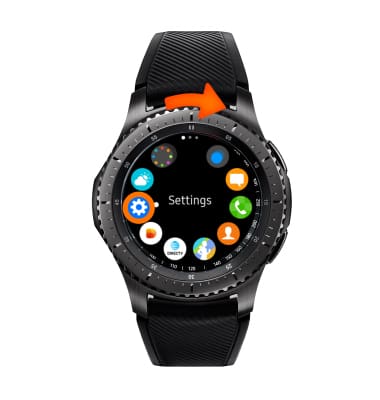
- Rotate the bezel to and select the Settings icon.
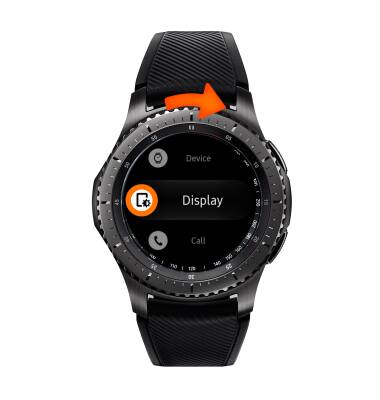
- Rotate the bezel to and select Display.
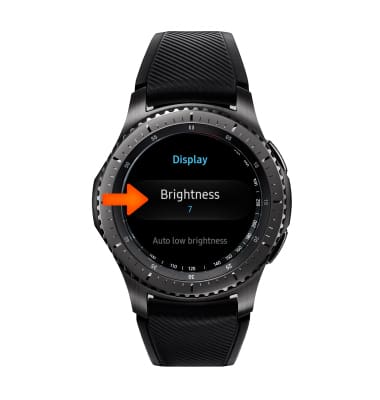
- Select Brightness.
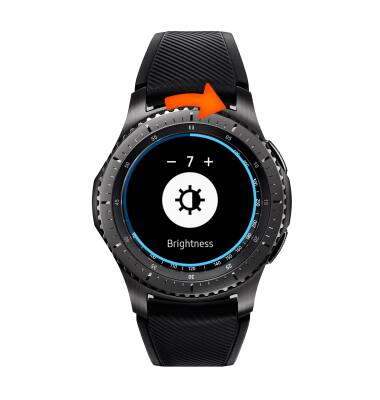
- Rotate the bezel to edit brightness as desired.
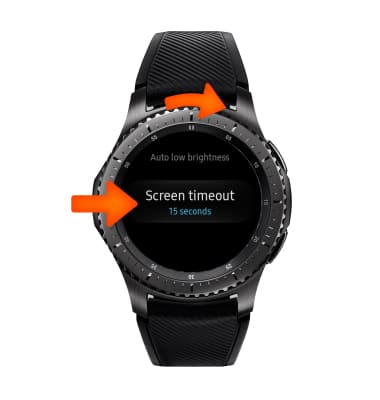
- To adjust the Screen timeout time, rotate the bezel to, and select Screen timeout. Then select the desired time.
Display
Samsung Gear S3 frontier (R765A)
Display
Change the display time out, brightness and orientation.
INSTRUCTIONS & INFO