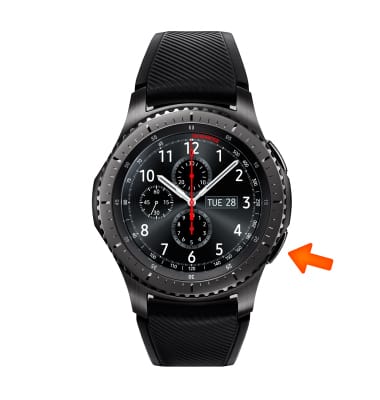
- To access the date and time settings, from the clock screen, press the Power/Home button.
Note: The device will automatically attempt to set the date and time from the network. This tutorial demonstrates how to manually set the date and time on your device.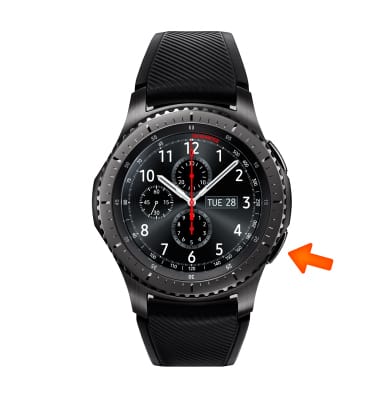
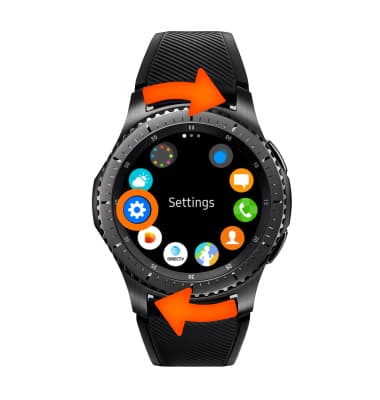
- Rotate the bezel to and select Settings.
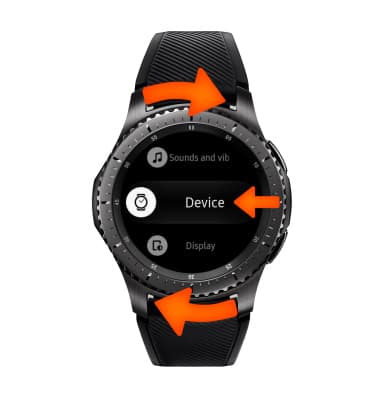
- Rotate the bezel to and select Device.
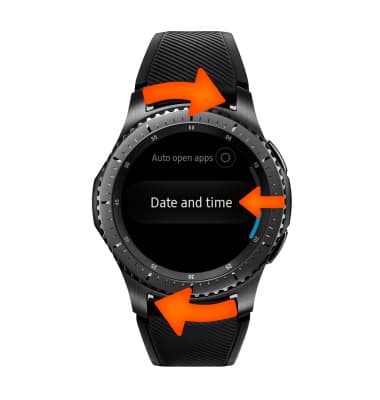
- Rotate the bezel to and select Date and time.
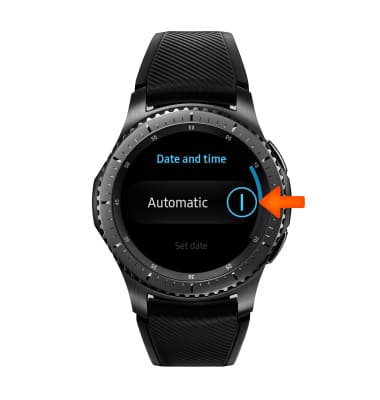
- To manually set the date and time, select the Automatic toggle off.
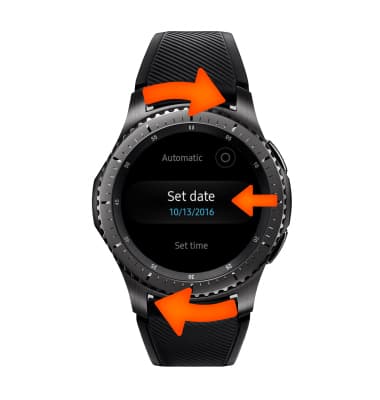
- Rotate the bezel to and select Set Date and set as desired.
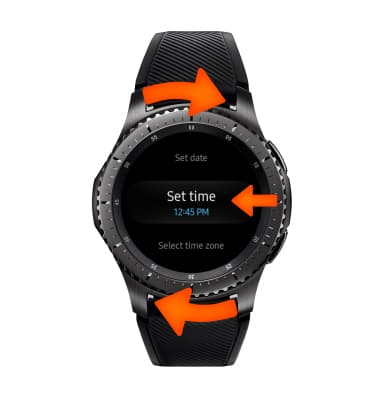
- Rotate the bezel to and select Set Time and set as desired.
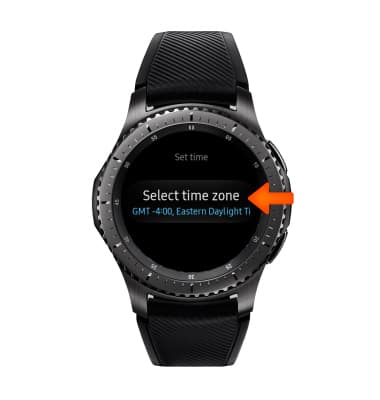
- Select Select time zone and set as desired.
- To set and alarm, from the clock screen select the Power/Home button.
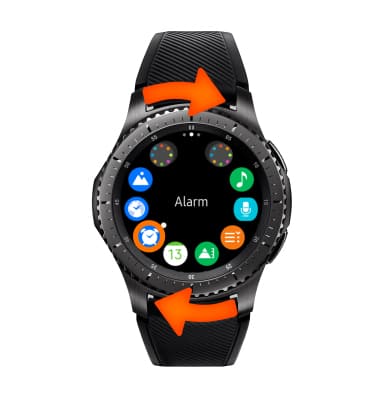
- Rotate the bezel then select the Alarm icon.
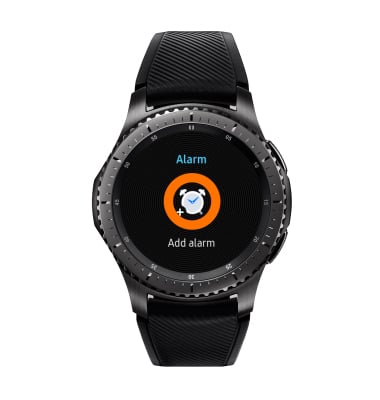
- Select Add alarm.
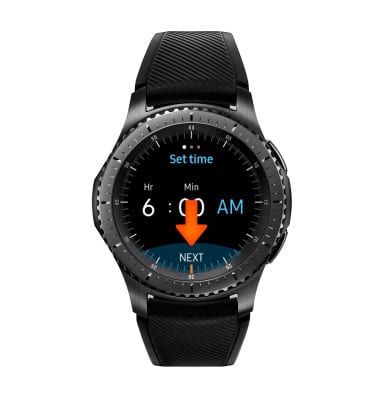
- Select desired time then select Next.
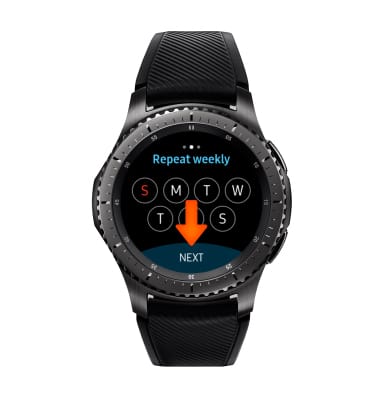
- Select desired reoccuring days then select Next.
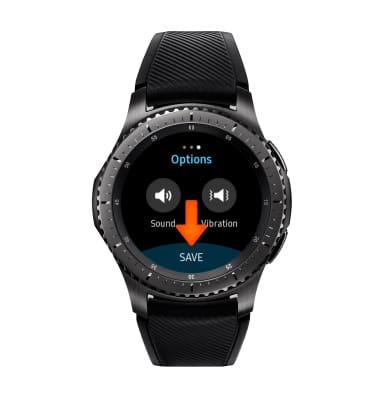
- Select desired sound and vibration preferences, then select SAVE.
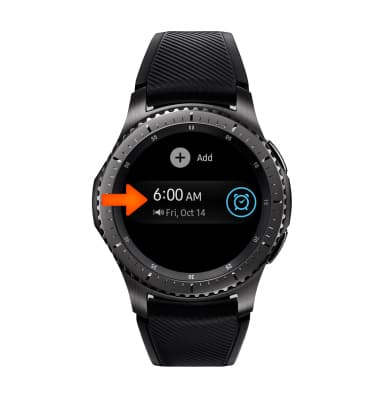
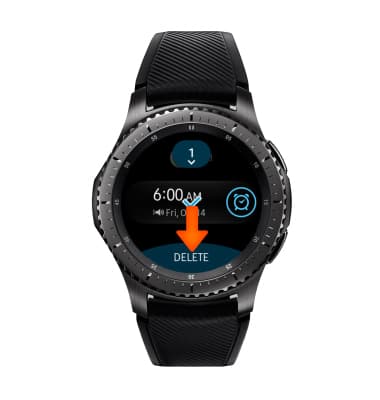
- To delete an alarm, select and hold desired alarm.
- Select DELETE.
Date & Time
Samsung Gear S3 frontier (R765A)
Date & Time
Set the date and time.
INSTRUCTIONS & INFO