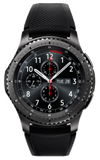
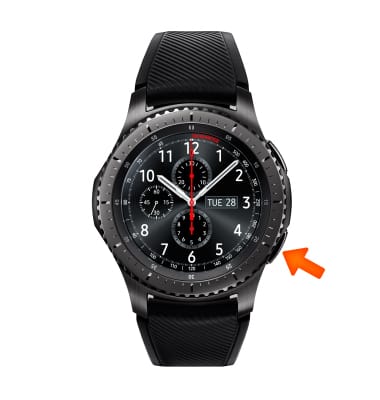
- ACCESS REMINDERS: From the clock face, press the Power/Home button to access the Apps list.
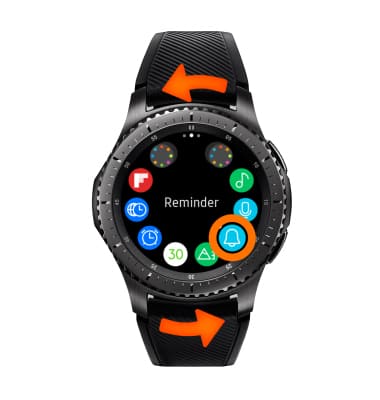
- Rotate the bezel to and select the Reminder app.
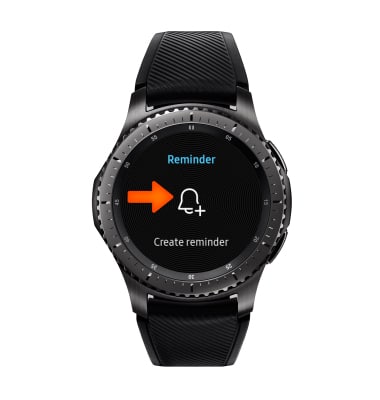
- ADD A REMINDER: Select the Create reminder icon.
- Say the desired name to set the reminder name.
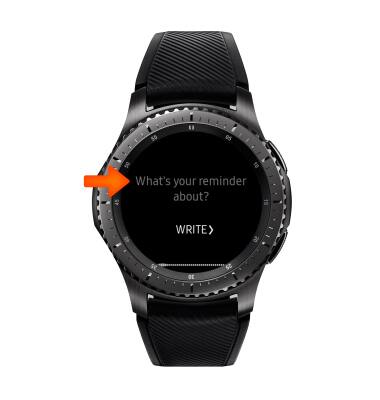
- If you would prefer to type the reminder name, select WRITE.
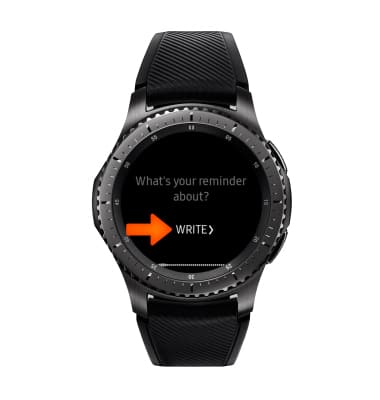
- Enter the desired name, then select Done.
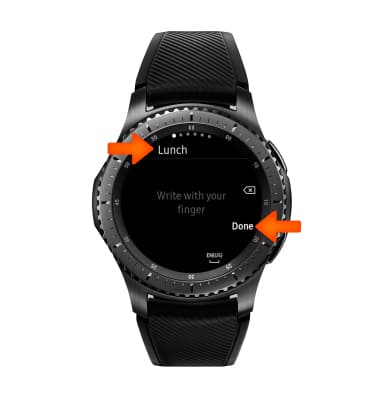
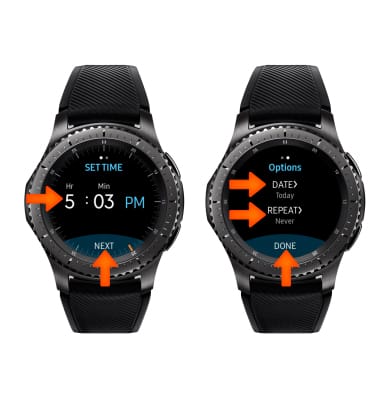
- Select SET TIME to set the desired event time.
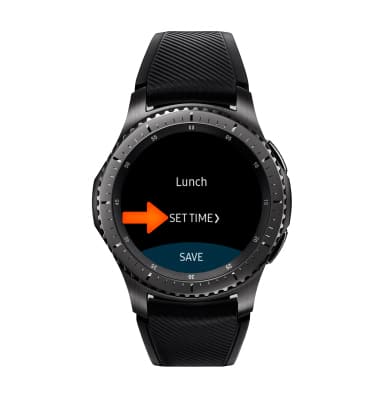
- Enter the desired time, then select NEXT. Edit the options as desired, then select DONE.
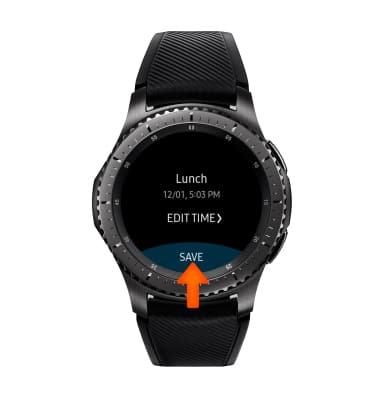
- Select SAVE.
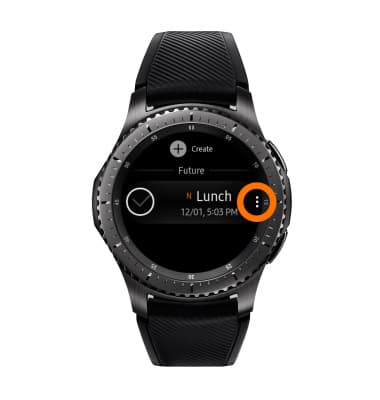
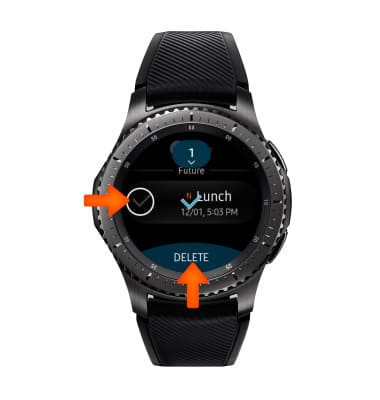
- DELETE A REMINDER: Select the Menu icon next to the desired reminder you would like to delete.
- Rotate the bezel and select the Delete icon.
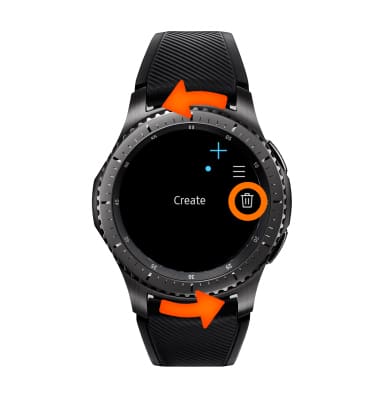
- Select the desired reminder(s), then select DELETE.
Reminders
Samsung Gear S3 frontier (R765A)
Reminders
Keep track of all the things you need to know like due dates and locations.
INSTRUCTIONS & INFO