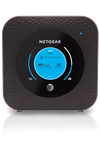
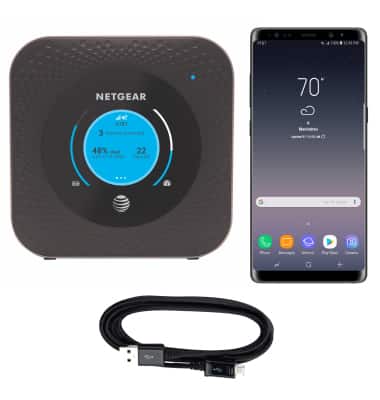
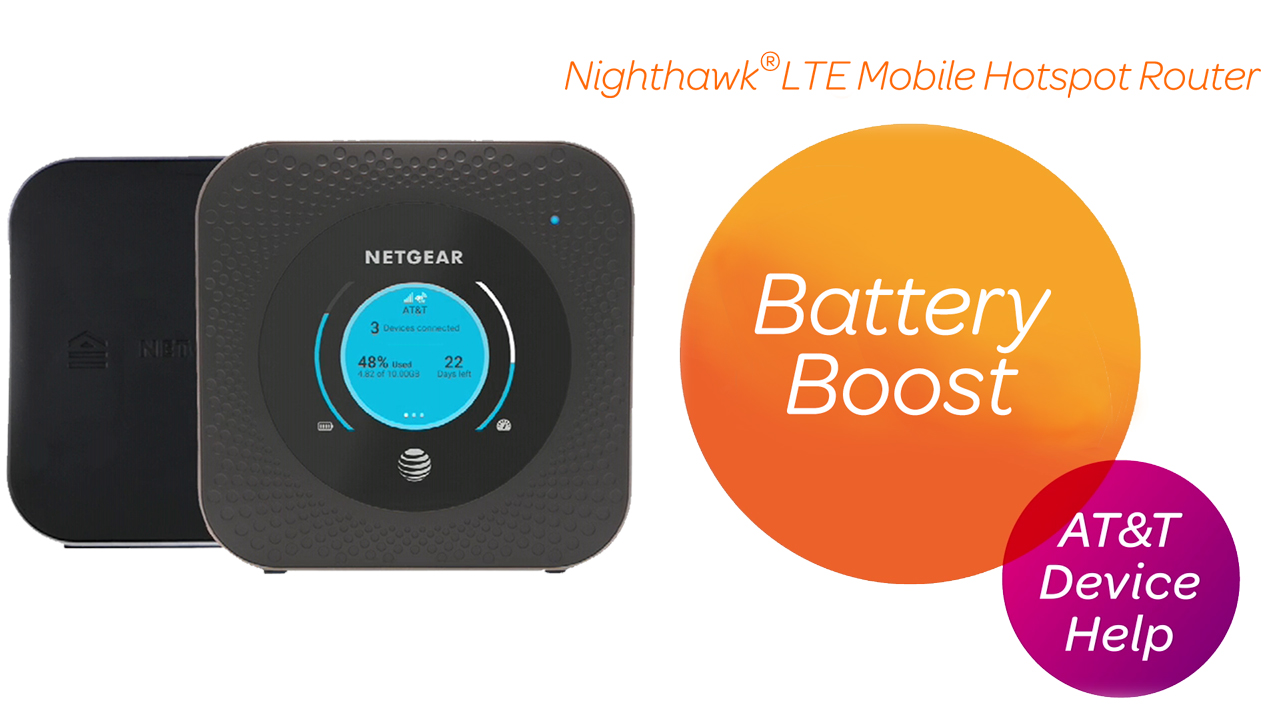
- If your smartphone or other device is running low on battery, plug the device in to the mobile router for a battery boost.
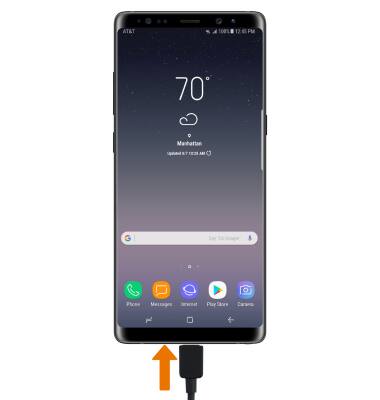
- Insert the USB-C end of the USB-C cable into the USB-C port at the base of the device.
- Insert the USB end of the cable into the USB port of the mobile router to charge.
Note: You cannot use BatteryBoost if the mobile router's battery is below 10%.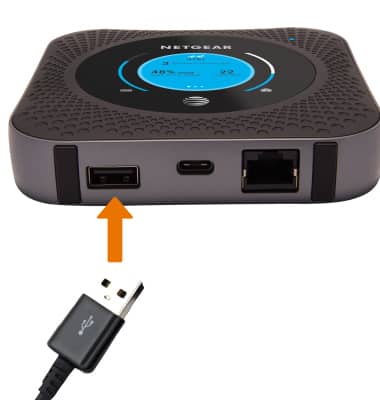
BatteryBoost
Netgear Nighthawk LTE Mobile Hotspot Router (MR1100)
BatteryBoost
Use the Router to give your mobile device a battery boost.
BatteryBoost
This video walks through the BatteryBoost feature.
BatteryBoost
0:22
INSTRUCTIONS & INFO