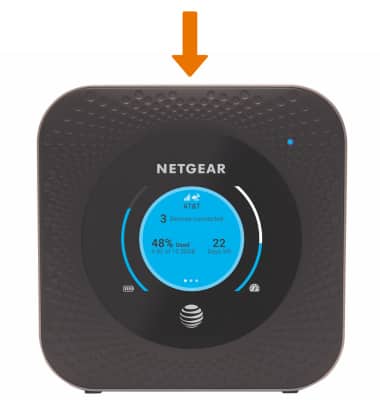
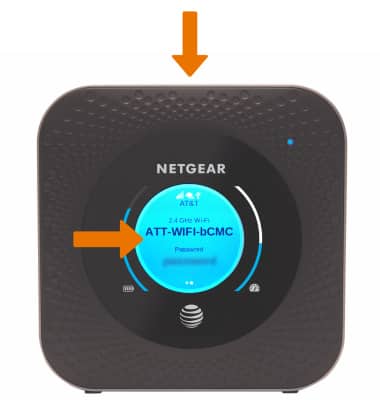
- To put the screen to sleep, repeatedly press the Power button on top of the device to cycle through the screens until the screen is off.
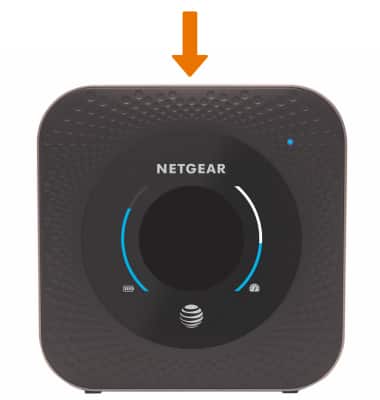
- To awaken the device, press the Power button on top of the device.
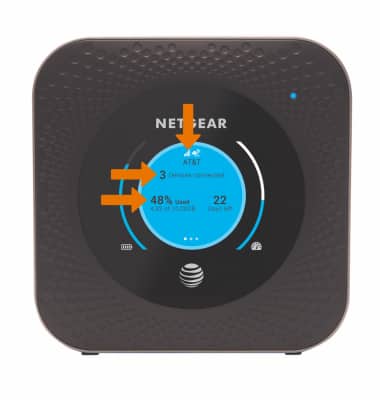
- The first home screen shows the device's signal strength, the number of devices connected, and how much storage is being used.
- From the home screen, press the Power button to view the device's Wi-Fi network and Password.
On Screen Navigation
Netgear Nighthawk LTE Mobile Hotspot Router (MR1100)
On Screen Navigation
Navigate the screen on the device.
INSTRUCTIONS & INFO