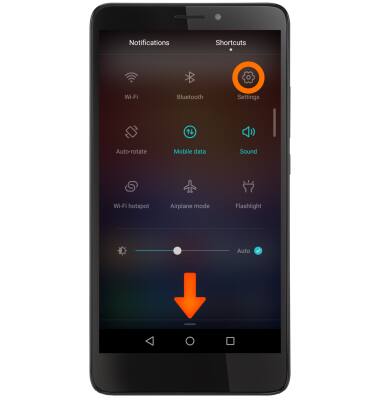
- To clear your app cache, swipe down from the Notification bar, then select the Settings icon from the Shortcuts tab.
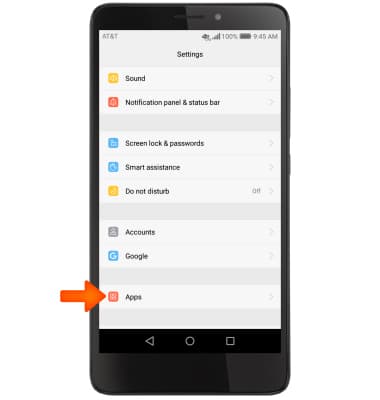
- Scroll to and select Apps.
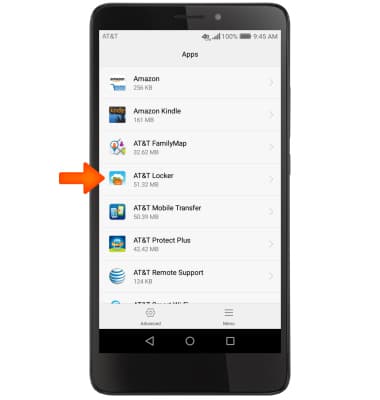
- Select Desired app.
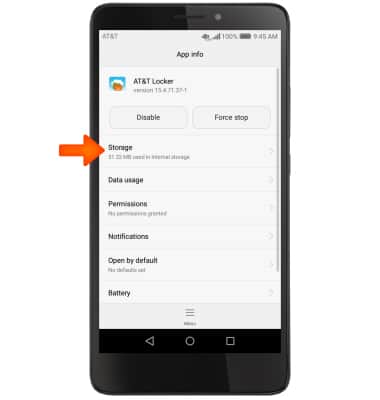
- Select Storage.
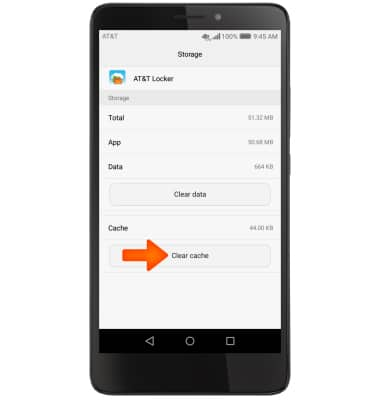
- Select Clear cache.
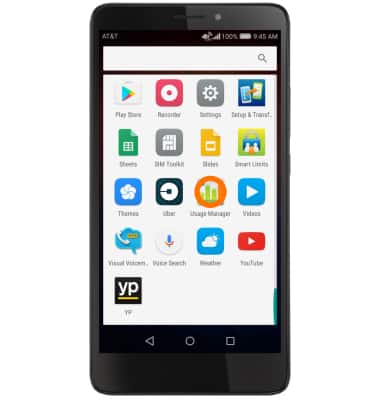
- To stop an app via the Usage Manager in the apps tab open the Usage Manager app.
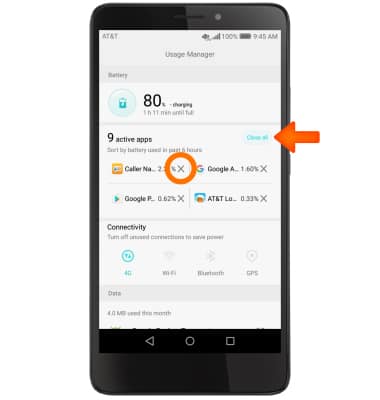
- Select Close all to stop all running apps, or select 'X' mark next to a single desired app.
- To see if an app update is available, select the Play Store icon.
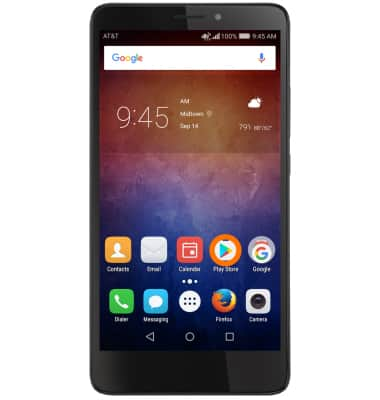
- Select the Menu icon.

- Select My apps & games.
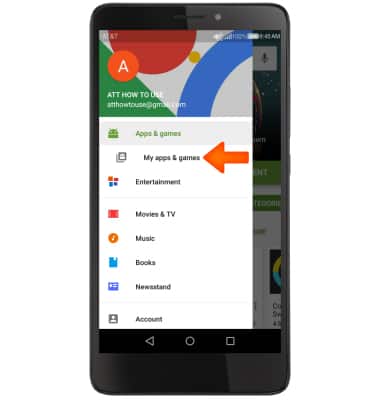
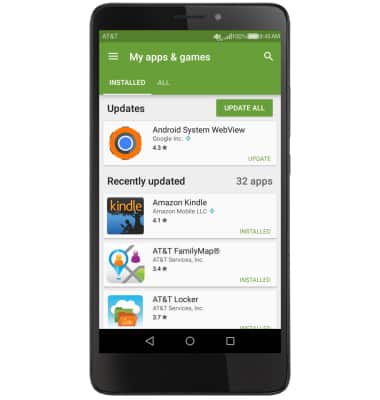
- Select the Desired app you would like to update.
- Select Update.
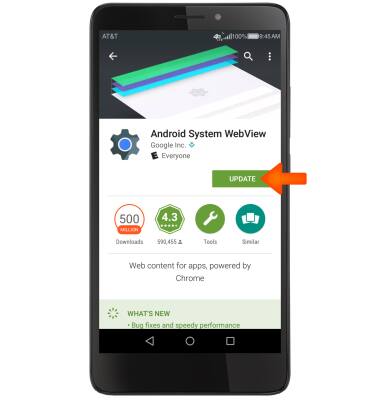
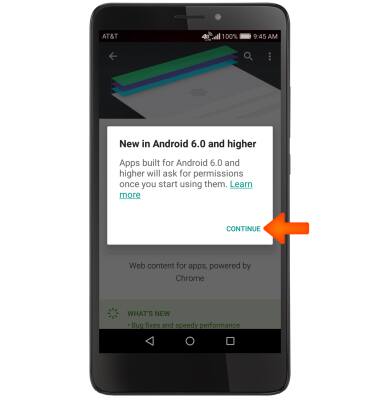
- Select Continue.
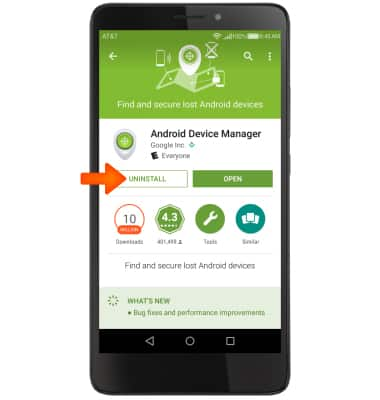
- To remove an app, select UNINSTALL.
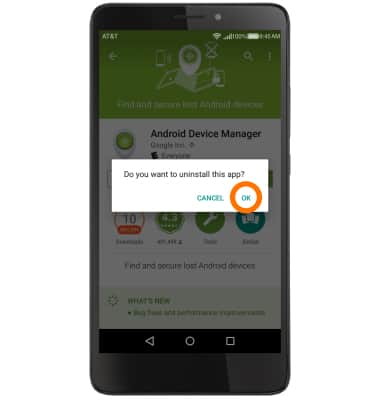
- Select OK.
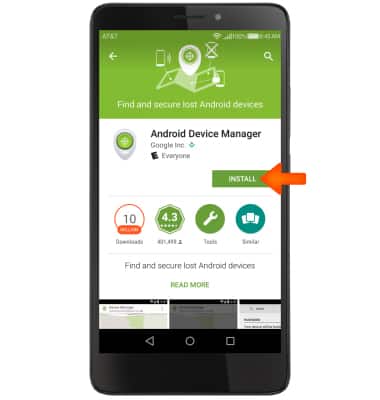
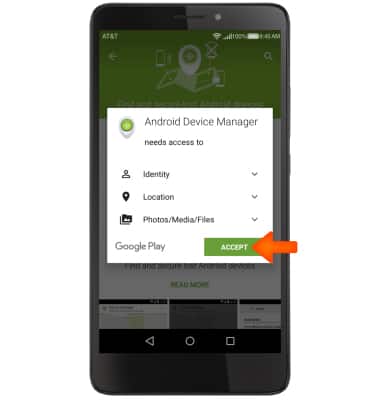
- To reinstall, select INSTALL.
- Select ACCEPT.
App Troubleshooting
Huawei Ascend XT (H1611)
App Troubleshooting
Use application manager to improve your app and device performance.
INSTRUCTIONS & INFO