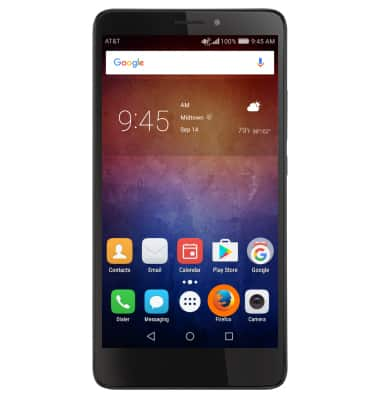
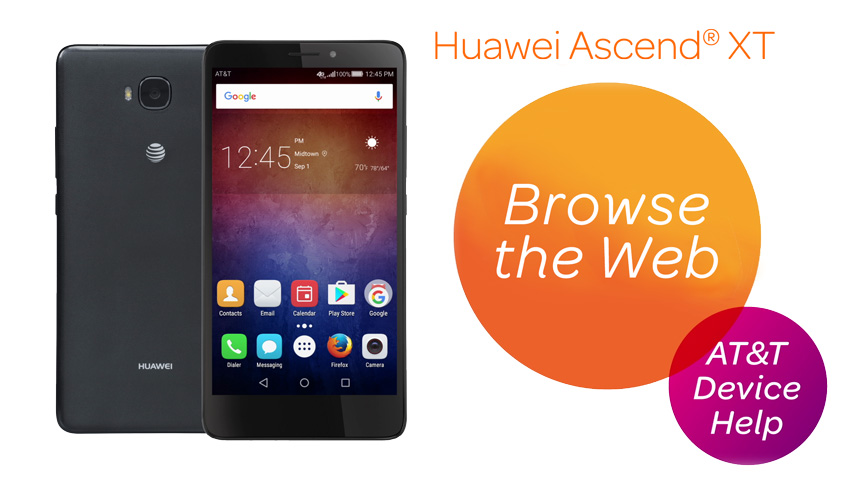
- To access the browser, from the home screen select the Firefox icon.
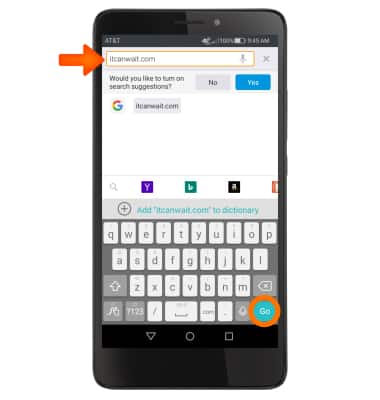
- Tap the Web address field, and enter the Desired website. Then select Go.
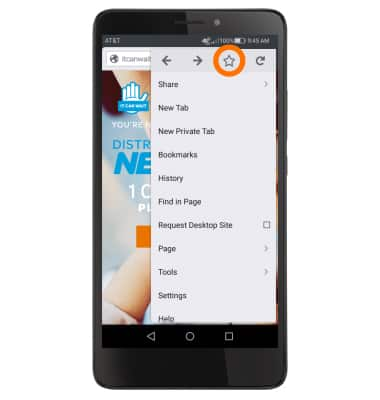
- To add a Bookmark, select the Menu icon.
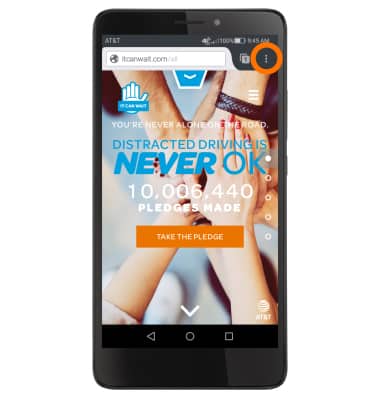
- Select the Star icon to add the current page bookmarks.
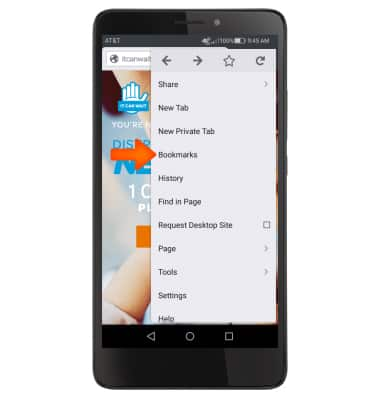
- To navigate to your bookmarks, select the Menu icon and select Bookmarks.
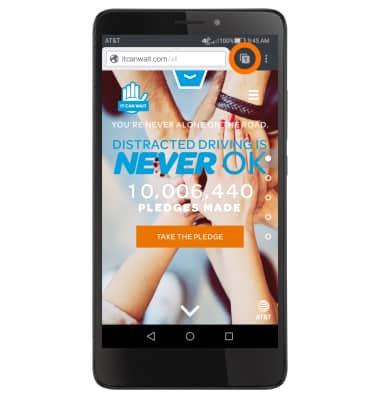
- To view your browser tabs, select the Tabs icon.
- Select the Desired tab.
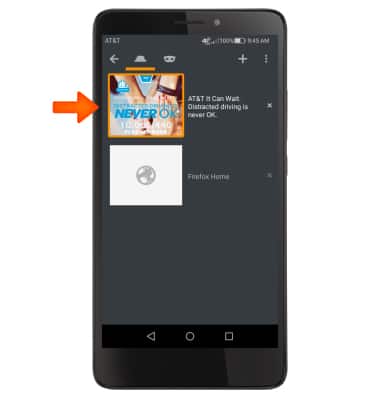
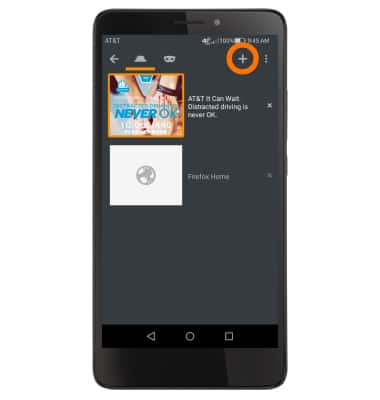
- To add a new tab, select the Tabs icon, then select Plus icon.
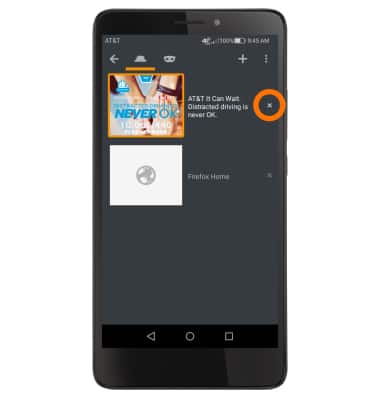
- To close a tab, select the X icon.
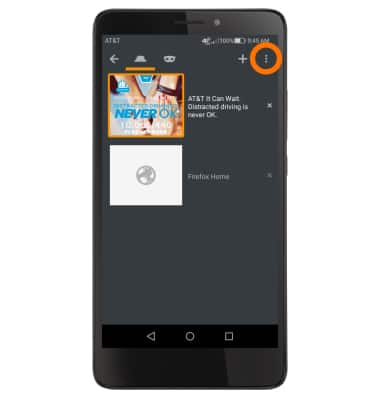
- To close all tabs, select the Menu icon.
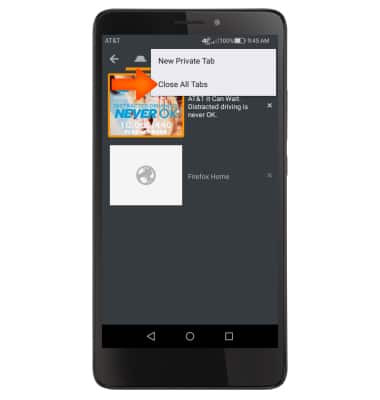
- Select Close All Tabs.
Browse the Web
Huawei Ascend XT (H1611)
Browse the Web
Browse the web, manage browser tabs, and bookmarks.
Browse the Web
Browse the web, manage browser tabs, and bookmarks.
Browse the Web
2:12
INSTRUCTIONS & INFO