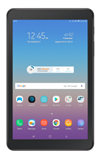
- ACCESS HELLO BIXBY: From the home screen, swipe right to access Bixby.
Note: To access and use Bixby, you must have and be logged into a Samsung account.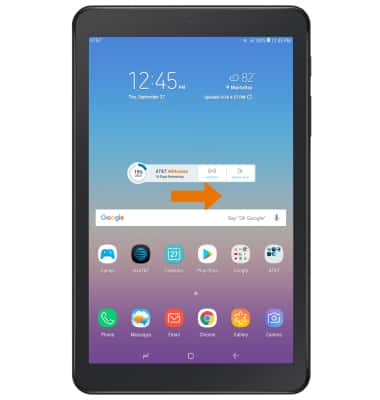
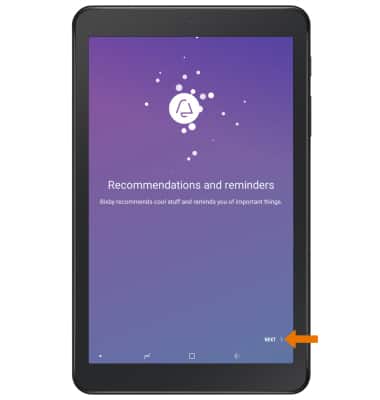
- Select NEXT to continue.
- Review the Terms and Conditions, then select I have read and agree to all. Select NEXT to continue.
Note: You will be prompted with a Bixby tutorial, follow the prompts to continue to the Bixby app.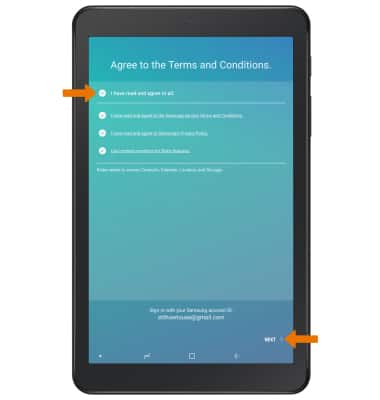
- Scroll throughout the Bixby app to find Food recommendations, Upcoming scheduled appointments, Reminders, Emails, News, Sports, Weather, and more. Select the corresponding action to interact with an application featured in the Bixby app.
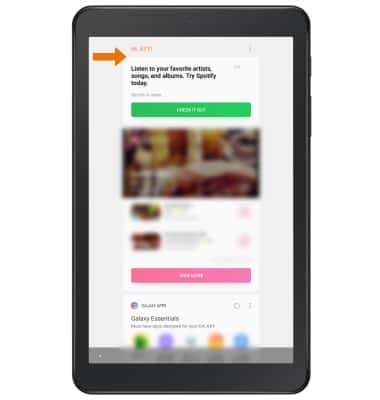
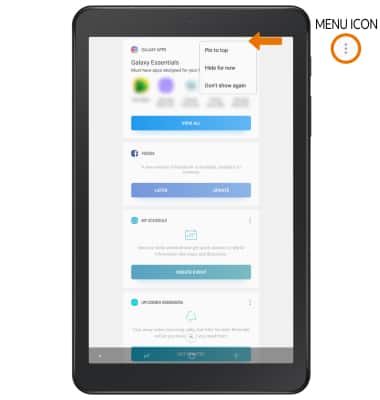
- CUSTOMIZE BIXBY: Select the Menu icon on the desired tab, then select the desired option.
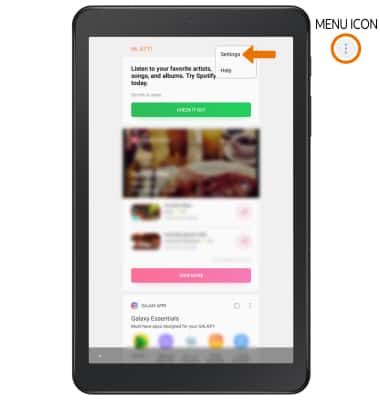
- ACCESS BIXBY SETTINGS: Select the Menu icon, then select Settings. Edit settings as desired.
Hello Bixby
Samsung Galaxy Tab A (SM-T387AA)
Hello Bixby
Hello Bixby allows you to quickly set reminders, create voice dictation, search and access content on your phone and on the internet.
INSTRUCTIONS & INFO