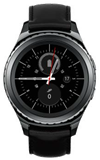
- When on a call, the Call icon will appear in the Notification bar.
Note: The Call icon will change appearance depending on what is paired with the watch.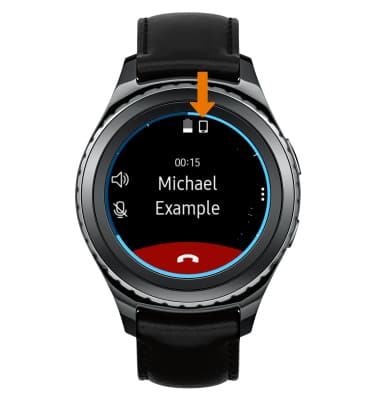
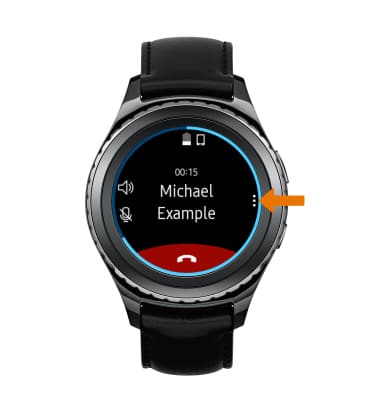
- VIEW IN-CALL OPTIONS: Select the Menu icon.
- ACCESS KEYPAD: Select Keypad.
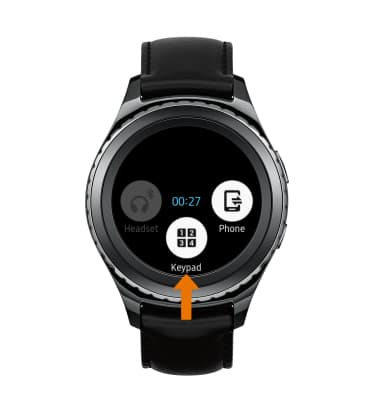
- SWITCH DEVICES WHILE ON A CALL: Select Phone.
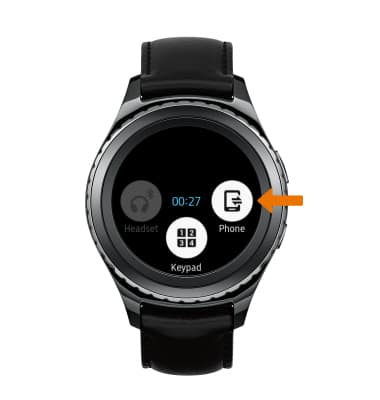
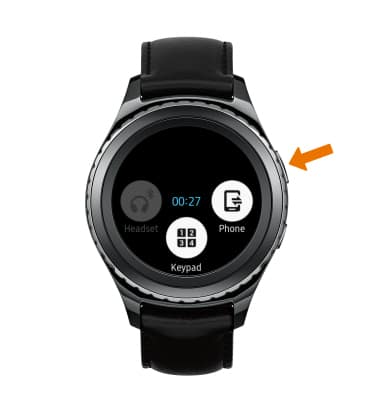
- RETURN TO CALL SCREEN: Press the Back button.
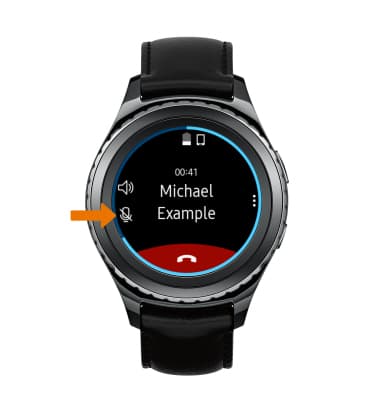
- MUTE/UNMUTE CALL: Select the Mute icon.
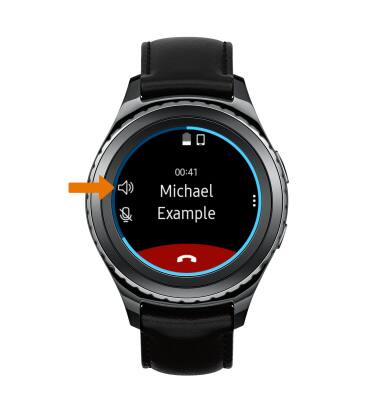
- TURN ON/OFF SPEAKERPHONE: Select the Speakerphone icon.
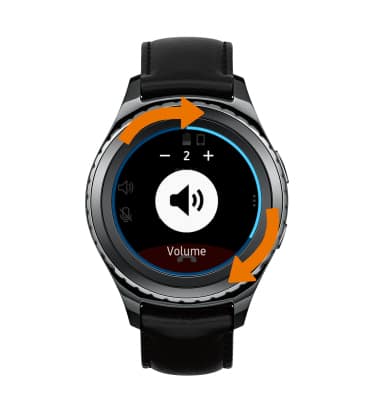
- ADJUST IN-CALL VOLUME: Rotate the bezel clockwise to increase volume and counter-clockwise to decrease volume.
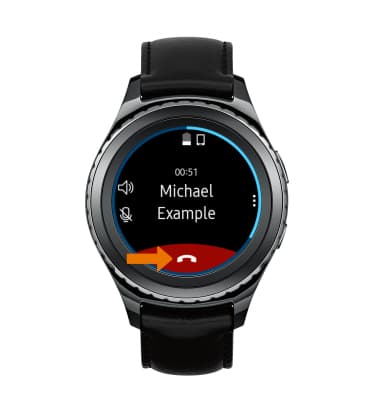
- END CALL: Select the End call icon.
In-Call Options
Samsung Gear S2 classic (R735A)
In-Call Options
Learn what features are available while on an active call.
INSTRUCTIONS & INFO