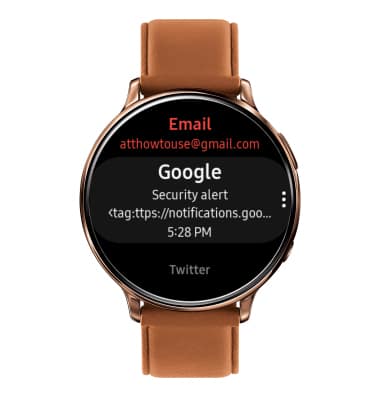

Set up email
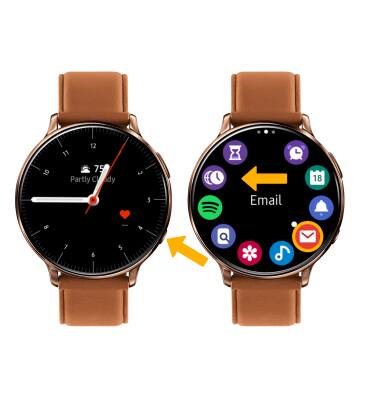
1. From the clock screen, press the Power/home button. Swipe left then select the Email app.
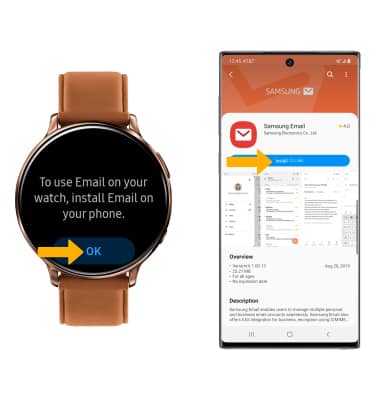
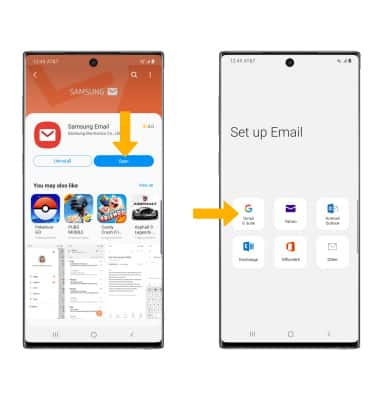
2. Select OK then select then Install on your connected phone.
3. Select Open on your connected phone then select the email account type.
Note: For this tutorial, Gmail was used.
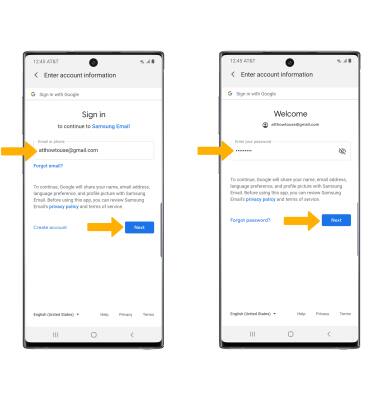
4. Enter the desired email address then select Next. Enter your account password then select Next.
5. Your email account is now set up.