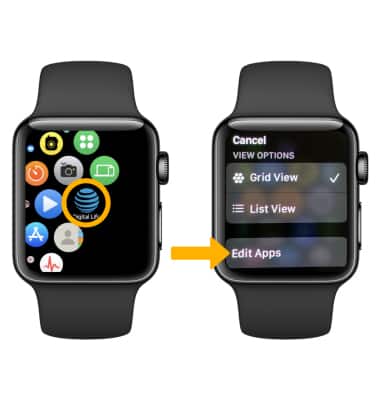
1. To remove an app from the clock screen, press the Digital Crown/Home button to access the Apps list.
2. Select and hold the desired app, then select Edit Apps.
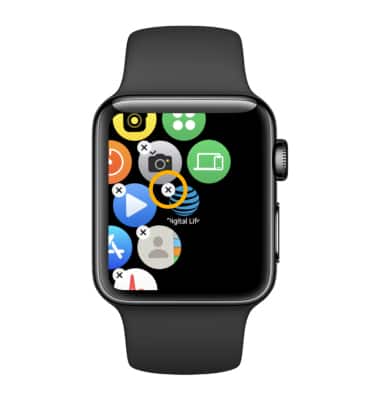
3. Select the Delete icon above the app.
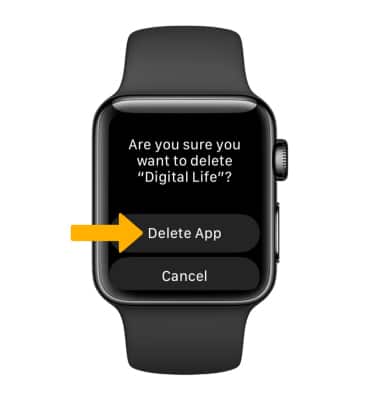
4. Select Delete App to confirm.
4. Select Delete App to confirm.