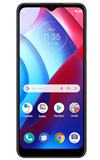

1. From the home screen, swipe up to access the Apps tray then scroll to and select the  Files app.
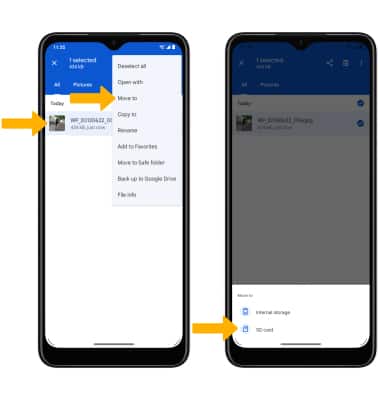
2. Navigate to, then select and hold the desired file(s). Select the Menu icon, then select Move to. Select SD card.
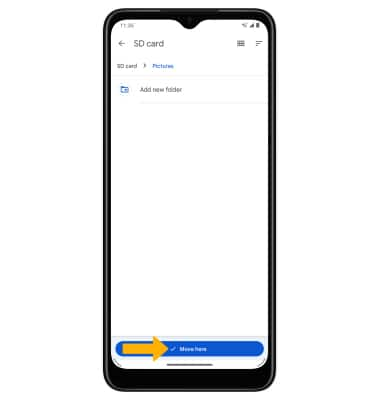
3. Navigate to the desired location on your memory card, then select Move here to confirm.
Files app. 2. Navigate to, then select and hold the desired file(s). Select the
Menu icon, then select Move to. Select SD card.3. Navigate to the desired location on your memory card, then select Move here to confirm.