
• View battery usage
• Enable battery saver mode
• Turn off auto-updates for apps
• Turn off unused services
• Activate Airplane mode
• Activate Airplane mode
• Change display settings
Use the original charger and battery to maintain optimal battery performance over the life of your device. The battery comes partially charged. Battery life and charge cycles vary by use and settings.
View battery usage
1. From the home screen, select the Action Center to access Quick settings then select the Battery icon.
Note: Alternately, select the Start icon > Settings > Power & battery.
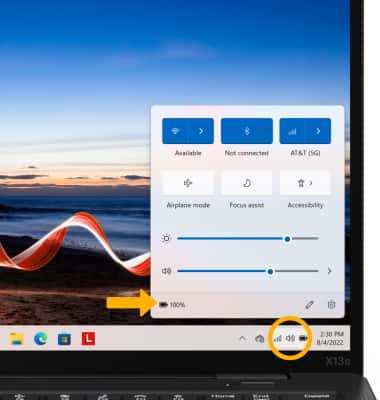
Note: Alternately, select the
Start icon > Settings > Power & battery.2. Battery usage information will be displayed.
Note: To view battery usage by app, select Battery usage then scroll to see a breakdown of battery usage by app.
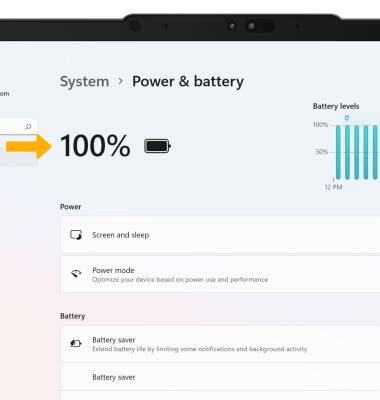
Note: To view battery usage by app, select Battery usage then scroll to see a breakdown of battery usage by app.
Enable battery saver mode
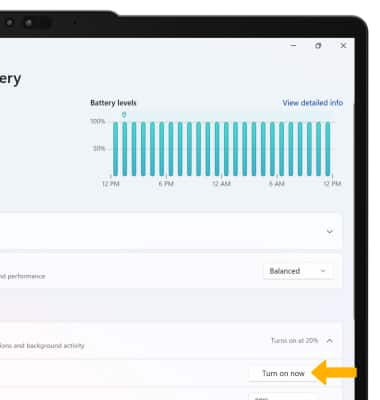
From the Battery screen, select Battery saver then select Turn on now.
Note: Select the Turn battery saver on automatically at drop-down icon, then select the desired battery percentage at which battery saver mode will automatically be enabled.
Turn off auto-updates for apps
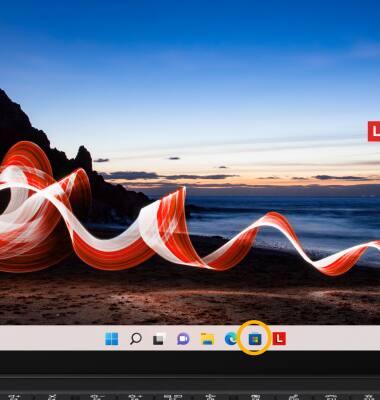
1. From the home screen, select the Microsoft Store app.
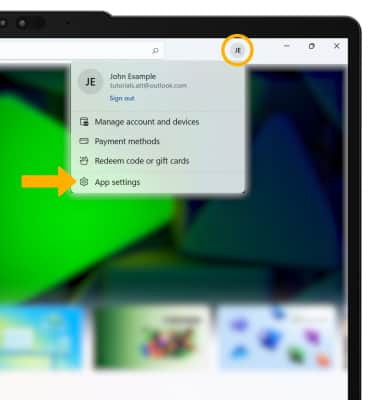
2. Select the Account icon, then select App settings.
2. Select the Account icon, then select App settings.
3. Select the App updates switch to place it in the Off position.
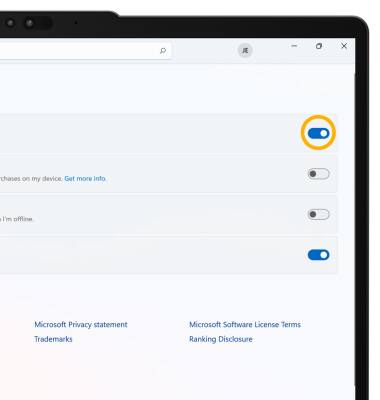
Turn off unused services
BLUETOOTH: From the Windows Settings screen, select the Bluetooth & devices tab.
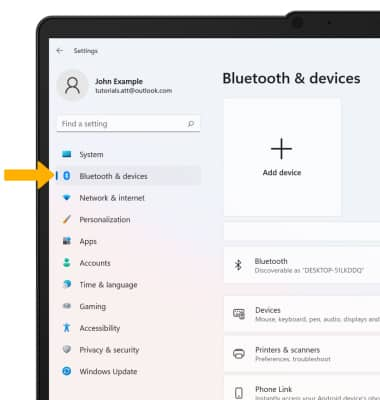
Select the Bluetooth switch to place it in the Off position.
Note: Alternately, select the Start icon, then select Settings to access Windows Settings. Alternately, to quickly enable or disable Bluetooth from the task bar, select the Action Center to access Quick settings then select the  Bluetooth icon.
Select the Bluetooth switch to place it in the Off position.
Note: Alternately, select the
Start icon, then select Settings to access Windows Settings. Alternately, to quickly enable or disable Bluetooth from the task bar, select the Action Center to access Quick settings then select the Bluetooth icon.
WI-FI: From the Windows Settings screen, select the Network & internet tab.
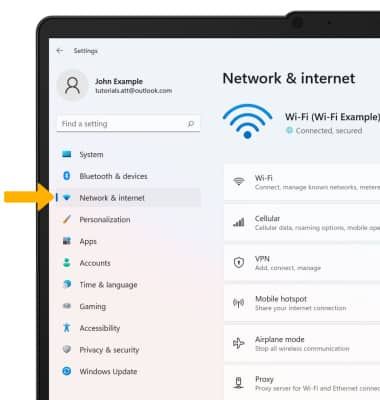
Select the Wi-Fi switch to place it in the Off position.
Note: Alternately, to quickly enable or disable Wi-Fi from the task bar, select the Action Center to access Quick settings then select the
 Wi-Fi icon.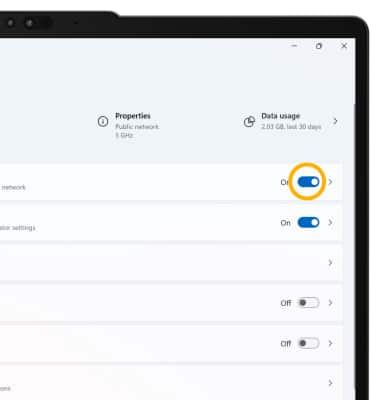
Activate Airplane mode
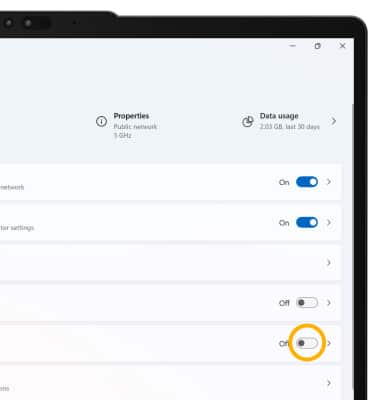
If you are traveling and do not have access to mobile or Wi-Fi networks, turn on Airplane mode. From the Network & internet tab in the Settings screen, then select the Airplane mode switch to place it in the On position.
Note: Alternately, to quickly enable or disable Airplane mode from the task bar, select the Action Center to access Quick settings then select the  Airplane mode icon.
Change display settings
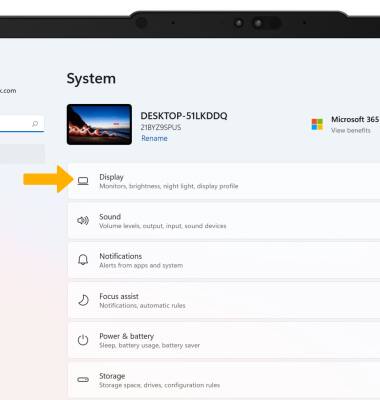
1. To extend battery life, set the screen to a lower brightness. From the Window Settings screen, select Display.
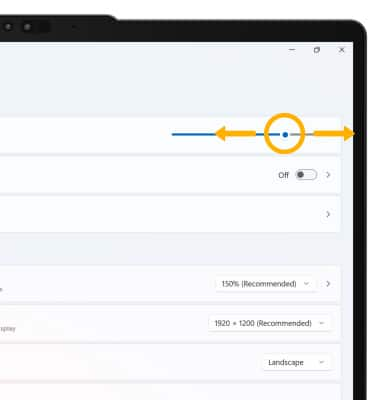
2. Select and drag the Brightness slider to the left to lower the screen brightness as desired.
2. Select and drag the Brightness slider to the left to lower the screen brightness as desired.