Google Pixel 10 Pro XL Device Help & How-To Guides
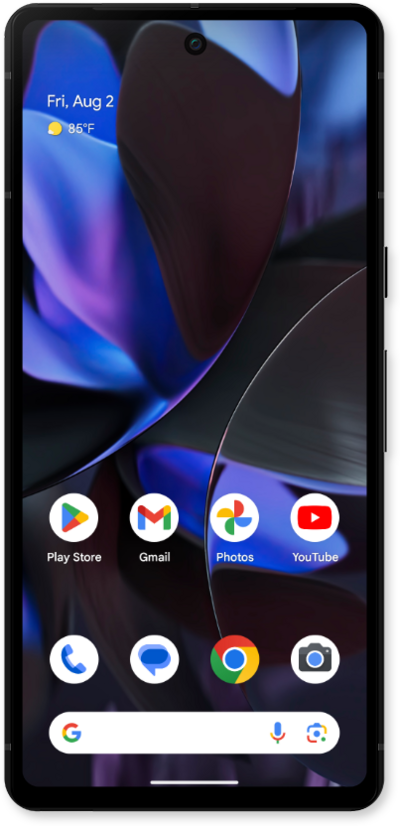
What would you like to learn about your device?
Trending Pixel 10 Pro XL topics
Setting up an eSIM with a push notification after device setup
This tutorial walks you through the process of setting up an eSIM on your device using a push notification sent by your carrier. This guide shows you how to accept the notification, download the eSIM profile, and activate your mobile service quickly and securely—without scanning a QR code or manually entering details.
ExploreTurning Wi-Fi Calling on or off
You can use Wi-Fi calling to make and receive calls in areas with limited or no cellular connectivity. If this option is not present on your device, or cannot be enabled, your carrier's network or your specific cellular plan might not support this feature.
ExploreTransferring your eSIM and phone number during initial setup
This tutorial guides you through the process of transferring your existing eSIM and phone number to a new device during its initial setup. Perfect for users switching phones or activating a new device, this step-by-step guide shows how to move your mobile service seamlessly as part of the setup flow.
ExploreTransferring your eSIM and phone number after device setup
This tutorial explains how to transfer your existing eSIM and phone number from an old device to a new one after the initial setup is complete.
Explore