Samsung Galaxy A20 Device Help & How-To Guides
Samsung

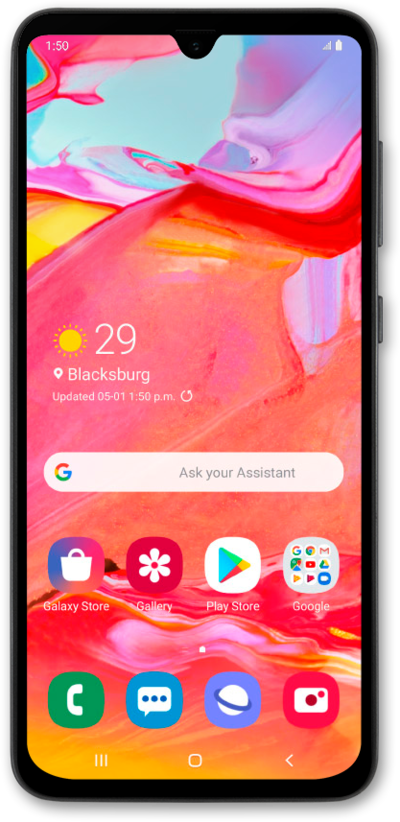
Galaxy A20

What would you like to learn about your device?

Trending Galaxy A20 topics

Inserting and removing the nano SIM card

Learn how to insert, remove, and replace a SIM card in your device.
Explore

Turning your phone on and off

Turning your device off and on is called "restarting" your device. Restarting your device is a common first step in troubleshooting any device issues. No saved information will be lost during a restart.
Explore

Adding an account

When you add accounts to your device, you unlock important features—automatic backups, synced calendars, access to emails, apps, and more. This guide shows you how to start linking your Google, Samsung, or work accounts to make sure everything works seamlessly.
Explore

Performing a factory reset

A factory reset will erase all data from your device and is irreversible. This is good to do if you are going to trade in or sell your device. It will wipe all of your personal information from the device.
Explore

Common issues and fixes

Browse device topics