Samsung Galaxy Z Flip5 Device Help & How-To Guides
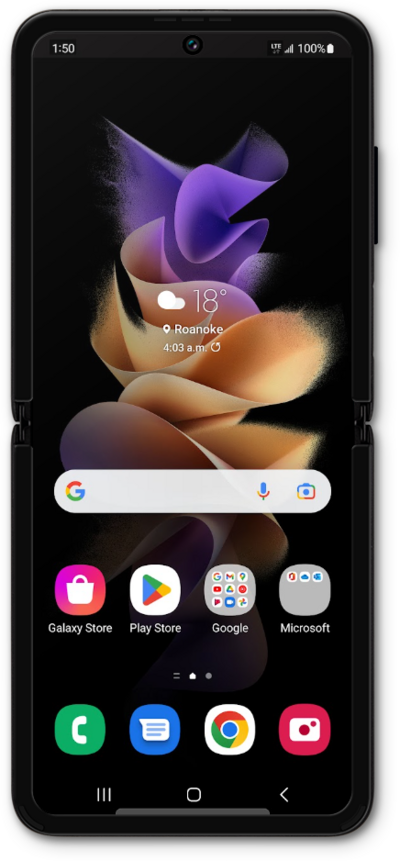
What would you like to learn about your device?
Trending Galaxy Z Flip5 topics
Setting up mobile hotspot
Set up your device as a Mobile Hotspot so you can share your data connection with other devices. Your device will create a Wi-Fi hotspot with its data connection. Other devices will be able to connect to the Wi-Fi hotspot.
ExploreResetting network settings
If you are having trouble connecting to the Internet you may need to reset your network connections. Resetting your network connections will disconnect any Bluetooth devices connected to your device and disconnect your device from any Wi-Fi networks it is connected to.
ExploreConverting a physical SIM to an eSIM on the same device
Discover how to convert your physical SIM card to an eSIM on the same phone. Your physical SIM card is deactivated once the eSIM is activated and should be kept for at least 14 days before being discarded.
ExploreChecking if your phone is carrier locked
An unlocked mobile device can be used on any available network instead of being limited to a single network. Follow along with this tutorial to identify whether or not your device has carrier restrictions.
Explore