Use your device’s hotspot

Many of our plans include hotspot data. Learn which ones do, how to set it up, and how to fix common hotspot issues.


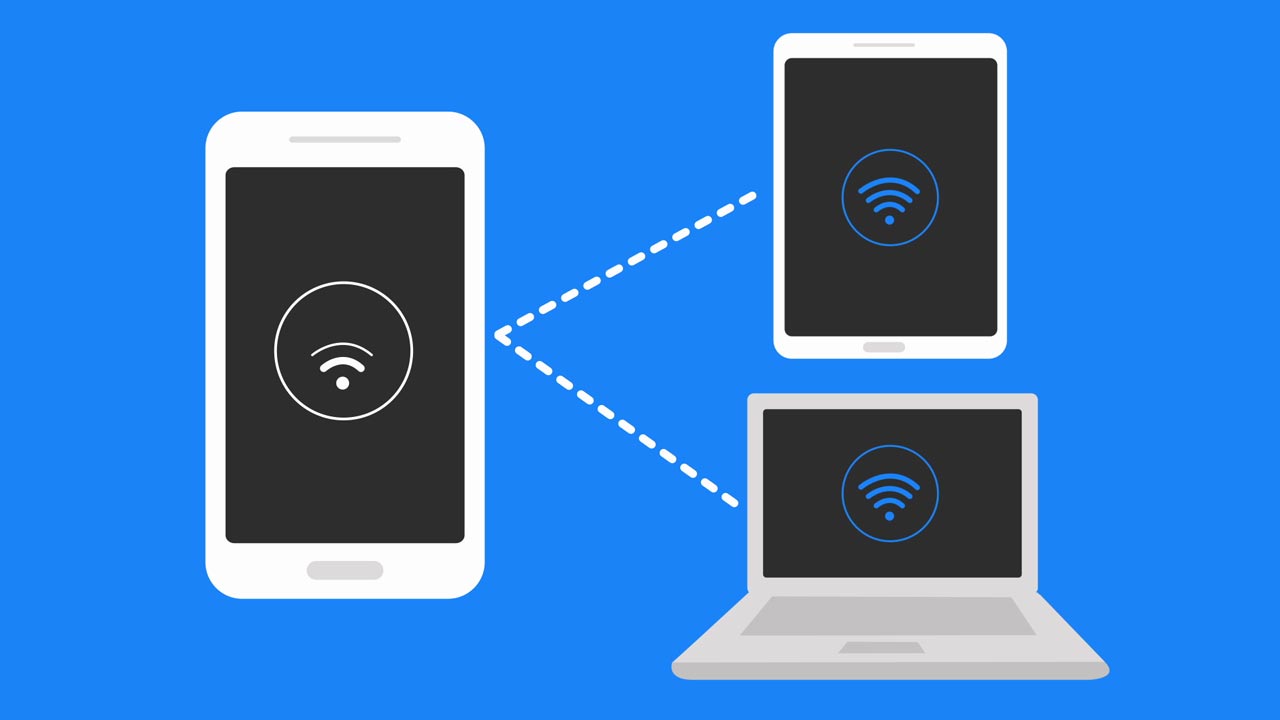
A hotspot provides a secure internet connection for other devices through Wi-Fi®, Bluetooth®, or a USB cable. Many AT&T smartphones and tablets work as a hotspot if you have one of these plans.

AT&T Unlimited Your Way group plans

  • AT&T Premium 2.0SM: 100GB hotspot data
  • AT&T Extra 2.0SM: 50GB hotspot data
  • AT&T Value 2.0SM: 3GB hotspot data

Don’t have an AT&T WirelessSM plan? Shop plans now

Other AT&T plans

  • AT&T 4GB
  • AT&T Mobile Share® plans
  • Retired unlimited plans: AT&T Unlimited Premium® PL, AT&T Unlimited Extra® EL, AT&T Unlimited Starter® SL, AT&T Unlimited Premium®, AT&T Unlimited Extra®, AT&T Unlimited Starter®, AT&T Unlimited Elite®, AT&T Unlimited & More PremiumSM, AT&T Unlimited Plus EnhancedSM, and AT&T Unlimited PlusSM

Heads up: Once you use all hotspot data in your plan, your hotspot speed slows to a maximum of 128Kbps unless you purchase additional hotspot data.

Switch to a plan with hotspot data

  1. Go to Change my plan. Sign in, if asked.
  2. Scroll through our plans. Select Compare plans  to get a side-by-side view.
  3. Choose Select & review and follow the prompts to switch plans. Want to keep the plan you have? You don’t have to do anything.

Have a dedicated hotspot device? Explore our data-only plans

Going on an extended trip where you might use more data than you have in your plan? You can make a one-time purchase of 10GB of additional mobile hotspot data for $15. Or you can purchase extra hotspot data on a recurring monthly basis.

To add more mobile hotspot data:

  1. Go to your wireless add-ons. Sign in, if asked. 
  2. Choose the line that you want to update by selecting Switch.
  3. Scroll to Get new add-ons and select Hotspot data.
  4. Choose Monthly or One time.
    • $15 for 10GB – one time add-on purchase for 30 days
    • $15 for 10GB – recurring monthly add-on purchase
  5. Select Add to device and follow the prompts.

FYI: For the 10GB recurring monthly add-on purchase, unused data won’t transfer to the next bill period. For the one-time 10GB add-on purchase, usage is for 30 days regardless of bill period start and end dates.

Add-on details

Additional mobile hotspot data can be added to these current unlimited plans with mobile hotspot data including:

  • AT&T Premium 2.0
  • AT&T Extra 2.0

You can also add mobile hotspot data to these plans: Unlimited Premium PL, Unlimited Extra EL, Unlimited Starter SL, Unlimited Premium, Unlimited Extra, Unlimited Starter, Unlimited Elite, Unlimited Extra, Unlimited Starter, Unlimited Plus, Unlimited Enhanced Plus, and Unlimited &More Premium.


CHECK HOTSPOT ISSUES

Which device do you want help with?

FREQUENTLY ASKED QUESTIONS


How to Set Up a Personal Mobile Hotspot

Learn what you need to use your smartphone as a personal mobile hotspot and how to set it up.

How to Set Up a Personal Mobile Hotspot
2:03
Last updated: March 12, 2026

Browse topics

Activation, setup, transfer & unlock
Apps, features & voicemail
International
Network & hotspots
Plans & device protection
Upgrades, orders & installment plans
Ready, set, go! Activate your device, set it up on our network, and transfer your contacts and info.

Did you get the help you needed?


Did you get the help you needed?