Return your internet equipment
Learn how to send back All-Fi Hubs and All-Fi Extenders Boosters for your internet service.
Get started
Have your account number handy and call us at 800.288.2020 to start your equipment return or move to a new location.
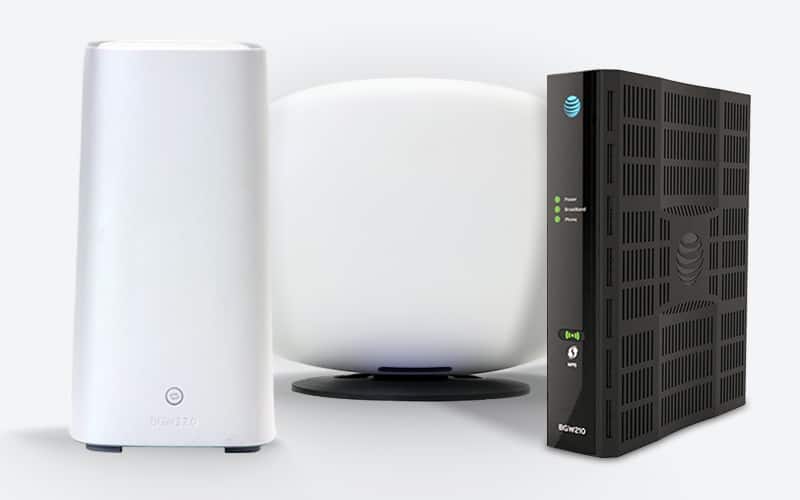
Return to AT&T
All-Fi Hubs
Return these items with their power supply.
-
BGW320
-
BGW210
-
CGW450
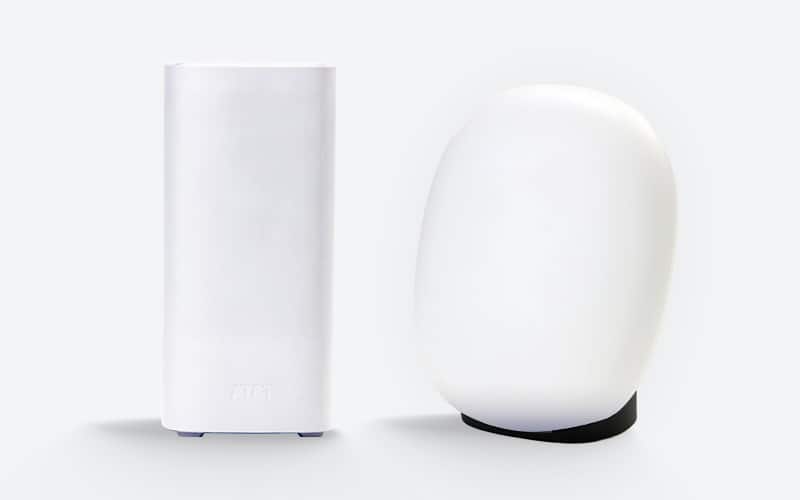
Return to AT&T
All-Fi Extenders
Return these items with their power supply.
-
AirTies 4971
-
AirTies 4981
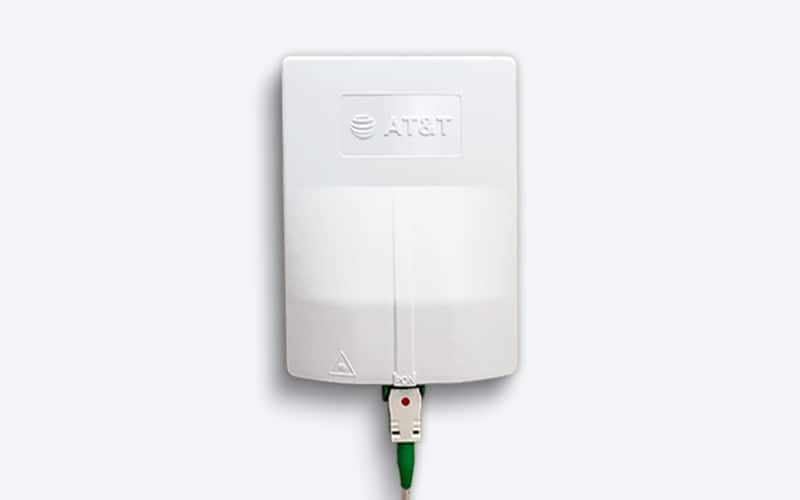
Don’t return
Fiber jacks & ONTs
Any equipment mounted to the wall should be left in place. Keep items you own.
-
Terminals found in closets, garages, or outside
-
Wall-mounted equipment
-
Equipment or cables you own
No packing required
Prepare your return
Gather your equipment. To avoid a non-return fee, make sure you return all required equipment within 21 days of your service change or disconnect.
Ship your equipment back
Take your unpacked equipment and account number to a company-owned FedEx Office Pack & Ship or The UPS Store. Have a store rep scan your equipment and get a tracking receipt. They’ll pack and ship it. Don’t drop your equipment in a drop box.
Return other equipment
Not what you were looking for? Learn how to return smartphones and other wireless devices or home equipment.