Clearing browsing data
Galaxy Z Fold5
Clearing browsing data
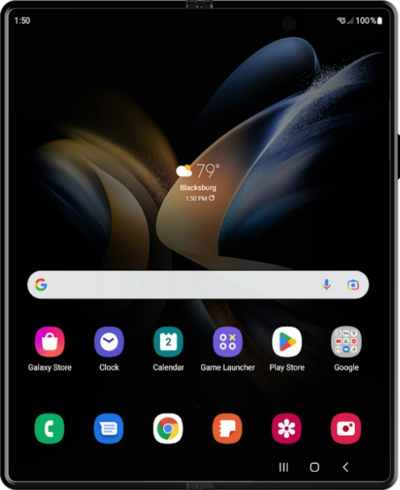
Learn how to clear your web browsing history for the browser on your device.
1.
From the Chrome app, tap the Menu icon.
2.
Scroll to Settings.
3.
Tap Settings.
4.
Tap Privacy and security.
5.
Tap Delete browsing data.
6.
Tap Delete data.
7.
You've completed the steps!
