Navigating to a website
Galaxy Z Fold5
Navigating to a website
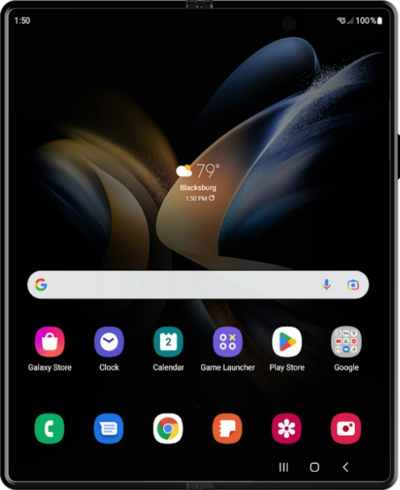
Use a browser on your device to access and navigate the internet. You can search the web or enter a URL to go directly to a webpage.
1.
From the Home screen, tap the Chrome icon.
2.
Tap the Search or type URL field.
3.
Enter the web address you'd like to visit or terms you'd like to search.
4.
Tap Go.
The website or search results will display after this step.
5.
You've completed the steps!
