Transferring your watch to a new device
Pixel Watch 4
Transferring your watch to a new device
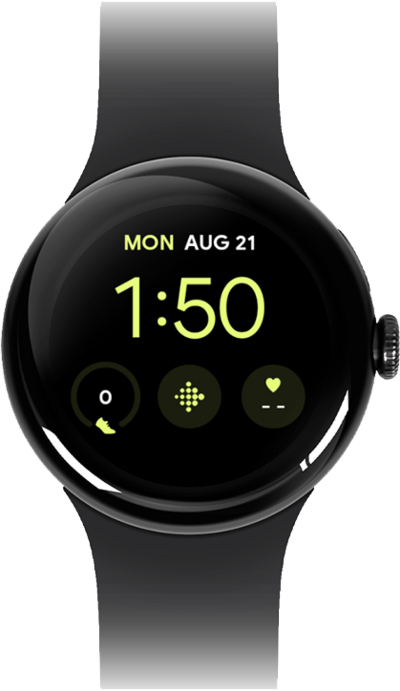
Save your data and information by transferring it from your watch to a new device.
1.
From the Settings app on your Pixel Watch, scroll to System.
You can also transfer your watch to a new phone from the Pixel Watch app. The steps will be similar.
2.
Tap System.
3.
Scroll to and tap Transfer watch.
4.
Tap the Checkmark icon.
From this step, follow the prompts on-screen to pair your watch with your new phone. You will need to download the Pixel Watch app on your new phone to be able to pair with the watch.
5.
You've completed the steps!
