Setting up the Google Pixel Watch for the first time
Pixel Watch 4
Setting up the Google Pixel Watch for the first time
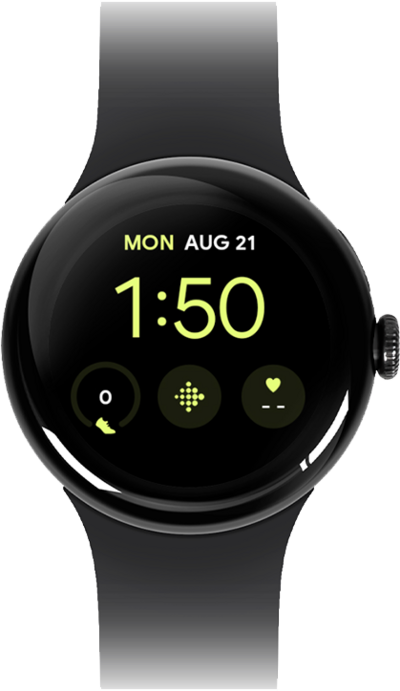
Follow along to set up and activate your Watch for the first time (or after a factory reset). After these few steps, you'll be able to begin using your Watch. If your watch is unable to pair reset it and attempt to pair again.
1.
From the Watch app, tap Set up watch.
2.
Select your watch.
Follow the prompts if Bluetooth® is not on.
3.
Tap Pair.
4.
Tap Sign in.
Follow the on-screen prompt to log into your email account.
5.
Tap Don't restore.
From this screen you can select a backup to restore from.
6.
Tap Continue.
7.
Tap Start using your watch.
You can tap Set up more to setup other features like Health, Wallet, Google Assistant, and more. This can also be done in the watch app after setup.
8.
Tap Done.
Once your watch is paired to your phone, follow the prompts on your watch to learn about some basic functionality.
9.
You've completed the steps!
